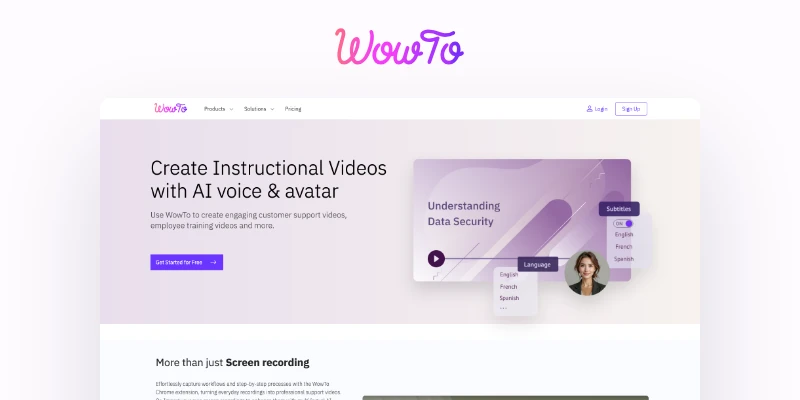
WowTo: AI How-To Video Maker & Knowledge Base Platform
WowTo lets teams create AI-powered how-to videos and host them in a searchable video knowledge base, turning presentations and screen recordings into polished support and training content.
Overview
WowTo is a video creation and hosting platform built specifically for teams that need to produce how-to, training, and support content at scale. Rather than requiring video editing expertise, it lets users capture workflows directly via a Chrome extension, import screen recordings, or convert existing PPTs and PDFs into fully-fledged training videos. AI voiceovers and avatars add a professional, human touch in multiple languages, while built-in editing tools like blurring, highlighting, and annotations help polish footage without needing separate software.
Beyond video creation, WowTo doubles as a video knowledge base host, allowing businesses to organize and publish their tutorials on a branded portal or embed them directly into a product using the in-app video widget. This makes it easy to surface the right video at the right moment in a user's journey, reducing support tickets and improving onboarding. Whether you're a customer support team documenting common fixes, a training department building onboarding libraries, or an educator producing lesson content, WowTo streamlines the entire process from raw workflow capture to a searchable, self-service video library.
Capabilities & Features
- How-to video creator
- Video knowledge base
- Support videos
- Training videos
- AI video
- Video editor
- Screen recording
- Video translation
- Knowledge base software
Core Features
- AI-powered video creation from screen recordings or presentations
- Video knowledge base hosting with branded portals
- In-app video widget for contextual, in-product help
- Video editing tools including blur, highlight, and annotation
- Multilingual AI voiceovers and AI avatars
- One-click PPT/PDF to video conversion
Use Cases
- Creating customer support and troubleshooting videos
- Building employee training and onboarding video libraries
- Producing educational content for courses or lessons
- Hosting a searchable video knowledge base for a website or app
- Embedding contextual how-to videos inside a product via widget
Best For
- Customer support teams
- Training and L&D departments
- Educators and course creators
- Software companies
- Product managers
- Help desk professionals
Pros
- •No video editing experience required thanks to AI-driven creation tools
- •Combines video creation and knowledge base hosting in one platform
- •Multilingual voiceovers and avatars support global audiences
- •Easy conversion of existing PPT/PDF training materials into video
- •In-app widget enables contextual, in-the-moment user support
Cons
- •Free plan videos are capped at 2 minutes and carry a WowTo watermark
- •No refunds offered once a subscription is active
- •Advanced features like the in-app widget and full branding likely require paid plans
- •Video length and language limits vary by plan, which may restrict larger teams
How to Use
Start by capturing your workflow using the WowTo Chrome extension or by importing an existing screen recording. Alternatively, upload a PPT or PDF file to automatically convert it into a training video. Next, enhance the video with AI-generated voiceovers and avatars in your chosen language, then use the built-in editor to blur sensitive information, add highlights, and insert annotations. Once finished, organize your videos into a branded video knowledge base hosted on your website, or embed them directly into your app using the in-app video widget so users can access help exactly when they need it.
Frequently Asked Questions
Pricing
WowTo offers a permanently free plan with basic watermarked videos, alongside paid tiers starting at $25/month (Plus) for dedicated support video creation and scaling up to $45/month (Business) for a full-featured support video platform.
Pricing data is provided as a summary. Visit the vendor website for full tier details.