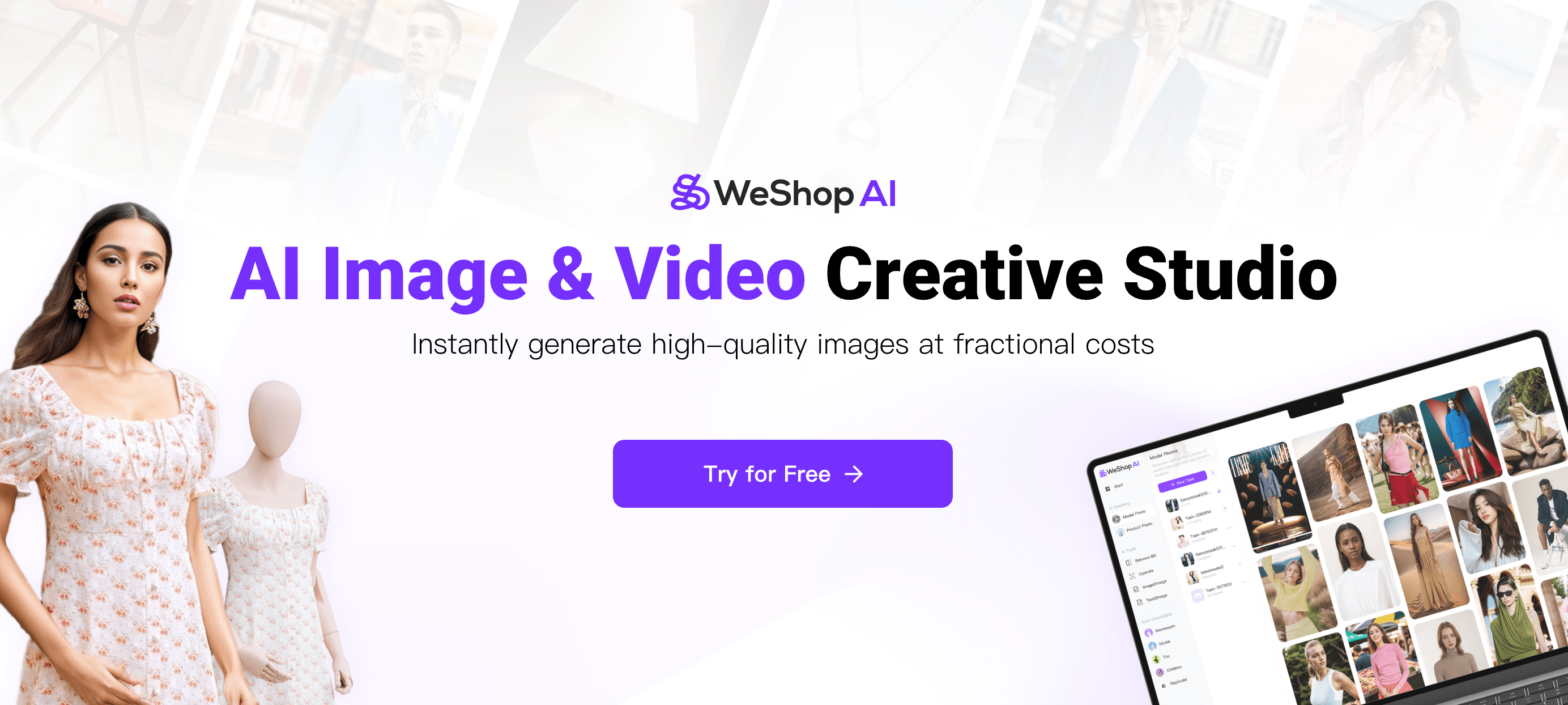
WeShop AI: AI-Powered E-Commerce Image Editor & Studio
WeShop AI turns a single product photo into a full suite of professional e-commerce visuals in seconds, using AI models, scenes, and editing tools.
Overview
WeShop AI is a next-generation creative studio built specifically for online sellers and brands who need high-quality product imagery without the cost or hassle of traditional photoshoots. By leveraging advanced AI, the platform can take a single uploaded product image and transform it into a diverse library of marketing-ready assets—complete with AI-generated models, custom backgrounds, and polished scenes—at a fraction of the time and expense of conventional production.
Beyond generating fresh visuals, WeShop AI doubles as a powerful image editing suite. From removing and swapping backgrounds to upscaling resolution, expanding canvas size for different platforms, fixing distorted hands, and even enabling virtual try-on experiences, the toolset covers nearly every post-production need an e-commerce team might face. Whether you're scaling a single store's catalog or managing visuals for multiple global brands, WeShop AI centralizes the entire creative workflow into one accessible workspace.
Designed for speed and flexibility, the platform appeals to merchants, marketing teams, photographers, and agencies alike who need to produce large volumes of consistent, professional imagery quickly. Instead of booking models, studios, and photographers for every new product line, teams can generate photorealistic results on demand, freeing up budget and time for other growth initiatives.
Capabilities & Features
- AI e-commerce
- Model photo
- Product photo
- AI photo
- AI tool
- Change backgrounds
- Remove backgrounds
- Image editing
- AI model generation
- Virtual try-on
- Image upscaling
- Image relighting
- Image expansion
Core Features
- AI Model Generation for diverse, photorealistic human models
- AI Product Photography that creates studio-quality scenes instantly
- Background Removal and replacement for cleaner product shots
- Image Upscaling to boost resolution and visual clarity
- Image Expansion for adapting photos to different platform formats
- AI Hands Fixer and Pose Generator for natural, accurate model poses
- Virtual Try-On for showcasing apparel and accessories realistically
Use Cases
- Generating model and product photos for e-commerce listings
- Producing marketing materials featuring varied models and scene styles
- Editing and enhancing existing product images for better conversion
- Resizing and expanding images to fit multiple social media formats
- Swapping or removing backgrounds for a consistent brand look
- Upscaling low-resolution images for high-quality print or web use
Best For
- Merchants and Sellers
- Global Brands
- Photographers and Designers
- Marketing Teams
- E-Commerce Operations
- Third-Party Vendors and Agencies
Pros
- •Dramatically cuts the time and cost of traditional product photoshoots
- •Wide range of editing tools consolidated into a single workspace
- •Enables virtually unlimited model and scene variations for A/B testing marketing creative
- •Useful fixer tools like AI Hands Fixer address common AI-generation flaws
- •Scales easily for teams managing large product catalogs
Cons
- •Lack of transparent pricing may make budgeting difficult upfront
- •AI-generated models and scenes may require manual review for brand consistency
- •Results can vary in realism depending on the complexity of the source image
- •Learning curve for teams unfamiliar with AI creative tools
How to Use
1. Upload a product image to the WeShop AI workspace. 2. Choose from available AI agents and tools based on your goal—such as generating a model shot, changing the background, or upscaling resolution. 3. Customize the output by adjusting scenes, poses, or models as needed. 4. Use additional editing tools like background removal, image expansion, relighting, or hand correction to refine the result. 5. Export the finished assets for use across e-commerce listings, marketing campaigns, and social media.
Frequently Asked Questions
Connect & Contact
Pricing
Specific pricing details are not publicly listed, so prospective users should check directly with WeShop AI for current plans and costs.
Pricing data is provided as a summary. Visit the vendor website for full tier details.