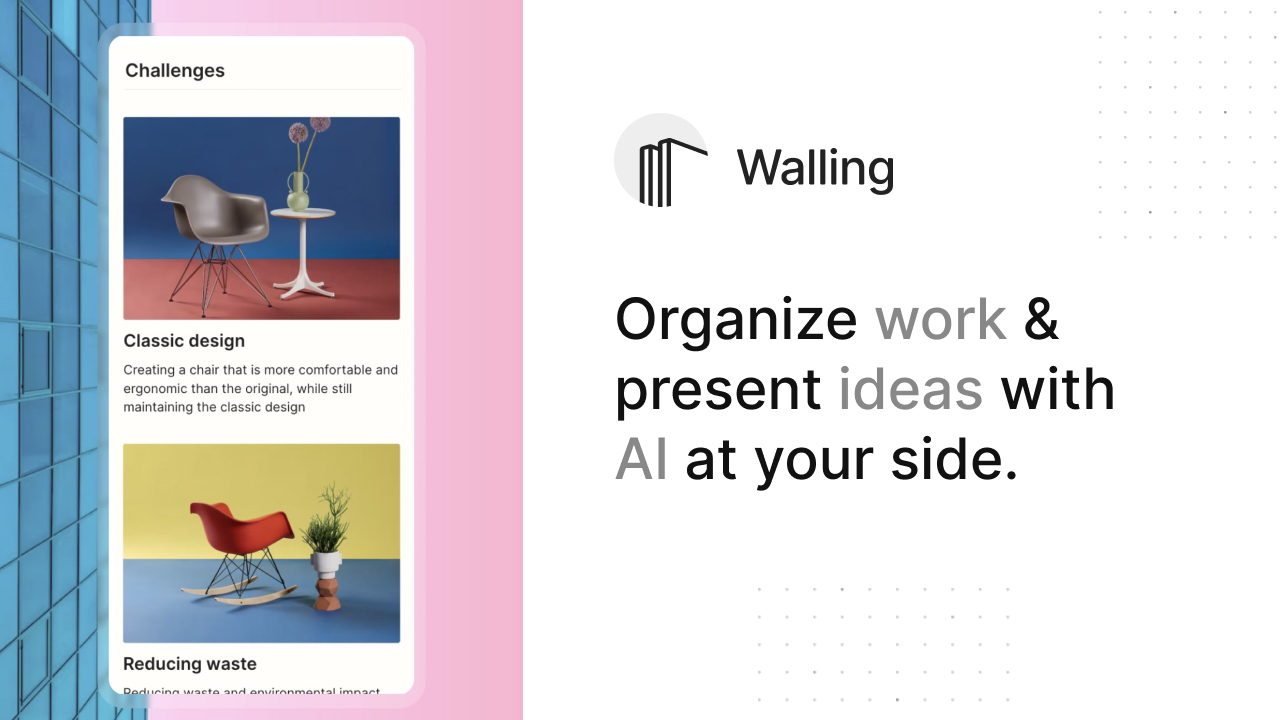
Walling AI: Visual Workspace for Ideas & Projects
Walling AI is a visual canvas platform that uses artificial intelligence to generate content, tasks, and images, helping teams organize work and present ideas beyond traditional docs and slides.
Overview
Walling AI reimagines how teams organize information by ditching rigid documents and slide decks in favor of a flexible, visual canvas. Users can build dynamic 'walls' packed with notes, images, videos, tasks, tables, and calendars, creating an engaging space where ideas and work live side by side. The built-in AI assistant speeds up the heavy lifting by generating content, structuring tasks, and even producing images on demand, so you spend less time formatting and more time thinking.
Whether you're brainstorming a product roadmap, building a moodboard, or presenting a pitch to stakeholders, Walling's drag-and-drop interface and media-rich layouts make information easier to digest and more visually compelling. Collaboration is baked in, allowing teams to share walls, co-edit in real time, and keep projects moving without jumping between disconnected tools. It's a solid fit for product managers, designers, marketers, and startups looking for a more creative alternative to spreadsheets and slideshows.
Capabilities & Features
- Visual collaboration
- Project management
- Idea organization
- AI assistant
- Task management
- Content presentation
- Team collaboration
- Knowledge management
Core Features
- AI-powered content, task, and image generation
- Visual canvas for freely organizing ideas and information
- Built-in collaboration tools for team editing and sharing
- Integrated task management alongside visual content
- Support for multiple media types including images, videos, files, and links
- Customizable layouts with tables, lists, and calendars
Use Cases
- Organizing project ideas and breaking them into actionable tasks
- Replacing slide decks with visually engaging presentations
- Building moodboards for creative and design projects
- Coordinating collaborative projects across a team
- Sharing information and updates in a more visual, digestible format
Best For
- Product managers
- Designers
- Creatives
- Business professionals
- Marketing teams
- Sales teams
- Startups
Pros
- •AI assistance significantly speeds up content and task creation
- •Highly visual format makes complex information easier to understand
- •Supports a wide range of media types in one place
- •Real-time collaboration simplifies teamwork
- •Available across web, desktop, and mobile platforms
Cons
- •Visual-first approach may feel unfamiliar to users accustomed to traditional docs
- •AI credits and advanced features require a paid Premium plan
- •Heavy use of images and media could slow performance on large walls
- •Team pricing is per-member, which can add up for larger organizations
How to Use
1. Sign up and create a new 'wall' for your project or topic. 2. Ask Walling AI to organize or manage that topic, letting it generate relevant ideas, tasks, images, and tables automatically. 3. Customize the generated content by adding your own notes, images, videos, files, links, tables, and calendars. 4. Arrange everything on the visual canvas in a layout that makes sense for your workflow. 5. Share the wall with teammates or stakeholders to collaborate, present, or gather feedback in real time.
Frequently Asked Questions
Connect & Contact
Pricing
Walling offers a free starter plan, with Premium priced at $6/month (billed yearly) for unlimited AI credits, and a Team plan at $6 per member/month for collaborative workspaces.
Pricing data is provided as a summary. Visit the vendor website for full tier details.