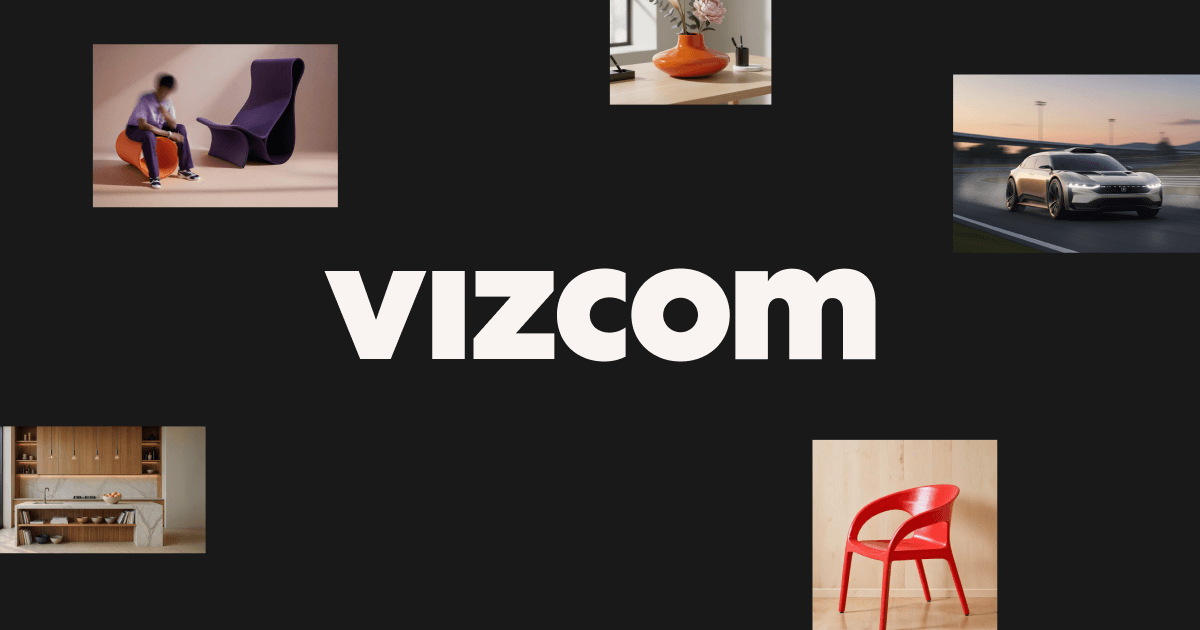
Vizcom: AI Sketch-to-Render Tool for Designers
Vizcom uses AI to transform rough sketches into photorealistic renders and 3D models in seconds, helping designers innovate faster.
Overview
Vizcom is an AI-powered creative platform built specifically for designers and creative professionals who want to accelerate their concept-to-visualization workflow. Rather than spending hours manually rendering ideas, users can sketch directly within Vizcom's studio or upload a photo of a hand-drawn concept, and the AI instantly generates realistic, polished renderings. This dramatically shortens the design iteration cycle, letting teams explore more concepts in less time.
Beyond 2D rendering, Vizcom pushes further into the third dimension by generating 3D models straight from sketches. These models can be exported as USDZ files for augmented reality viewing or sent to a 3D printer, allowing designers to physically prototype and interact with their ideas almost immediately. Custom color palettes and material swatches give users creative control over the final look, ensuring outputs align with brand identity or personal style.
Whether working solo or as part of an enterprise design team, Vizcom bridges the gap between raw imagination and tangible product visualization. It's particularly valuable for industries like product design, industrial design, and fashion, where quick visual iteration and stakeholder buy-in are critical to moving projects forward.
Capabilities & Features
- AI Design
- Concept Drawing
- 3D Modeling
- Rendering
- Sketch to Render
- AR Export
- Palette Customization
- Cloud-Native
- Visual Communication
Core Features
- Sketch to Render: Converts rough sketches into photorealistic images
- Instant 3D: Automatically generates 3D models from 2D sketches
- AR Export: Exports designs as USDZ files for augmented reality viewing
- Custom Palettes: Build and save unique rendering styles
- Material Swatching: Apply materials to specific areas of a design
Use Cases
- Rapid prototyping: 3D print a concept to physically evaluate form and fit
- Contextual visualization: Place a design into real-world environments to assess look and feel
- Material exploration: Apply and compare different material swatches on a single design
- Team collaboration: Share realistic renders with stakeholders for faster feedback and approval
- Portfolio building: Quickly produce polished visuals for presentations and pitches
Best For
- Product designers
- Industrial designers
- Creative professionals
- Design agencies
- Enterprise design teams
Pros
- •Dramatically speeds up the sketch-to-render workflow
- •Generates usable 3D models without separate modeling software
- •AR export makes it easy to visualize designs in real-world context
- •Custom palettes allow for consistent, branded visual styles
- •Useful across multiple stages of the design process, from concept to prototype
Cons
- •Pricing details are not transparently listed, making cost planning difficult
- •Unclear whether a free tier or trial is available
- •Data usage and AI training policies are not clearly disclosed
- •Quality of AI-generated renders may vary depending on sketch clarity and complexity
How to Use
1. Start by sketching your design idea—either draw directly within Vizcom's studio or snap a photo of a hand-drawn sketch. 2. Apply a default rendering style or create a custom palette to render your sketch into a realistic image. 3. Generate a 3D model from your rendering. 4. Export the 3D model as a USDZ file to view in augmented reality or send it to a 3D printer for physical prototyping.
Frequently Asked Questions
Connect & Contact
Pricing
Specific pricing tiers are not publicly listed, so prospective users will need to contact Vizcom directly to get accurate cost information.
Pricing data is provided as a summary. Visit the vendor website for full tier details.