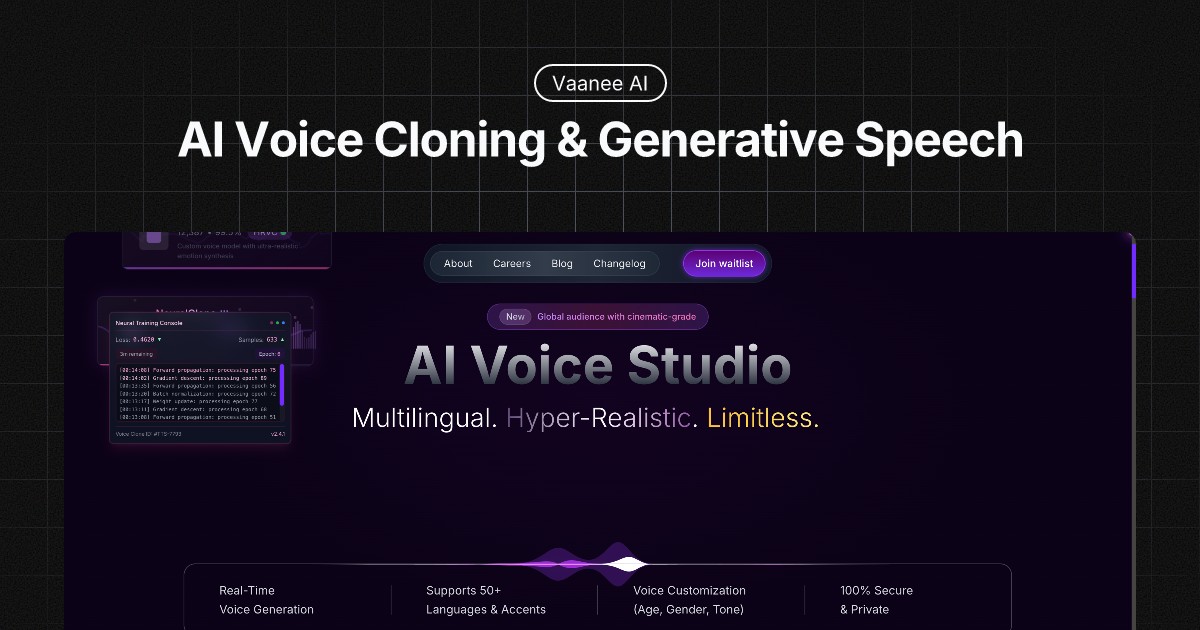
Vaanee AI Engine: Realistic AI Voiceover & Dubbing Tool
Vaanee AI Engine turns text into lifelike voiceovers in seconds, offering voice cloning, speech-to-speech conversion, and multilingual dubbing for creators and businesses alike.
Overview
Vaanee AI Engine is a comprehensive generative voice AI toolkit built to help creators, marketers, and educators produce studio-quality voiceovers without ever stepping into a recording booth. By combining advanced text-to-speech technology with neural editing capabilities, Vaanee transforms written scripts into natural, human-sounding audio in a matter of seconds, eliminating the time and cost typically associated with professional voice talent.
Beyond basic narration, the platform goes further with speech-to-speech conversion, voice cloning, and language dubbing, making it possible to localize content for global audiences or replicate a specific voice across multiple projects. Vaanee is also positioned as an all-in-one video platform, giving users the tools to not just generate audio but also create, manage, and share complete video content from a single workspace. Whether you're building an e-learning course, powering an IVR system, or producing a podcast, Vaanee aims to streamline the entire voice production pipeline.
Capabilities & Features
- AI voice generator
- Text to speech
- Speech to speech
- Voice cloning
- Language dubbing
- Video platform
- AI toolkit
- Voiceover
- Audio generation
Core Features
- AI Voice Generator and Text-to-Speech conversion
- Speech-to-Speech transformation
- Neural editing for fine-tuned audio control
- Language dubbing for multilingual content
- Voice cloning for consistent, replicable voices
- Integrated video platform for creation and management
Use Cases
- Creating professional voiceovers for marketing and promotional videos
- Generating narrated audio for e-learning courses and training materials
- Developing natural-sounding voices for IVR and customer service systems
- Producing audio versions of written articles and blog content
- Creating cloned voices for branded or personalized applications
Best For
- Product designers
- Educators
- Digital marketers
- Corporate coaches
- Podcasters
- Customer service representatives
Pros
- •Generates realistic, human-like voiceovers in seconds
- •Offers advanced customization with pitch, tone, and speed controls
- •Supports multilingual dubbing for global content reach
- •Voice cloning enables consistent branding across projects
- •Combines audio and video tools in a single platform
Cons
- •Pricing details are not publicly listed, making cost evaluation difficult
- •Voice cloning features may raise ethical or consent considerations
- •Advanced neural editing tools may have a learning curve for beginners
- •Output quality may vary depending on language or accent support
How to Use
Start by entering your script into the AI Voice Generator to convert text into natural-sounding speech. Fine-tune the output by adjusting pitch, tone, and speaking speed to match your desired style. For multilingual content, use the language dubbing feature to adapt your audio into different languages, or leverage voice cloning to replicate a consistent voice across projects. Once your audio is ready, use the integrated video platform to assemble, manage, and share your finished video content.
Frequently Asked Questions
Open in AI Studio
Ask our AI to evaluate if Vaanee AI Engine fits your specific workflow.
Pricing
Specific pricing tiers for Vaanee AI Engine are not publicly disclosed, so prospective users should check directly with the provider for current plans and costs.
Pricing data is provided as a summary. Visit the vendor website for full tier details.