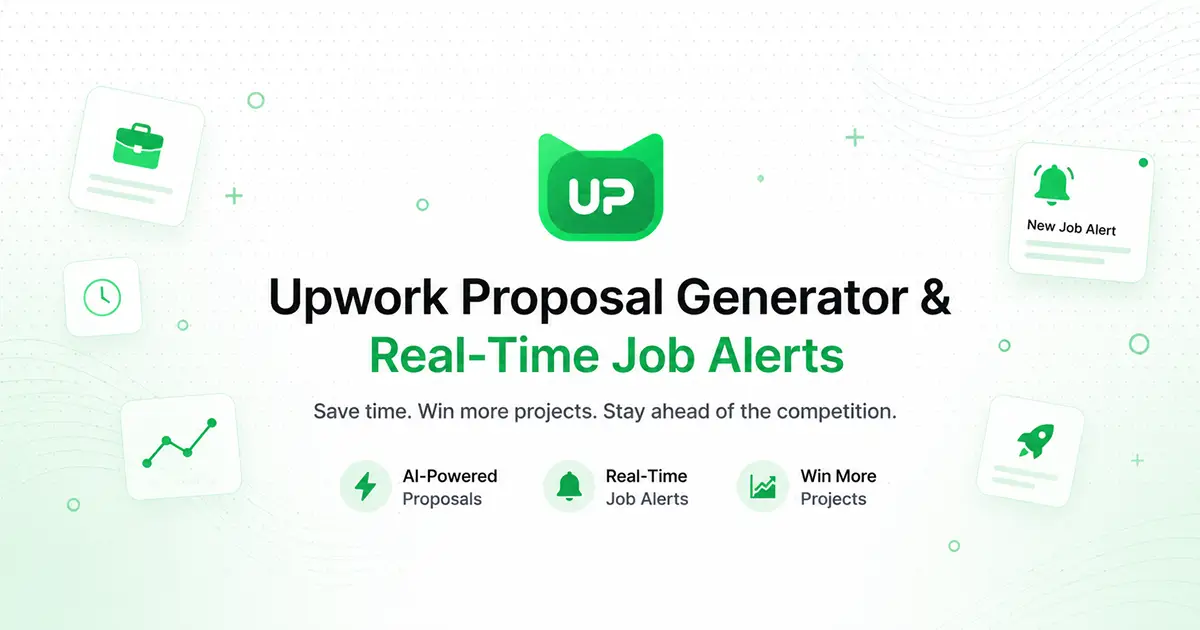
UpCat: AI Cover Letter Generator for Upwork Freelancers
UpCat is a Chrome extension that uses AI to craft personalized Upwork cover letters and proposals, helping freelancers apply to jobs faster.
Overview
UpCat is a browser extension built specifically for freelancers navigating the competitive world of Upwork. Instead of staring at a blank proposal box, users can lean on UpCat's AI engine to instantly generate tailored cover letters that speak directly to each job posting's requirements. This cuts down the time spent drafting pitches and lets freelancers focus more on finding and winning work rather than wordsmithing every application from scratch.
Beyond writing assistance, UpCat also keeps freelancers in the loop with real-time alerts on new job opportunities, ensuring they're among the first to apply when relevant gigs go live. By combining automated proposal generation with timely notifications, UpCat positions itself as an all-in-one productivity layer on top of the standard Upwork experience, aimed at helping freelancers submit more applications, more consistently, and with less effort.
Capabilities & Features
- Upwork
- Cover letter
- AI
- Chrome extension
- Job search
- Proposals
- ChatGPT
- Freelancing
- Job application
Core Features
- AI-generated cover letters tailored to job posts
- Personalized proposal creation
- Real-time alerts for new Upwork job opportunities
- Seamless Chrome browser extension integration
Use Cases
- Quickly draft a cover letter for an Upwork job posting without starting from scratch
- Apply to more jobs in less time by automating proposal writing
- Stay ahead of the competition with instant alerts on newly posted gigs
- Maintain a consistent, professional tone across multiple job applications
Best For
- Upwork freelancers
- Job seekers on Upwork
- Freelance writers
- Virtual assistants
- Independent contractors managing high application volume
Pros
- •Saves significant time on writing cover letters and proposals
- •Helps freelancers respond quickly to new job postings via real-time alerts
- •Simple browser extension setup with no complex workflow changes
- •Encourages more consistent, higher-volume job applications
Cons
- •Limited to Upwork; not useful for freelancers on other platforms
- •AI-generated content may still require manual editing for tone and accuracy
- •No listed pricing details make it unclear what's included in free vs. paid usage
- •Relies on Chrome browser, limiting availability for other browser users
How to Use
1. Install the UpCat extension from the Chrome Web Store. 2. Browse Upwork job listings as you normally would. 3. Use UpCat to generate a personalized, AI-written cover letter for any job post with a click. 4. Enable real-time alerts to get notified as soon as new matching jobs are posted. 5. Review, tweak if needed, and submit your proposal directly on Upwork.
Frequently Asked Questions
Connect & Contact
Pricing
Pricing details for UpCat are not publicly listed, so prospective users will need to install the extension or check directly with the provider to confirm current plans and costs.
Pricing data is provided as a summary. Visit the vendor website for full tier details.