Uizard: AI-Powered UI Design & Prototyping Tool
Uizard is an AI-driven design platform that turns text prompts, screenshots, and hand-drawn sketches into polished UI mockups in minutes.
Overview
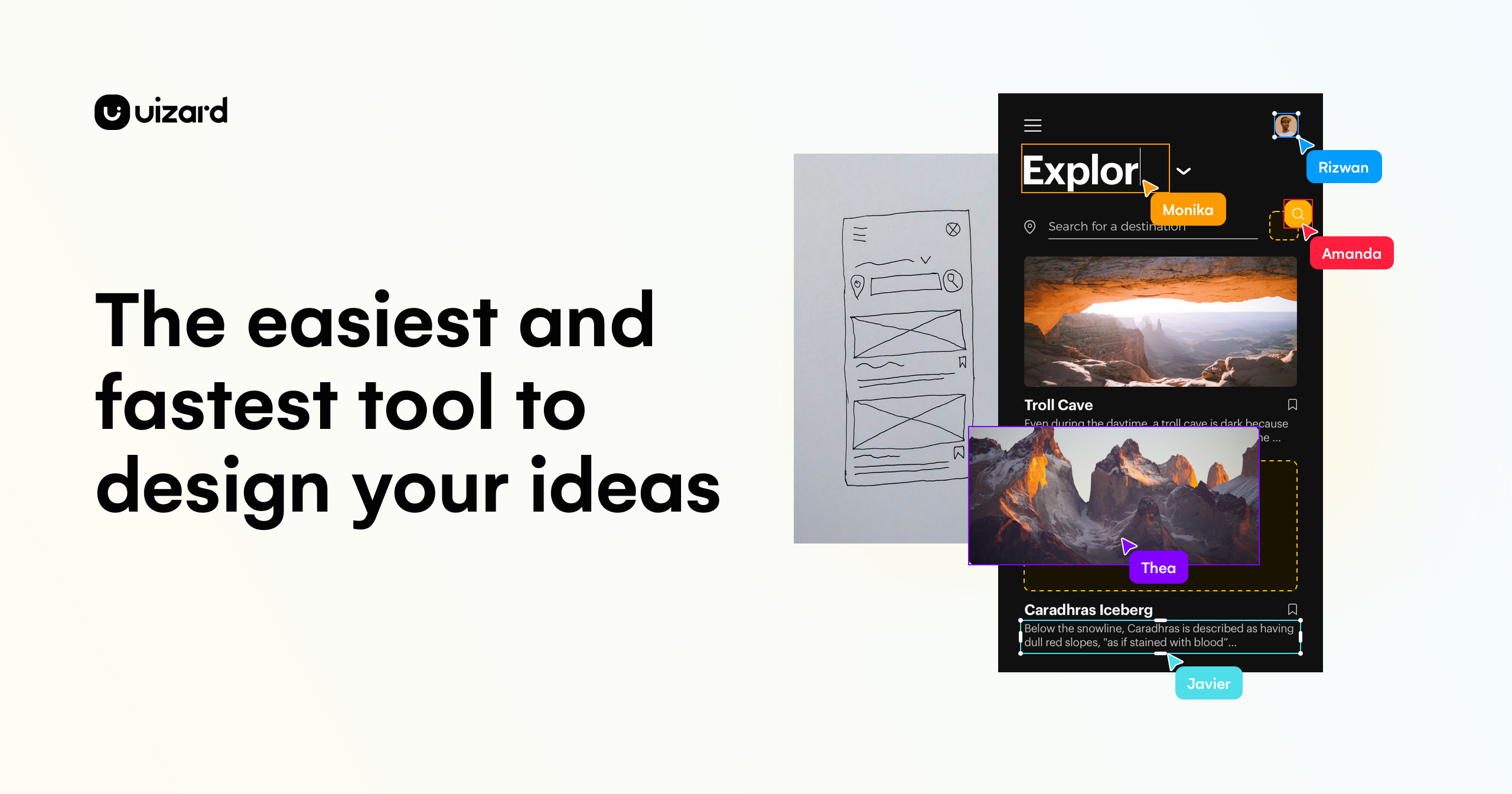
Uizard is reshaping how digital products get designed by putting AI at the center of the UI/UX workflow. Instead of requiring years of design training, Uizard lets anyone—from marketers to product managers—generate app and website mockups simply by describing what they want, sketching a rough wireframe, or uploading a screenshot of an existing interface. Its Autodesigner engine interprets these inputs and produces editable, ready-to-refine designs almost instantly.
Beyond AI generation, Uizard rounds out the experience with a library of pre-made templates and drag-and-drop UI components, making it easy to customize designs without starting from a blank canvas. Real-time collaboration features mean teams can review, comment, and iterate together, which is especially valuable for startups and agencies trying to move from idea to clickable prototype as fast as possible. Whether you're validating a concept, pitching stakeholders, or handing off specs to developers, Uizard compresses what used to take days into a matter of minutes.
Capabilities & Features
- UI Design
- UX Design
- AI Design
- Prototyping
- Wireframing
- Mockups
- Web Design
- App Design
- Autodesigner
- Design Assistant
- Collaboration
- Templates
- UI Components
Core Features
- AI-powered Autodesigner for text-to-design generation
- Hand-drawn wireframe to digital mockup conversion
- Screenshot-to-editable-design import
- Extensive library of templates and UI components
- Real-time team collaboration and commenting
- Developer handoff support with React CSS export
Use Cases
- Rapidly prototyping mobile app and website UIs from scratch
- Turning a text description into a working mockup for pitches or validation
- Digitizing hand-sketched wireframes into polished design files
- Reverse-engineering screenshots of competitor apps into editable templates
- Running collaborative design reviews with distributed product teams
Best For
- Product Managers
- Designers & UX Professionals
- Marketers
- Startup Founders
- Consultants & Agencies
- Developers
- Business Analysts
Pros
- •Dramatically speeds up the design process with AI-generated mockups
- •Accessible to non-designers thanks to templates and guided components
- •Unique sketch-to-digital and screenshot-to-editable conversion tools
- •Real-time collaboration streamlines team feedback and iteration
- •Scales from free hobbyist use to enterprise-grade design systems
Cons
- •AI-generated designs may require manual polishing for pixel-perfect results
- •Free plan's limit of 3 AI generations per month restricts serious testing
- •Advanced features like custom brand kits are locked behind higher-tier plans
- •May lack the depth of customization found in dedicated professional design tools
How to Use
1. Sign up for a free Uizard account. 2. Choose a pre-made app or web UI template, or start from scratch using Uizard's built-in components. 3. Use the Design Assistant to convert hand-drawn wireframes into digital mockups. 4. Try Autodesigner to generate full UI designs directly from a text prompt. 5. Upload screenshots of existing apps or sites to convert them into editable Uizard projects. 6. Invite teammates to collaborate in real time and refine the design together.
Frequently Asked Questions
Connect & Contact
Pricing
Uizard offers a free tier for students and hobbyists with limited AI generations, while paid plans start at $12/month (billed annually) for Pro and scale up to $39/month for Business, plus a custom Enterprise option for large teams.
Pricing data is provided as a summary. Visit the vendor website for full tier details.