Translate.Video: AI Video Translation & Dubbing Tool
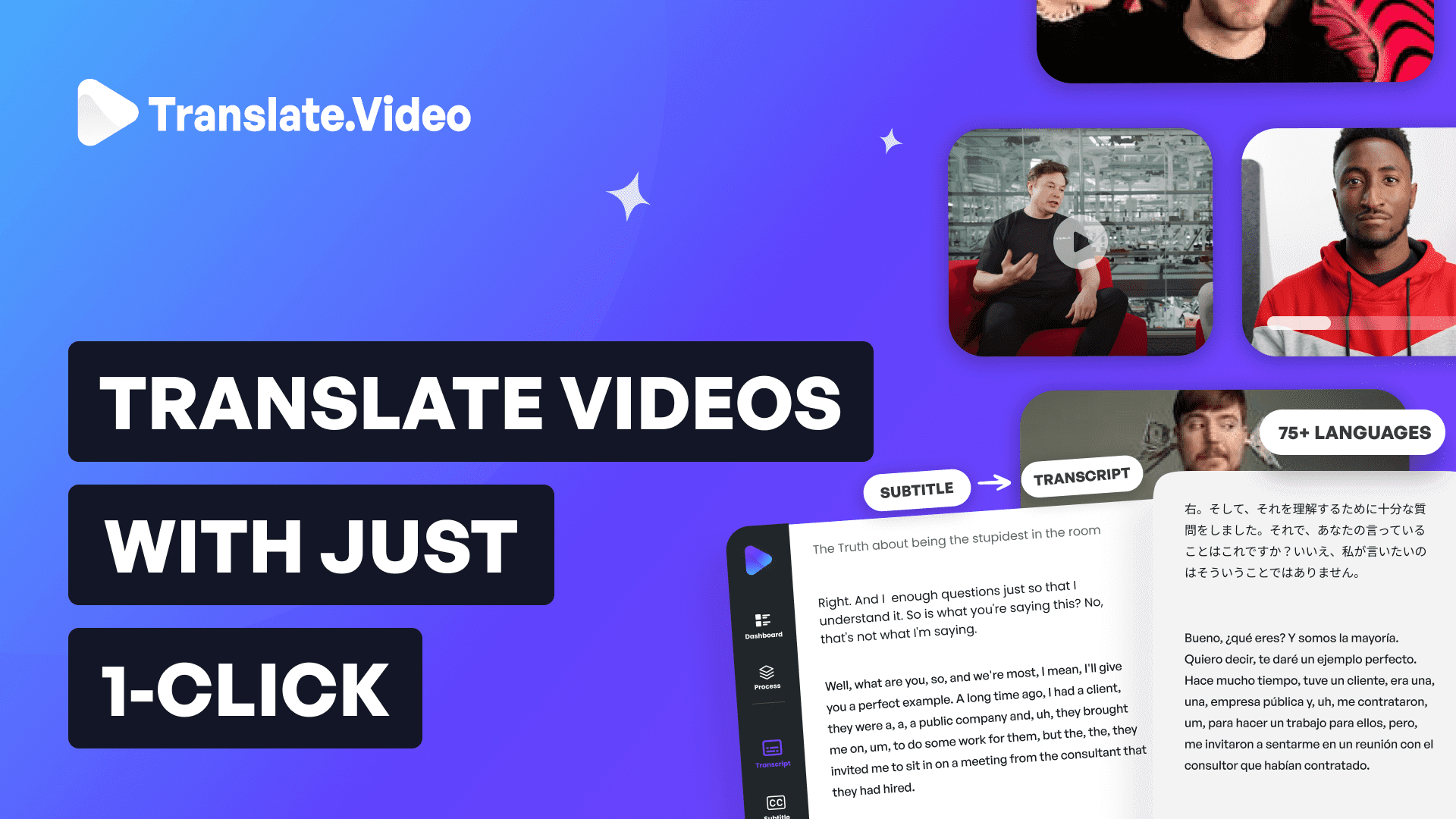
Translate.Video uses AI to translate, caption, subtitle, and dub videos into 75+ languages in just one click, complete with instant voice cloning.
Overview
Translate.Video is an AI-driven localization platform built to help creators and businesses break language barriers in their video content. With a single click, users can translate full videos, generate captions and subtitles, and produce dubbed audio tracks in more than 75 languages—no manual editing or outsourcing required. Its standout Multi-Speaker Video Translation feature uses speaker diarization to detect and preserve each speaker's unique tone and personality, making multi-person conversations sound natural even after translation.
Beyond translation, the platform's Instant Voice Cloning tool lets users replicate their own voice using just 50 seconds of sample audio, then use that cloned voice to speak fluently in any supported language. Combined with AI voice-over, transcript generation, and an advanced video editor with animated subtitle styles, Translate.Video positions itself as an end-to-end solution for turning a single video into globally accessible, multilingual content.
Capabilities & Features
- Video translation
- AI translation
- Captioning
- Subtitling
- Dubbing
- Voice-over
- Speaker diarization
- Voice cloning
- Multilingual content
- Localization
Core Features
- 1-click video translation into 75+ languages
- AI Multi-Speaker Translation with Speaker Diarization
- Instant Voice Cloning from just 50 seconds of audio
- Automated captioning and subtitle translation
- AI voice-over and transcript generation
- Advanced video editor with animated subtitle styles
Use Cases
- Translating online course videos for international students
- Producing multilingual marketing content for global campaigns
- Adding accurate captions and subtitles for accessibility compliance
- Dubbing videos to expand reach into new international markets
- Using cloned voices for consistent, personalized voice-overs across content
Best For
- Influencers
- Enterprises
- Content creators
- Educators
- Marketing professionals
- Video producers
Pros
- •Supports an impressive range of 75+ languages
- •Speaker diarization preserves natural tone in multi-speaker videos
- •Voice cloning requires only 50 seconds of sample audio
- •Includes a full editing suite with captions, subtitles, and export tools
- •Free plan available for testing core features
Cons
- •Free and lower-tier plans have limited monthly minutes and storage
- •Export quality capped at 1080p even on premium plans
- •Multi-speaker diarization currently only supports English
- •Pricing can escalate quickly for high-volume users
How to Use
1. Upload your video file to the Translate.Video platform.
2. Select your target language(s) from the 75+ supported options.
3. Choose between AI voice-over, cloned voice narration, or dubbing to generate the translated audio.
4. Enable Speaker Diarization if your video has multiple speakers to preserve individual tones.
5. Generate and customize captions or subtitles using the animated subtitle styles.
6. Edit the final result in the built-in video editor, then export in your desired quality and format (SRT, VTT, or video file).
Frequently Asked Questions
Open in AI Studio
Ask our AI to evaluate if Translate.video fits your specific workflow.
Pricing
Translate.Video offers a free plan with limited minutes, plus paid tiers starting around $14.50/mo (discounted) up to $148.50/mo for premium usage, alongside a one-time lifetime PRO plan priced near $999.50 after discount.
Pricing data is provided as a summary. Visit the vendor website for full tier details.