Tettra: AI Knowledge Base & Slack Q&A Tool
Tettra is an AI-powered knowledge base that organizes your company's scattered information and instantly answers repetitive questions via Slack.
Overview
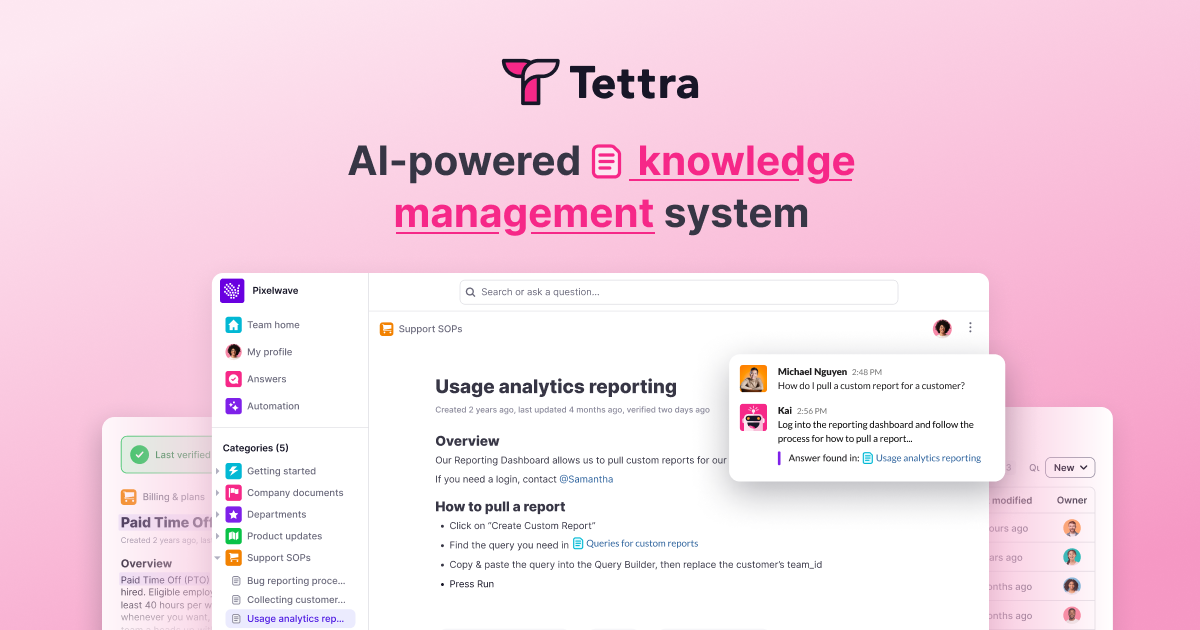
Tettra tackles one of the most persistent productivity drains in growing companies: answering the same questions over and over. By combining a structured knowledge base with an AI assistant named Kai, Tettra captures institutional knowledge and makes it instantly retrievable—whether someone is browsing the app directly or asking a question in Slack. Instead of digging through outdated docs or pinging a coworker, team members get fast, accurate answers pulled straight from your curated content.
Building that knowledge base is simple, thanks to Tettra's native editor and import tools for Google Docs, Notion, and local files, so you're not starting from scratch. Once content is in place, Kai works as an always-on AI bot that surfaces answers automatically, cutting down on interruptions and freeing up subject matter experts. Add in advanced permissions, usage analytics, and API access, and Tettra becomes a serious knowledge management backbone for customer support teams, HR departments, agencies, and law firms alike—anywhere consistent, accurate information sharing matters.
Capabilities & Features
- Knowledge base
- Knowledge management
- Internal wiki
- Q&A
- Slack integration
- AI
- Documentation
- Collaboration
Core Features
- AI-powered knowledge base for centralizing company information
- Internal Q&A system that surfaces answers automatically
- Kai, an AI bot that responds to questions directly in Slack
- Advanced permissions for controlling content access
- Usage analytics to track engagement and content gaps
- API access for custom integrations and workflows
Use Cases
- Reducing repetitive internal questions across an entire organization
- Helping customer support reps deliver fast, accurate answers to clients
- Maintaining consistent service quality across multiple agency accounts
- Centralizing HR and operations policies for easy employee self-service
- Onboarding new hires faster with an organized, searchable knowledge hub
Best For
- Customer support teams
- Growing companies
- HR & Operations departments
- Agencies
- Law firms
Pros
- •Deep Slack integration keeps answers inside existing team workflows
- •AI bot Kai reduces time spent on repetitive questions
- •Flexible content import from Google Docs, Notion, and local files
- •Advanced permissions support more complex organizational structures
- •Usage analytics help identify content gaps and engagement trends
Cons
- •Per-user pricing requires a 10-user minimum, which may not suit very small teams
- •Higher-tier AI and support features are locked behind pricier plans
- •App interface is currently English-only, despite supporting multi-language content
- •Professional plan's flat annual pricing may be less flexible for fluctuating team sizes
How to Use
1. Sign up and start a Tettra workspace. 2. Build your knowledge base using Tettra's built-in editor, or import existing documentation from Google Docs, Notion, or local files. 3. Organize content with permissions and categories so the right people can access the right information. 4. Connect Tettra to Slack to bring knowledge directly into your team's daily workflow. 5. Let Kai, the AI-powered bot, automatically answer repetitive questions inside Tettra or Slack. 6. Monitor usage analytics to see what's working and identify knowledge gaps over time.
Frequently Asked Questions
Pricing
Tettra offers per-user pricing starting at $4/month (Basic) and $8/month (Scaling), both with a 10-user minimum, plus a Professional plan at $7,200/year for up to 50 users with hands-on onboarding and premium support.
Pricing data is provided as a summary. Visit the vendor website for full tier details.