Surfer SEO: AI-Powered Content Optimization Platform
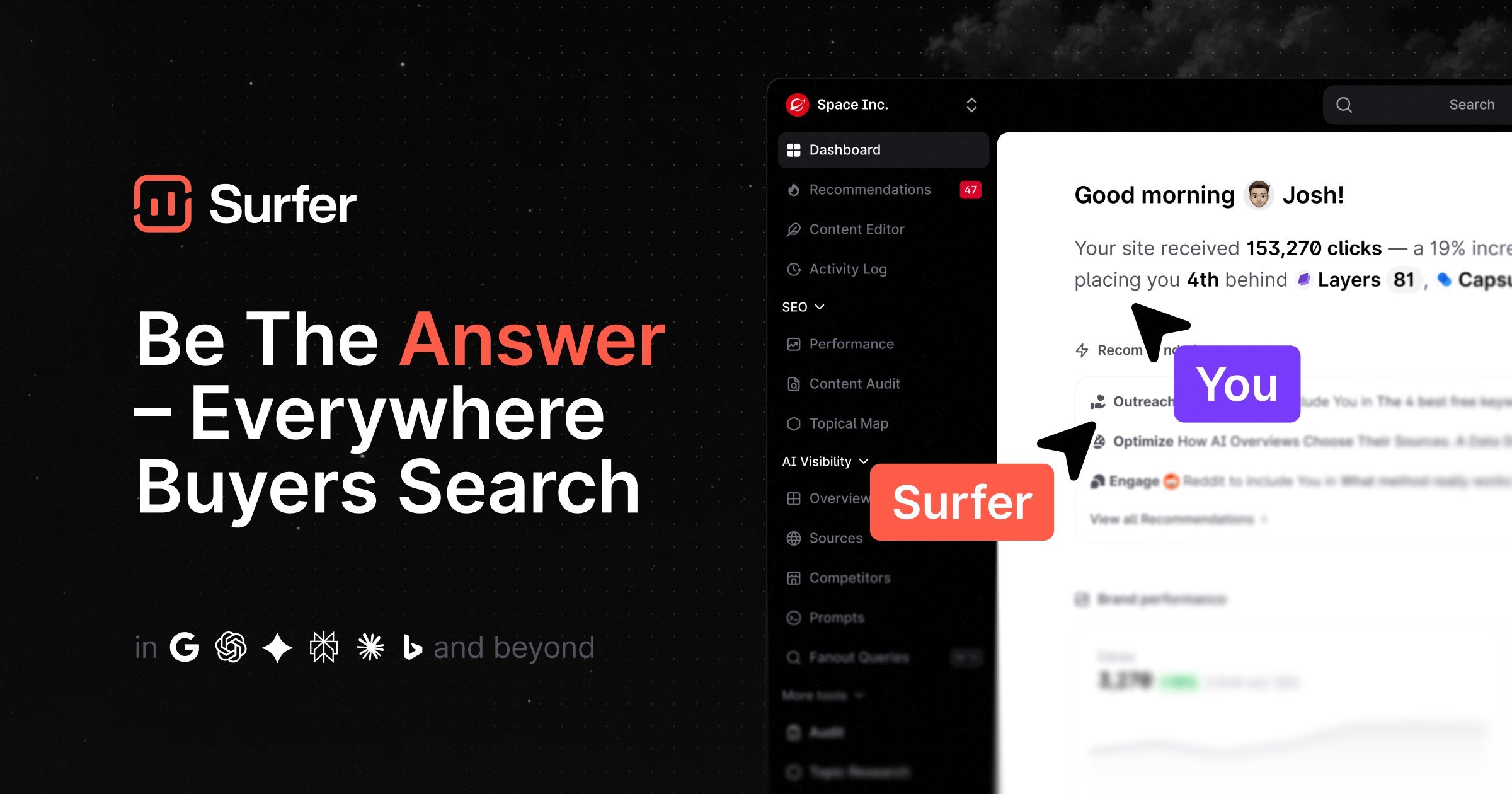
Surfer is an AI-driven SEO platform that helps you research, write, optimize, and audit content to rank higher in search results.
Overview
Surfer is a comprehensive SEO content optimization platform built for anyone serious about climbing the search rankings. It combines data-driven research tools with AI-powered writing assistance, letting users move seamlessly from keyword discovery and topical mapping to drafting polished, search-friendly articles inside its Content Editor. Whether you're starting from scratch or refining existing pages, Surfer's suite covers the entire content lifecycle.
Beyond writing, Surfer brings automation to tasks that used to eat up hours of manual work. Surfer AI can generate ready-to-publish articles in minutes, while features like Auto Internal Links, Auto-Optimize, and a built-in Plagiarism Checker help ensure every piece is unique, well-linked, and primed to perform. Add in Content Audit for ongoing site health checks and the Keyword Surfer browser extension for on-the-fly research, and you get a toolkit that scales from solo bloggers to full agency teams.
Surfer is especially valuable for teams juggling large content calendars, since its Sites hub centralizes planning, auditing, and performance monitoring in one place. By blending AI content generation with transparent, data-backed optimization scores, Surfer removes much of the guesswork from SEO writing, making it easier to produce content that both readers and search engines love.
Capabilities & Features
- SEO
- Content Optimization
- AI Content Generation
- Keyword Research
- Content Audit
- Topical Mapping
- Content Editor
- AI Humanizer
- AI Detector
Core Features
- Topical Map for strategic content ideation and planning
- Content Editor with real-time scoring for writing and optimization
- Content Audit tool for monitoring and improving existing pages
- Surfer AI for generating ready-to-rank articles in minutes
- AI Outline Generator and AI Content Humanizer for faster, natural drafting
- Keyword Surfer browser extension for quick on-page keyword research
Use Cases
- Generating ready-to-rank articles in minutes with Surfer AI
- Automatically inserting relevant internal links across a site
- Boosting on-page Content Scores using Auto-Optimize suggestions
- Checking content originality with the built-in Plagiarism Checker
- Planning content calendars and running site-wide audits
- Tracking content performance over time through the Sites hub
Best For
- Content Creators
- SEO Specialists
- Digital Marketing Agencies
- In-house Marketing Teams
- Freelance Writers
- Ecommerce Businesses
Pros
- •All-in-one workflow covering research, writing, auditing, and performance tracking
- •AI-generated articles can dramatically speed up content production
- •Real-time Content Score and Auto-Optimize make on-page SEO more accessible to beginners
- •Integrations with Google Docs, WordPress, ChatGPT, Jasper, and Contentful fit existing workflows
- •Scalable tiers suited for freelancers up to large agencies
Cons
- •Pricing isn't transparent upfront, requiring a visit to the pricing page or sales contact for Enterprise
- •Heavy reliance on AI-generated content may still require human editing for brand voice
- •Learning curve for teams new to data-driven content scoring systems
- •Advanced features like audits and extensive AI generation may be gated behind higher-tier plans
How to Use
1. Start with keyword research using the Keyword Surfer Extension or built-in research tools to identify target terms. 2. Build a Topical Map to plan content clusters and identify gaps. 3. Generate an outline with the AI Outline Generator or draft directly in the Content Editor. 4. Write and refine your article, using real-time Content Score feedback and Auto-Optimize suggestions to improve relevance. 5. Run the Plagiarism Checker and AI Content Detector/Humanizer to ensure originality and natural tone. 6. Use Auto Internal Links to connect related pages automatically. 7. Publish your content, then monitor ongoing performance and run Content Audits through the Sites hub to keep pages optimized over time.
Frequently Asked Questions
Connect & Contact
Pricing
Surfer offers tiered plans—Basic, Pro, and Business—scaling in features and capacity, plus a custom-priced Enterprise plan for larger organizations with advanced support needs.
Pricing data is provided as a summary. Visit the vendor website for full tier details.