Sudowrite: AI Writing Partner for Fiction Authors
Sudowrite is an AI writing partner built for novelists and screenwriters, helping smash writer's block and turn ideas into finished drafts faster.
Overview
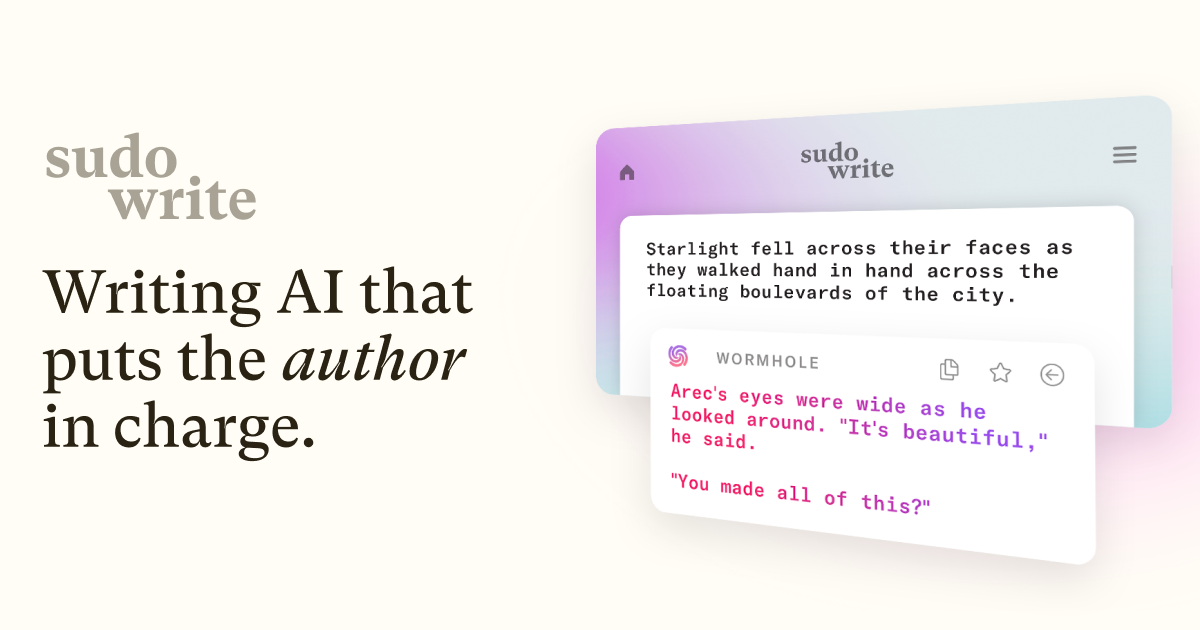
Sudowrite is a specialized AI writing companion built exclusively for fiction writers, novelists, and screenwriters who want to write faster without sacrificing creative control. Rather than acting as an autopilot writer, it functions like a collaborative partner: generating fresh prose, expanding thin scenes, rewriting clunky sentences, and offering candid feedback on drafts, all powered by a blend of over two dozen large language models including Claude and GPT variants layered with proprietary narrative processing. This mix lets it handle nuanced storytelling tasks that generic AI writing tools often struggle with. Beyond line-level assistance, Sudowrite's Story Bible feature guides authors through the entire creative arc, from raw concept to structured outline to full chapters, while tools like Canvas and Brainstorm help map plot twists, character arcs, and story ideas visually. The Visualize feature even generates artwork from written descriptions, giving writers a way to see their characters and worlds take shape. Whether you're stuck on a stubborn scene, drafting a screenplay, or polishing a novel manuscript for publication, Sudowrite aims to make the solitary act of writing feel more collaborative, fun, and less prone to stalling out. It supports multiple languages and explicitly claims no ownership over anything a user writes or generates, positioning itself as a creative aid rather than a ghostwriter.
Capabilities & Features
- AI writing assistant
- Fiction writing
- Novel writing
- Screenwriting
- Writer's block
- Creative writing
- AI tools
- Storytelling
- Drafting
- Editing
- Brainstorming
- Plot generation
- Character development
- AI feedback
Core Features
- AI-powered text generation for continuing scenes (Write)
- Scene expansion for underdeveloped passages (Expand)
- Sentence-level rewriting and revision (Rewrite)
- Actionable draft feedback (Feedback)
- Idea brainstorming for plots, characters, and titles (Brainstorm)
- Visual plot and character arc mapping (Canvas)
- Art generation from text descriptions (Visualize)
- Guided story development from idea to draft (Story Bible)
- Multi-language writing support
Use Cases
- Breaking through writer's block and generating new content on demand
- Expanding rushed or underwritten scenes to fix pacing issues
- Revising sentences for stronger flow and impact
- Getting instant, actionable feedback without relying on beta readers
- Brainstorming character names, plot twists, and story titles
- Visualizing characters and settings through generated art
- Building a novel or screenplay from a rough idea to a finished draft
- Writing or adapting fiction across multiple languages
Best For
- Fiction writers
- Novelists
- Screenwriters
- Published authors
- Students writing for school or fun
- Journalists exploring creative writing
Pros
- •Purpose-built for fiction rather than generic AI copywriting
- •Story Bible feature guides users through the full writing process end-to-end
- •Combines multiple AI models for more nuanced, narrative-aware output
- •Feedback tool offers a substitute for beta readers during early drafts
- •No claimed ownership over user writing or AI-generated content
- •Cancel anytime with full access retained to previously written projects
Cons
- •Credit-based system means heavy users can burn through allowances quickly
- •Learning curve exists across multiple distinct tools (Write, Expand, Canvas, etc.)
- •Non-English outputs may occasionally default back to English on some features
- •Entry-level plan may feel limiting for anyone writing beyond casual or school projects
How to Use
Start by inputting existing text or beginning a blank project. Use 'Write' to generate the next 300 words based on your story's context, or 'Expand' to flesh out scenes you've rushed through. Turn to 'Rewrite' when a sentence needs polishing, and use 'Feedback' to get actionable notes on your draft without waiting on beta readers. When you're short on ideas, 'Brainstorm' can suggest character names, plot twists, or titles, while 'Canvas' helps you visually map out plot and character arcs. Try 'Visualize' to generate artwork from your written descriptions. For a guided, end-to-end process, use the 'Story Bible' to move from a rough idea through outlining and into full chapter drafts.
Frequently Asked Questions
Pricing
Plans range from $10/month for casual writers with 225,000 credits up to $44/month for prolific authors getting 2,000,000 rolling credits, with the $22/month Professional tier positioned as the most popular option for novel-length projects.
Pricing data is provided as a summary. Visit the vendor website for full tier details.