Study Buddy: AI Chrome Extension for Instant Quiz Answers
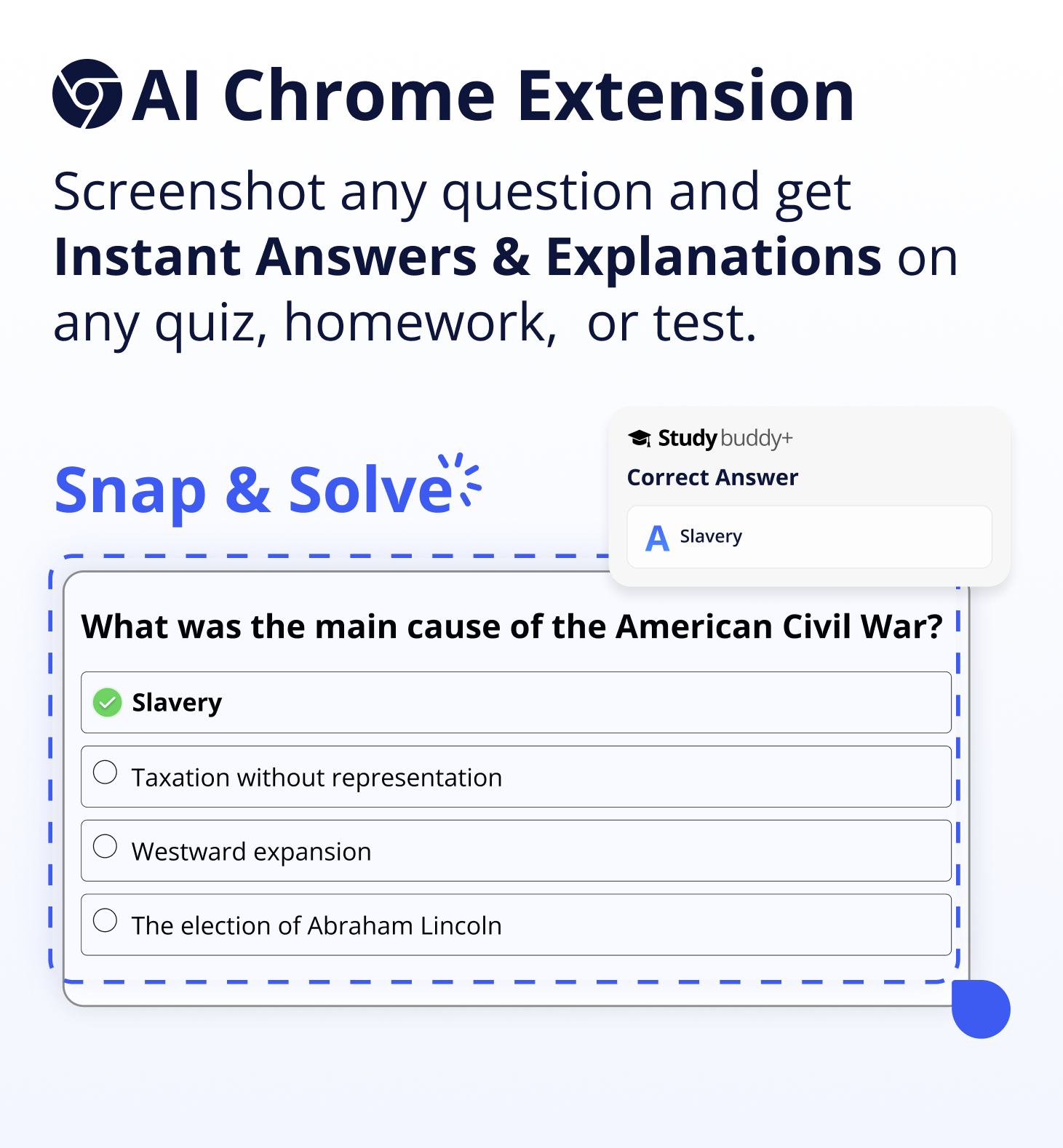
Study Buddy is a stealthy AI Chrome extension that delivers instant answers for homework, quizzes, and tests directly inside your learning platform.
Overview
Study Buddy is an AI-driven Chrome extension built to help students power through coursework by surfacing instant answers and explanations for homework, quizzes, and exams. Once installed, it embeds an "Ask StudyBuddy" button directly beneath questions on popular LMS platforms, letting users retrieve solutions with a single click instead of manually researching each problem.
Beyond speed, the extension emphasizes discretion and originality. It runs in an incognito/stealth mode designed to avoid detection by monitoring software, while its answer engine claims to generate plagiarism-proof responses rather than copy-pasted text. This combination of one-click access, AI-generated accuracy, and covert operation positions Study Buddy as a quick-fix study companion for learners juggling multiple subjects and tight deadlines across various digital classrooms.
Capabilities & Features
- AI homework solver
- AI quiz solver
- AI test solver
- Chrome extension
- Instant answers
- Study tool
- Educational tool
- AI assistant
Core Features
- One-click 'Ask StudyBuddy' answer button embedded in LMS pages
- Incognito and stealth mode for undetected use
- AI-generated, plagiarism-proof answer creation
- Instant explanations alongside direct answers
- Broad compatibility across multiple LMS platforms and subjects
Use Cases
- Quickly answering homework questions embedded in an online LMS
- Getting instant explanations while reviewing for quizzes and tests
- Cross-subject support for students managing multiple courses at once
- Saving time on assignments by reducing manual research
Best For
- High school students
- College students
- Students enrolled in online courses
- Learners managing heavy multi-subject workloads
Pros
- •Delivers answers instantly without needing to switch tabs or search manually
- •Covers multiple subjects and integrates across various LMS platforms
- •Stealth mode designed to minimize detection during use
- •Provides explanations, not just raw answers, which can aid understanding
- •Simple one-click workflow requires no technical setup
Cons
- •Raises significant academic integrity concerns, as it's explicitly designed to evade teacher detection
- •Reliance on AI-generated answers may hinder genuine learning and critical thinking
- •Low introductory price quickly rebills at a much higher weekly rate
- •Accuracy of AI answers isn't independently verifiable and may vary by subject or question complexity
- •Could violate school honor codes, academic policies, or platform terms of service
How to Use
Install the Study Buddy Chrome extension from the web store, then navigate to your learning management system (LMS) as usual. As you open a homework assignment, quiz, or test, an "Ask StudyBuddy" button will automatically appear beneath each question. Click the button to instantly generate an AI-powered answer and explanation without leaving the page.
Frequently Asked Questions
Open in AI Studio
Ask our AI to evaluate if Study Buddy fits your specific workflow.
Connect & Contact
Pricing
Study Buddy starts with a low-cost $0.99 trial for one week, which then automatically rebills at $5.99 per week unless cancelled.
Pricing data is provided as a summary. Visit the vendor website for full tier details.