Stream Chat A.I. - AI Twitch Bot for Chat & Moderation
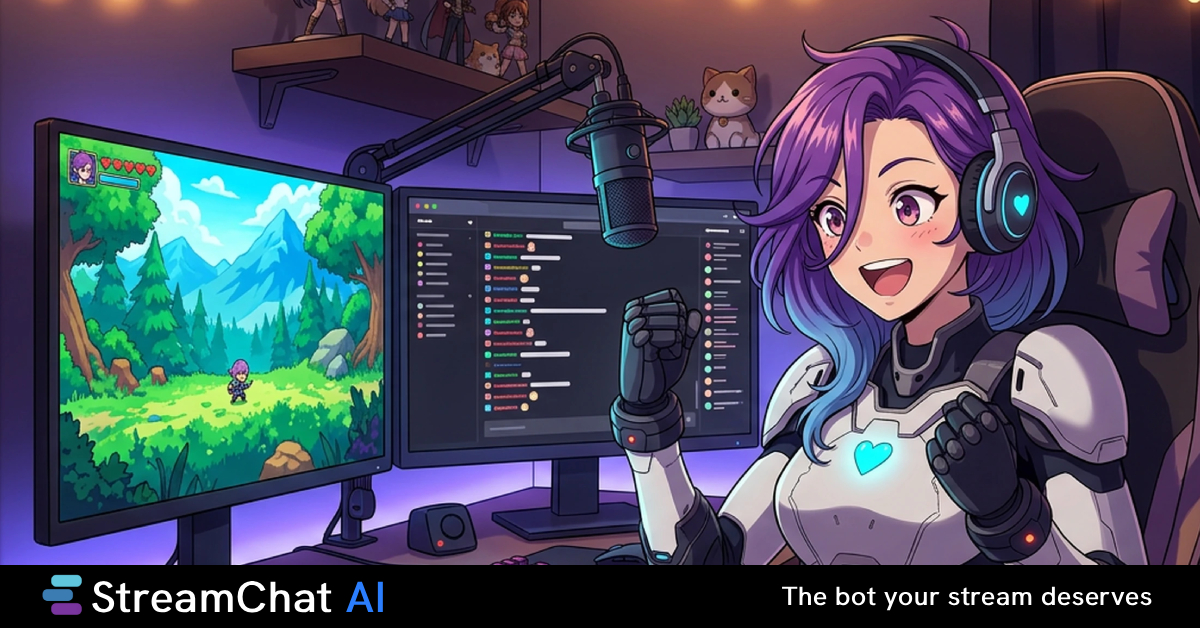
Stream Chat A.I. is an intelligent Twitch chat bot that automates viewer interaction, moderation, and custom commands to boost engagement on live streams.
Overview
Stream Chat A.I. is a smart Twitch companion built to take the busywork out of chat management while making streams feel more alive. Powered by AI, it holds interactive conversations with viewers, responds to custom commands, and reacts automatically to key events like new follows and subscriptions, giving every stream a more dynamic, game-like feel.
Beyond entertainment, the bot doubles as a moderation assistant, helping streamers keep spam and inappropriate content at bay without constant manual oversight. Its configurable personalities let creators tailor the bot's tone and voice to match their brand, while user-friendly variables and browser source integrations make setup accessible even for non-technical streamers.
Whether you're running a small channel or a growing community, Stream Chat A.I. gives you the tools to automate repetitive tasks, spark interactive chat games, and free up more time to focus on actually entertaining your audience.
Capabilities & Features
- Twitch chat bot
- AI chat bot
- Stream automation
- Chat moderation
- Viewer engagement
- Custom commands
- Stream tools
- AI personalities
- Browser sources
Core Features
- AI-driven chat interactions and dialogue
- Custom commands and automated reactions
- Selectable bot personalities for brand personalization
- Built-in moderation and automation tools
- Browser source integration with user-friendly variables
- Public 'My SCAI Page' for sharing streamer links
Use Cases
- Keeping viewers engaged with automated, interactive chat responses
- Answering frequently asked viewer questions automatically
- Running chat-based games and interactive events during streams
- Filtering out spam and inappropriate messages in real time
- Giving the stream a unique identity through custom bot personalities
Best For
- Twitch Streamers
- Content Creators
- Community Managers for live streams
- Gaming Influencers
Pros
- •Free tier available for streamers just getting started
- •Reduces manual moderation workload with automated tools
- •Highly customizable commands and bot personalities
- •Simple web interface for managing variables and browser sources
- •Built-in link-sharing page adds extra value beyond chat features
Cons
- •Advanced features are locked behind paid Emerald and Ruby tiers
- •AI-generated responses may require fine-tuning to match a streamer's tone
- •Limited to Twitch, so it may not suit multi-platform streamers
- •Relies on browser source setup, which could be a small learning curve for beginners
How to Use
1. Sign up and connect Stream Chat A.I. to your Twitch channel. 2. Use the web dashboard to configure custom commands, reactions, and bot personality. 3. Set up automated responses for events like follows, subs, and common viewer questions. 4. Add browser sources and variables to display dynamic content on stream. 5. Enable moderation settings to automatically filter spam and inappropriate messages. 6. Go live and let the bot manage chat interactions in real time.
Frequently Asked Questions
Open in AI Studio
Ask our AI to evaluate if Stream Chat A.I. fits your specific workflow.
Pricing
Stream Chat A.I. offers a Free Forever Sapphire plan, with paid upgrades at £5/month (Emerald) and £10/month (Ruby, the most popular tier) for expanded features.
Pricing data is provided as a summary. Visit the vendor website for full tier details.