StockImg AI: AI Design & Social Media Content Tool
StockImg AI turns text prompts into professional logos, posters, stock photos, and more, while also handling social media content creation and scheduling.
Overview
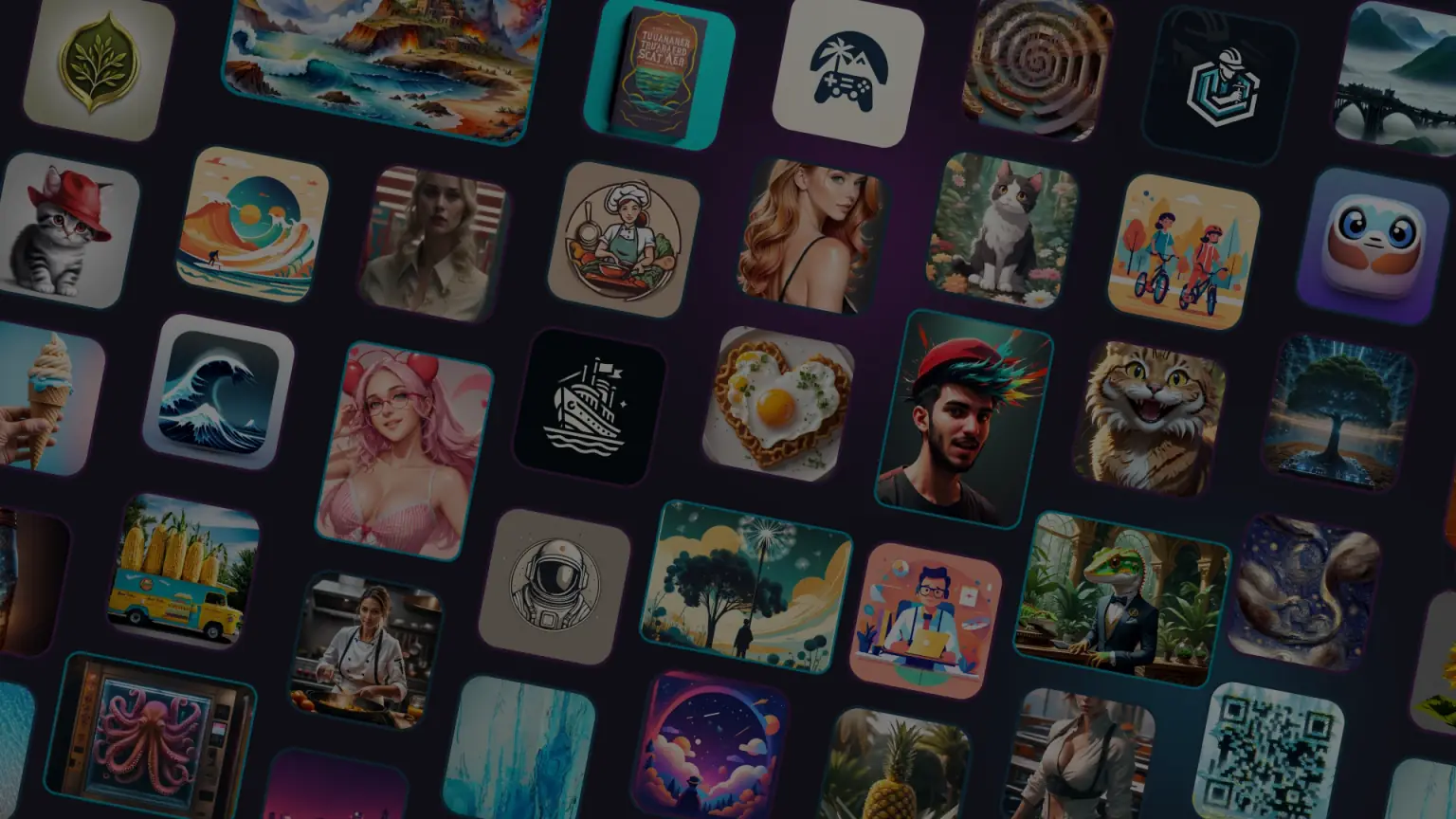
StockImg AI is an all-in-one creative suite that merges AI-powered visual generation with social media management. Instead of hiring designers or hunting through stock libraries, users can simply describe what they need—a logo, a book cover, a wallpaper, a QR code—and watch the AI generate polished visuals from scratch in seconds. Beyond static images, the platform extends into video credits and editing tools, giving creators the flexibility to refine outputs using natural language prompts rather than complex design software.
What sets StockImg AI apart is its dual focus: it's not just an image generator, it's also a social media command center. Users can create posts tailored for Instagram, TikTok, Facebook, LinkedIn, Pinterest, and X, then schedule and bulk-automate publishing across up to 50 connected accounts on higher tiers. With background removal, 4x upscaling, GPU-accelerated fast generation, and commercial usage rights included in paid plans, it's built to serve agencies, freelancers, and brands that need to produce high volumes of visual content without slowing down their workflow.
Capabilities & Features
- AI design
- Content creation
- Logo generator
- Stock image generator
- Social media automation
- Image editing
- Poster design
- Book cover design
- AI image generation
- Social media management
Core Features
- AI-powered image generation from text prompts
- Logo, poster, book cover, and wallpaper design tools
- Social media content creation and bulk scheduling
- AI background remover and 4x image upscaling
- QR code generation
- Natural language image editing and canvas customization
Use Cases
- Generating unique brand logos without hiring a designer
- Producing royalty-free stock photos on demand for blogs or marketing
- Designing Instagram posts and short-form videos for Reels and TikTok
- Automating and bulk-scheduling social media content across multiple platforms
- Creating book covers, posters, and wallpapers for creative projects
Best For
- Agencies
- Content Creators
- E-commerce businesses
- Educators
- Freelancers
- Graphic Designers
- Influencers
- Marketers
Pros
- •Combines visual generation and social media scheduling in a single platform
- •Fast GPU-powered generation speeds up creative workflows
- •Wide range of content types supported, from logos to QR codes
- •Natural language editing makes revisions simple for non-designers
- •Commercial usage rights included on paid subscriptions
Cons
- •Free tier is limited, pushing most serious users toward paid plans
- •Unlimited image credits only available on the pricier Ultra plan
- •AI-generated visuals may require manual tweaking for brand-specific consistency
- •Enterprise-level features like consultancy and custom model training require custom pricing
How to Use
1. Sign up for a StockImg AI account and choose a subscription plan based on your credit needs. 2. Select the content type you want to generate—logo, poster, stock photo, wallpaper, book cover, QR code, etc. 3. Type a descriptive text prompt explaining the visual you envision. 4. Let the AI generate the image, then refine it further by typing follow-up prompts or using the built-in editing canvas. 5. Use the background remover or upscaling tools to polish the final asset. 6. For social media content, create your posts within the platform, connect your accounts, and use bulk scheduling to automate publishing.
Frequently Asked Questions
Open in AI Studio
Ask our AI to evaluate if StockImg AI fits your specific workflow.
Pricing
Plans start at $10/mo for the Starter tier with 100 image credits, scaling up to $40/mo for the Ultra plan's unlimited image generation, plus a custom-priced Enterprise tier for larger brand needs.
Pricing data is provided as a summary. Visit the vendor website for full tier details.