Speechify: AI Text-to-Speech App for Any Device
Speechify turns articles, PDFs, and documents into natural-sounding audio, letting you listen to the internet on Chrome, iOS, Android, and Mac.
Overview
Speechify is a powerful text-to-speech platform that transforms written content into lifelike spoken audio, making it easy to consume articles, PDFs, emails, and books hands-free. Available across Chrome, iOS, Android, and Mac, it gives users the flexibility to listen anywhere—whether commuting, exercising, or multitasking—without ever losing their place in a document. Beyond basic reading, Speechify has expanded into a full suite of AI-powered creative tools, including voice cloning, AI dubbing, and AI video generation, positioning it as more than just an accessibility app. It's become a go-to solution for students converting textbooks into audiobooks, professionals catching up on reports, and content creators producing voiceovers at scale. With support for multiple languages and customizable playback speeds, Speechify caters to a wide range of needs, from improving reading comprehension for people with dyslexia to helping visually impaired users access digital content independently.
Capabilities & Features
- Text to speech
- TTS
- AI voice
- Voice cloning
- AI dubbing
- Audiobook
- PDF reader
- Accessibility
- Productivity
- Reading
- Chrome extension
- iOS app
- Android app
- Mac app
Core Features
- Text-to-speech conversion for articles, PDFs, and documents
- AI Voice Cloning for personalized audio output
- AI Dubbing for multilingual content localization
- AI Video Generator for creating voiceover-driven videos
- PDF Reader that reads documents out loud
- Built-in Audiobook Library for on-demand listening
Use Cases
- Listening to news articles and reports during a commute
- Turning dense textbooks into audiobooks for efficient studying
- Producing professional voiceovers for marketing or educational videos
- Supporting reading comprehension for individuals with dyslexia
- Accessing digital content hands-free for visually impaired users
Best For
- Students
- Busy professionals
- Individuals with dyslexia
- Content creators and video producers
- People with visual impairments
- Language learners
Pros
- •Works across multiple platforms including Chrome, iOS, Android, and Mac
- •Goes beyond basic TTS with AI voice cloning and dubbing tools
- •Built-in PDF reader simplifies studying and document review
- •Adjustable speed, voice, and language options for personalized listening
- •Useful accessibility features for dyslexic and visually impaired users
Cons
- •Premium pricing isn't publicly listed, requiring users to contact sales
- •Free plan likely limits access to advanced AI features
- •Voice cloning and dubbing tools may have a learning curve for new users
- •Audio quality and naturalness can vary depending on source content
How to Use
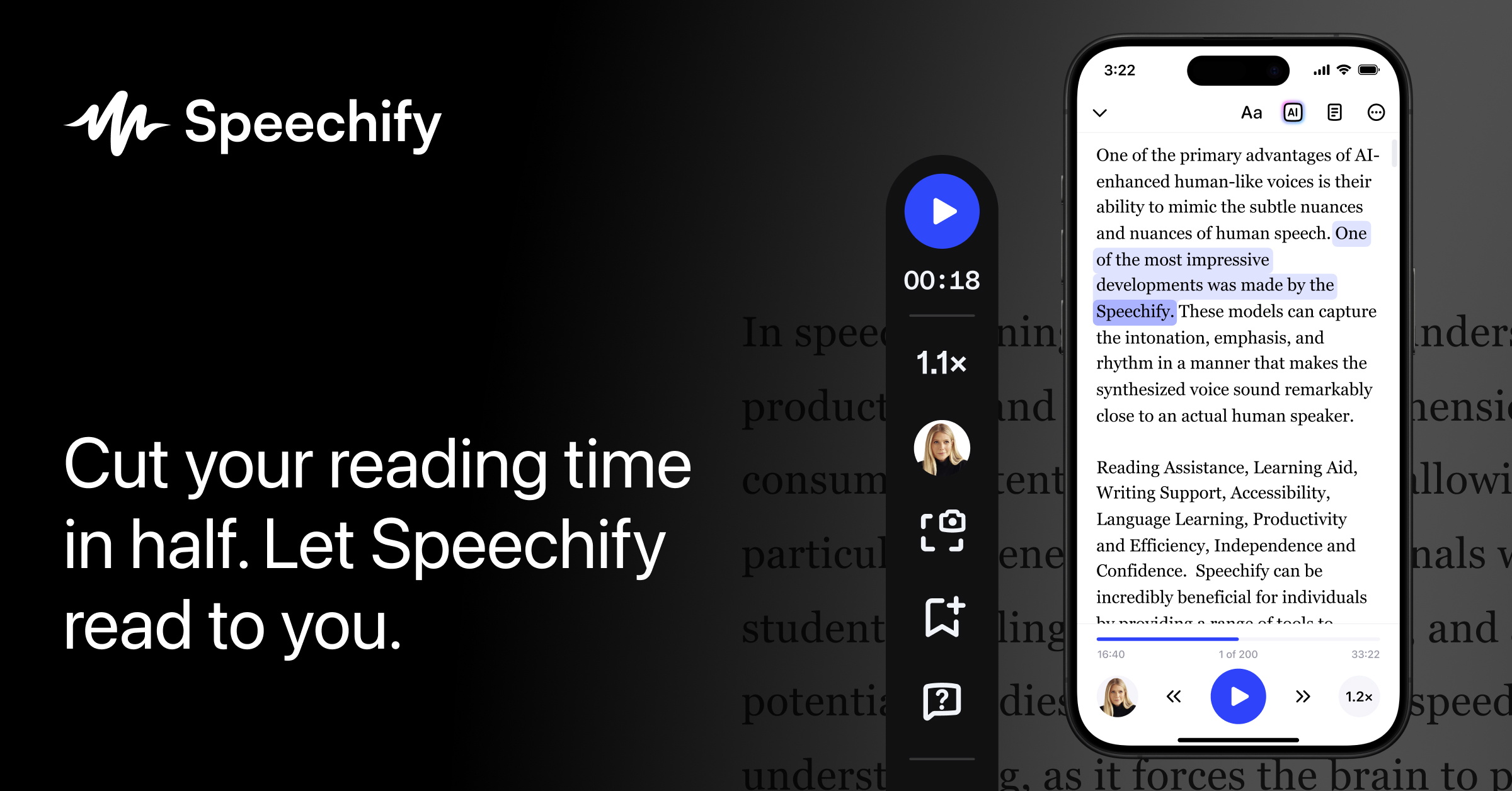
Download the Speechify app or add the browser extension to Chrome. Highlight or upload the text you want to hear—whether it's a webpage, PDF, or document—then hit play to start listening. Fine-tune your experience by adjusting the voice, playback speed, and language settings to match your preferences.
Frequently Asked Questions
Connect & Contact
Pricing
Speechify offers a free tier with basic text-to-speech functionality, while its Premium plan unlocks unlimited listening and advanced AI features at custom pricing available upon request.
Pricing data is provided as a summary. Visit the vendor website for full tier details.