SlidesAI: AI Presentation Maker for Google Slides
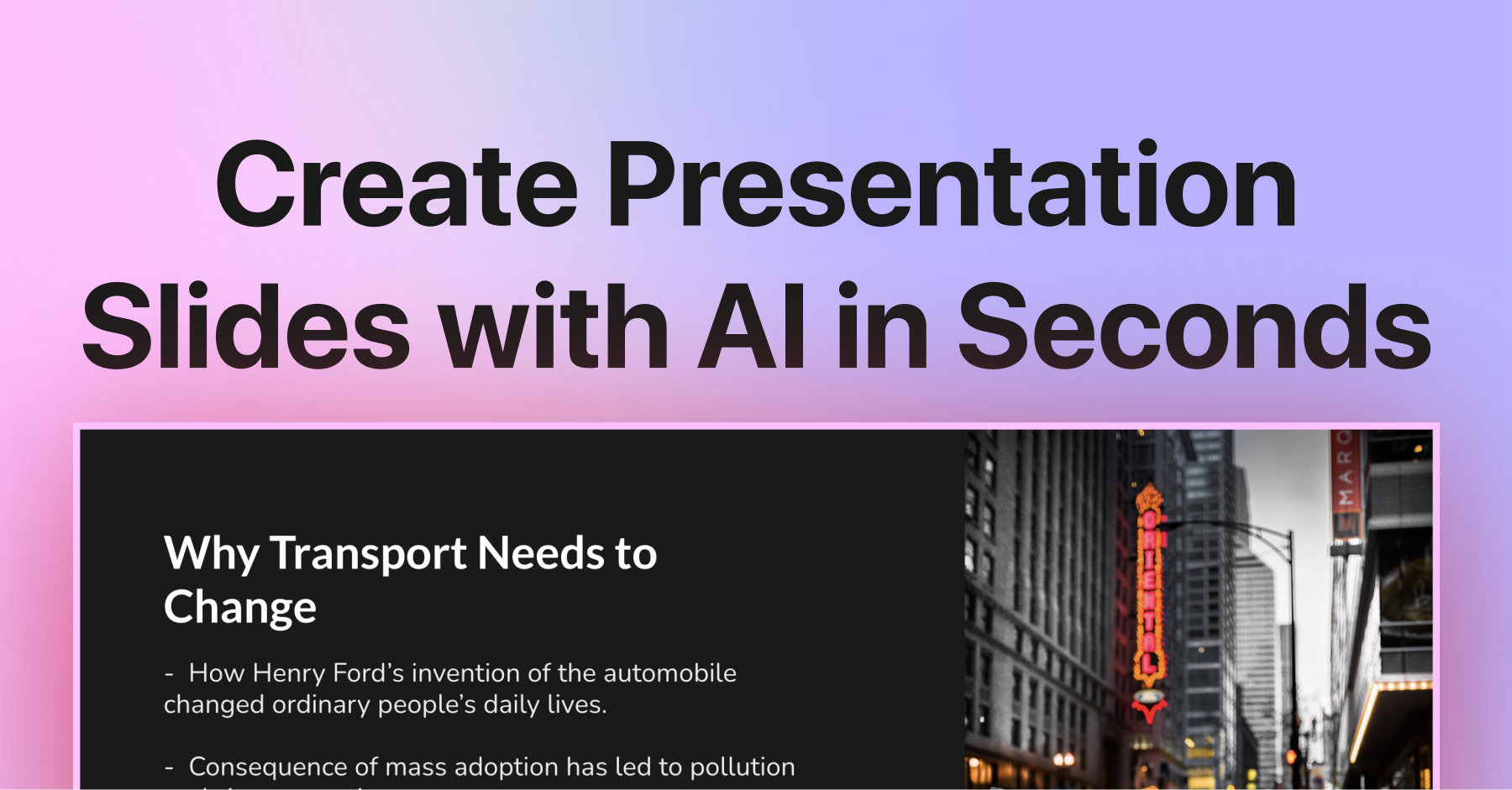
SlidesAI turns plain text prompts into polished Google Slides decks in seconds, complete with AI visuals, citations, and icons.
Overview
SlidesAI is an AI-driven presentation generator built directly into Google Slides that transforms simple text or topic prompts into fully structured, visually engaging decks. Rather than starting from a blank slide, users can paste an outline, essay, or even a single topic idea, and SlidesAI will automatically organize the content, generate matching visuals, and apply professional design templates in moments. It's designed to eliminate the tedious formatting work that typically slows down presentation creation.
Beyond basic slide generation, SlidesAI includes a suite of productivity-boosting tools such as AI image generation, built-in citation search for academic or research-based work, an icon library, premium stock photography, and sentence paraphrasing to refine tone and clarity. Currently available as a Chrome extension for Google Slides, with Microsoft PowerPoint support on the roadmap, SlidesAI is positioned as a fast, accessible solution for anyone who needs to build credible, good-looking presentations without design expertise.
Capabilities & Features
- AI presentation maker
- Google Slides add-on
- PPT generator
- AI slides
- Presentation design
- Text to slides
- AI images
- Citation search
- Icon search
Core Features
- AI-powered slide generation from text or topic prompts
- Customizable design templates with color and font presets
- AI image generation for unique visuals
- Built-in citation search for research-backed content
- Icon and premium stock image libraries
- Sentence paraphrasing for content refinement
Use Cases
- Turning lecture notes or essays into classroom-ready slide decks
- Quickly generating a presentation outline from a single topic idea
- Adding AI-generated visuals and citations to an existing presentation
- Building business pitch decks or reports without a designer
- Creating workshop or training materials on tight deadlines
Best For
- Students
- Educators
- Business professionals
- Marketing teams
- Workshop facilitators
Pros
- •Drastically speeds up presentation creation from raw text
- •Integrates directly into Google Slides via a simple Chrome extension
- •Includes research-friendly tools like citation search
- •Offers built-in AI image and icon generation to reduce reliance on external design tools
- •Free Basic plan available for casual or first-time users
Cons
- •Limited to Google Slides only, with PowerPoint support still unreleased
- •Character input and AI credits are capped even on paid tiers
- •Video export feature is not yet available despite being listed in plans
- •Heavier users like educators or teams will likely need the higher-priced Premium tier
How to Use
1. Install the SlidesAI Chrome extension from the Google Workspace Marketplace. 2. Open Google Slides and launch SlidesAI via the Extensions menu. 3. Paste your text, outline, or topic into the input box. 4. Choose a color scheme and font preset to match your desired style. 5. Generate your slides and preview the AI-created layout, images, and content. 6. Fine-tune wording, visuals, and citations before presenting or exporting.
Frequently Asked Questions
Pricing
SlidesAI offers a free Basic plan with limited presentations and AI credits, alongside Pro (~S$6.48/mo) and Premium (~S$10.80/mo) annual plans that unlock higher or unlimited presentation limits, larger character inputs, and more AI credits.
Pricing data is provided as a summary. Visit the vendor website for full tier details.