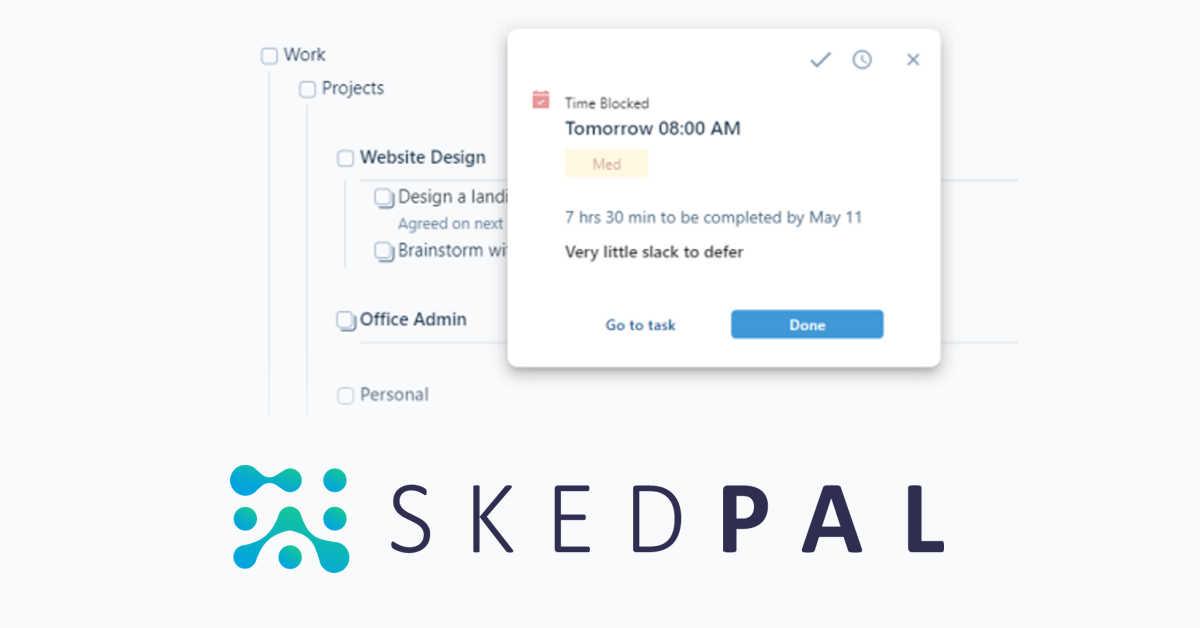
SkedPal Review: AI Time-Blocking Calendar & Scheduler
SkedPal is an AI-powered calendar that automatically time-blocks your to-do list, turning scattered tasks into a realistic, optimized schedule.
Overview
SkedPal reimagines the calendar as a living productivity engine rather than a static grid of appointments. Instead of manually dragging tasks into open slots, you simply tell SkedPal what needs to get done, how long it will take, and when you prefer to work on it—then its intelligent algorithms do the heavy lifting, automatically slotting tasks into your calendar around existing commitments. This blend of to-do list and calendar means nothing falls through the cracks, and your day reflects both your appointments and your priorities.
Beyond simple scheduling, SkedPal lets you triage and rank tasks using a flexible board view, organize work with nested lists, and attach rich notes or files directly to tasks for context. It syncs natively with Google, Office 365, and iCloud calendars, so everything lives in one unified view. When life throws interruptions your way, SkedPal intelligently reshuffles your remaining tasks rather than leaving you to manually rebuild your day.
Designed for busy professionals juggling competing priorities—executives, attorneys, physicians, freelancers, and researchers alike—SkedPal aims to be the thinking layer between your intentions and your actual calendar, helping important work get done instead of perpetually sliding to tomorrow.
Capabilities & Features
- Calendar app
- Task management
- Time blocking
- AI scheduling
- Productivity
- Automation
- Scheduling
- Time management
Core Features
- Intelligent, automated time blocking
- Task triage and prioritization via board view
- Native calendar integration (Google, Office 365, iCloud)
- Nested lists for organizing projects and sub-tasks
- Rich text notes and file attachments on tasks
- Automatic rescheduling after interruptions
Use Cases
- Automatically blocking time for deep work and recurring routines
- Merging personal to-do lists with professional calendars
- Prioritizing competing projects via drag-and-drop board view
- Rebuilding a disrupted schedule after unexpected meetings
- Syncing team tasks from Asana into personal calendars
Best For
- Executives
- Attorneys
- Physicians
- Freelancers
- Marketing Managers
- Lecturers
- Researchers
- Productivity Experts
Pros
- •Automates the tedious work of manual time-blocking
- •Combines task management and calendar into a single workflow
- •Flexible prioritization tools via nested lists and board view
- •Adapts schedule dynamically when plans change
- •Integrates with major calendars and Asana for team visibility
Cons
- •Learning curve to properly configure time preferences and task rules
- •No free tier beyond the 14-day trial
- •May feel overly rigid for users who prefer manual calendar control
- •Limited standalone team collaboration features outside Asana integration
How to Use
1. Input your tasks, goals, and routines, specifying duration, deadlines, and preferred time windows. 2. Use the board view to triage and prioritize what matters most right now. 3. Connect your existing Google, Office 365, or iCloud calendars so all events appear in one place. 4. Let SkedPal's algorithm automatically time-block your tasks around your commitments. 5. Adjust on the fly—SkedPal reschedules intelligently when interruptions occur.
Frequently Asked Questions
Connect & Contact
Pricing
SkedPal offers a 14-day free trial with no credit card required, then converts to a paid plan at $14.95/month billed monthly or $9.95/month billed annually, with full feature access on both tiers.
Pricing data is provided as a summary. Visit the vendor website for full tier details.