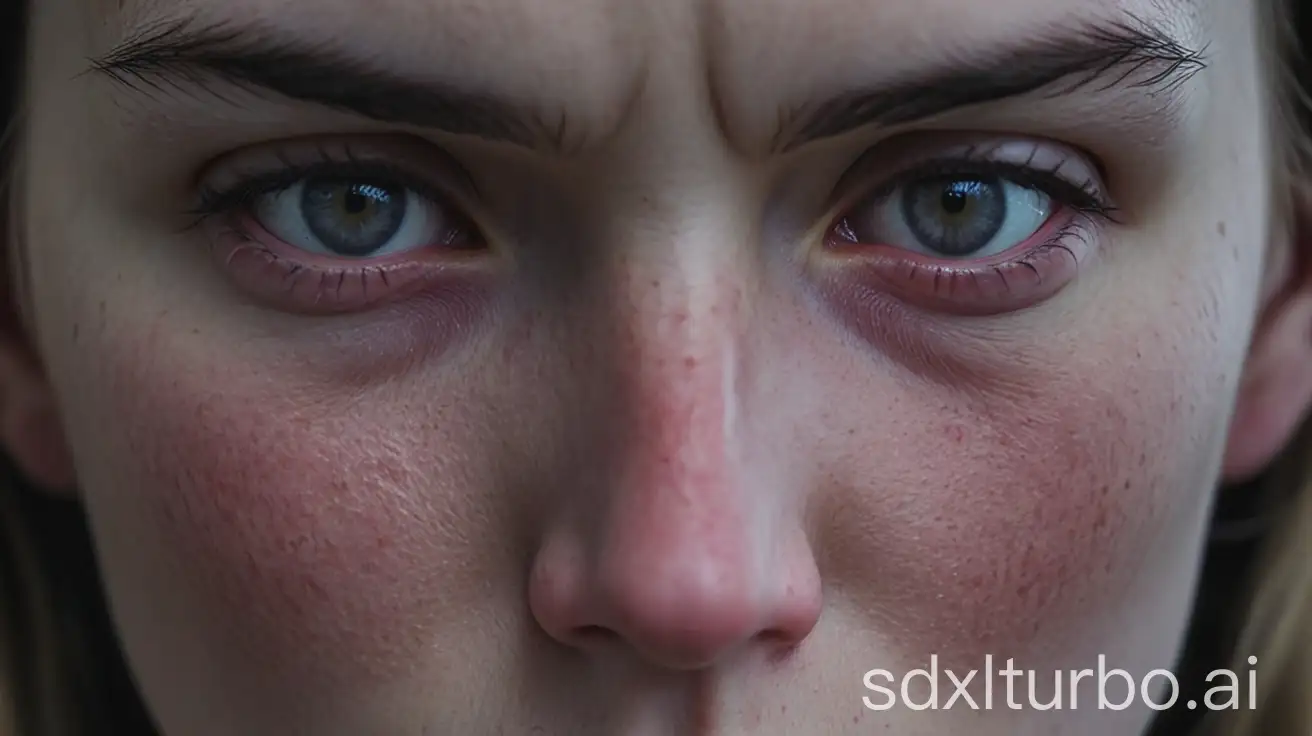
SDXL Turbo Playground: Free Real-Time AI Image Generator
Generate stunning 512x512 images in real time with SDXL Turbo's cutting-edge ADD technology — completely free and login-free.
Overview
SDXL Turbo Playground brings next-generation text-to-image synthesis to your browser, powered by Adversarial Diffusion Distillation (ADD) technology. Unlike traditional diffusion models that require multiple steps to render an image, SDXL Turbo collapses the process into a single step, delivering high-quality visuals in a matter of seconds rather than minutes. This breakthrough makes it one of the fastest text-to-image tools available today while still maintaining impressive detail and fidelity.
Accessible directly at sdxlturbo.ai with no sign-up or login required, the tool is designed for instant experimentation. Simply type a prompt and watch your image materialize almost instantly, making it a favorite among gamers, VR developers, content creators, and curious hobbyists alike. Whether you're brainstorming album art, designing a logo, or populating a virtual world with assets, SDXL Turbo's speed removes the friction typically associated with AI image generation.
Built on Stability AI's research into Adversarial Stable Diffusion Distillation, the underlying model is also open for deeper exploration through Hugging Face and GitHub, giving developers and AI researchers a chance to inspect, fine-tune, or build upon the technology. It's a powerful blend of accessibility for casual users and technical transparency for those who want to dig deeper.
Capabilities & Features
- Text-to-image
- Image generation
- AI
- Artificial intelligence
- Real-time
- SDXL Turbo
- ADD
- Adversarial Diffusion Distillation
- Stable Diffusion
- Image synthesis
Core Features
- Real-time, single-step image generation
- High-quality 512x512 pixel output
- Completely free, non-commercial access
- Powered by Adversarial Diffusion Distillation (ADD) technology
- No login or signup required
- Open model weights available via Hugging Face and GitHub
Use Cases
- Designing album covers and music artwork
- Creating quick logo concepts and branding assets
- Generating in-game or VR environment visuals
- Producing rapid content for blogs, social media, and marketing
- Prototyping visual ideas for creative or research projects
Best For
- AI researchers
- Developers
- Content creators
- Artists
- Hobbyists
- Educators
Pros
- •Near-instant image generation thanks to single-step ADD technology
- •No cost barrier for casual experimentation
- •No account creation or login hurdles
- •Open access to model weights for technical users
- •Versatile enough for gaming, VR, and everyday content needs
Cons
- •Limited to 512x512 resolution, which may not suit high-res commercial needs
- •Restricted to non-commercial use without additional licensing
- •No advanced editing or customization controls mentioned
- •Commercial usage requires separate outreach and approval
How to Use
1. Visit sdxlturbo.ai in your browser — no account or login needed.
2. Type a descriptive text prompt into the input field.
3. Wait about a second as the ADD-powered model processes your request.
4. View your generated 512x512 image instantly.
5. Refine your prompt and regenerate as many times as you like to explore variations.
Frequently Asked Questions
Open in AI Studio
Ask our AI to evaluate if SDXL Turbo Playground fits your specific workflow.
Connect & Contact
Pricing
SDXL Turbo Playground is entirely free to use for non-commercial purposes, with no pricing tiers or paid plans currently offered.
Pricing data is provided as a summary. Visit the vendor website for full tier details.