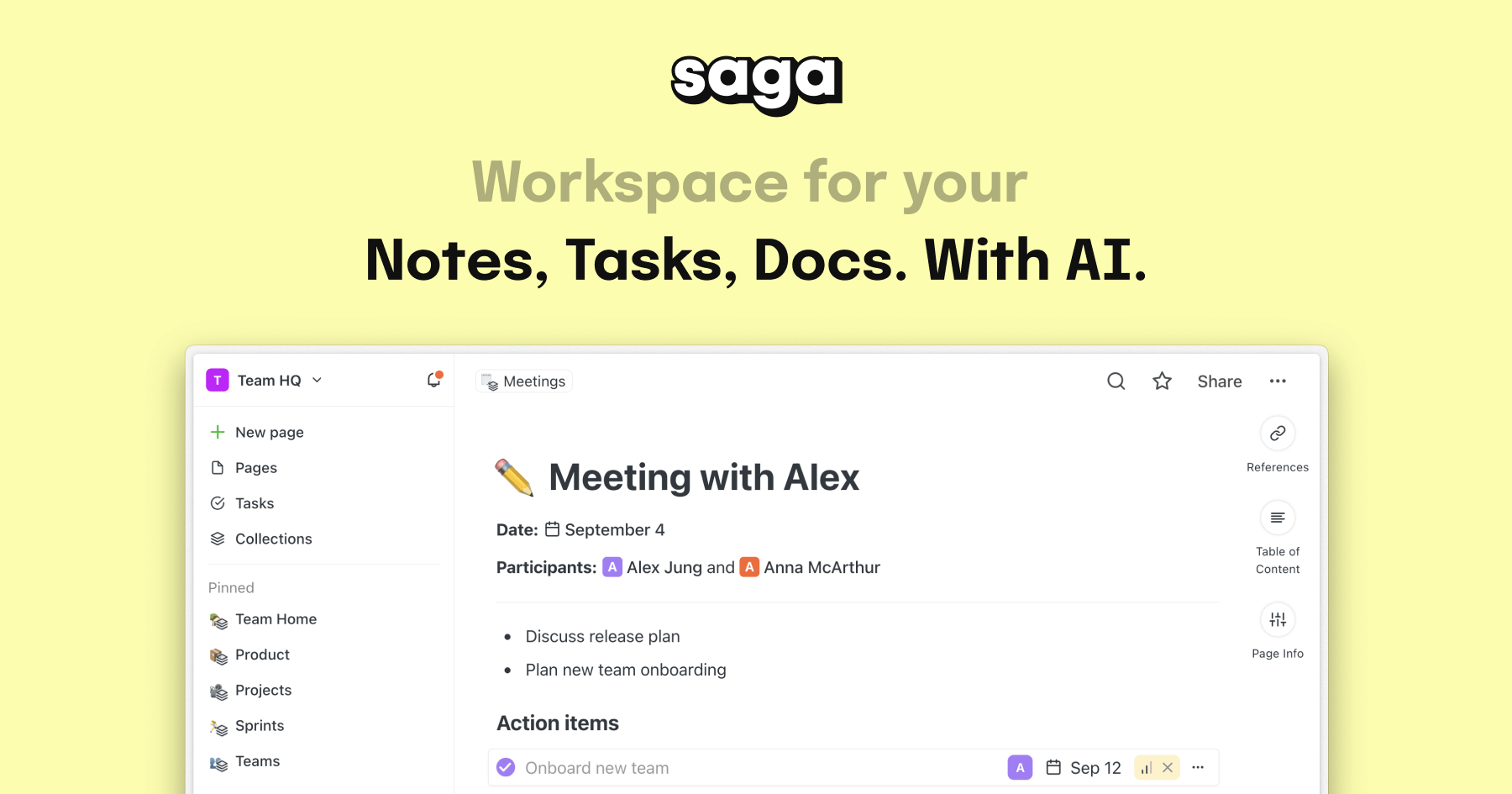
Saga AI: AI-Powered Workspace for Notes, Docs & Tasks
Saga blends notes, documents, and tasks into one collaborative workspace supercharged with AI for writing, summarizing, and answering questions instantly.
Overview
Saga AI is a modern knowledge workspace designed to bring notes, documentation, and task management together under one roof, with AI woven directly into the workflow. Rather than switching between separate apps for writing, planning, and research, teams can generate content, brainstorm ideas, translate text, and summarize information right inside their documents. This tight integration helps individuals and organizations keep their collective knowledge connected and easy to find.
Built with collaboration in mind, Saga supports real-time editing, side-by-side document views for multitasking, and fast interlinking between pages so nothing gets lost in silos. Native integrations with tools like Google Drive and Linear extend its reach into existing workflows, making it a practical hub for everything from meeting notes to project documentation.
Whether you're a student organizing study material, a marketer drafting campaign copy, or a project manager tracking tasks across a growing team, Saga's AI assistant is available throughout to speed up the busywork—so you can focus on the thinking, not the formatting.
Capabilities & Features
- Collaborative workspace
- AI assistant
- Note-taking
- Document management
- Task management
- Knowledge management
- Real-time collaboration
- AI content generation
- Teamwork
- Productivity
Core Features
- AI-powered content generation, translation, and summarization
- Integrated task and to-do management
- Real-time multi-user collaboration
- Fast knowledge interlinking and search across pages
- Side-by-side document viewing for multitasking
- Native integrations with Google Drive and Linear
Use Cases
- Centralizing knowledge management for growing teams
- Capturing and organizing meeting notes
- Tracking tasks and to-dos alongside project documentation
- Drafting and refining marketing copy with AI assistance
- Studying and organizing course material with fast search
Best For
- Individuals
- Small teams
- Mid-sized teams
- Larger organizations
- Project managers
- Product managers
- HR professionals
- Students
- Marketing teams
Pros
- •Combines notes, tasks, and AI assistance in a single workspace
- •Real-time collaboration makes teamwork seamless
- •Fast interlinking and search keep knowledge easy to locate
- •Free plan offers generous features for small teams
- •Useful integrations with popular tools like Google Drive and Linear
Cons
- •Free plan limits AI usage to 5,000 words per month
- •Advanced AI search across tools and the web requires the pricier Business plan
- •Free tier caps workspace membership at 3 people
- •May offer more structure than needed for very simple note-taking needs
How to Use
Start by creating notes, documents, or tasks inside Saga's workspace and organize them using interlinked pages for quick navigation. Use the built-in AI assistant whenever you need help drafting content, translating text, summarizing long documents, or answering questions without leaving your workspace. Open multiple documents side-by-side to reference information while writing or collaborating in real time. Connect tools like Google Drive and Linear to pull existing files and tasks directly into your Saga workspace for a unified workflow.
Frequently Asked Questions
Connect & Contact
Pricing
Saga offers a free plan for small teams of up to 3 with limited AI usage, while paid Standard and Business plans scale from $6 to $15 per member/month depending on billing cycle and feature depth.
Pricing data is provided as a summary. Visit the vendor website for full tier details.