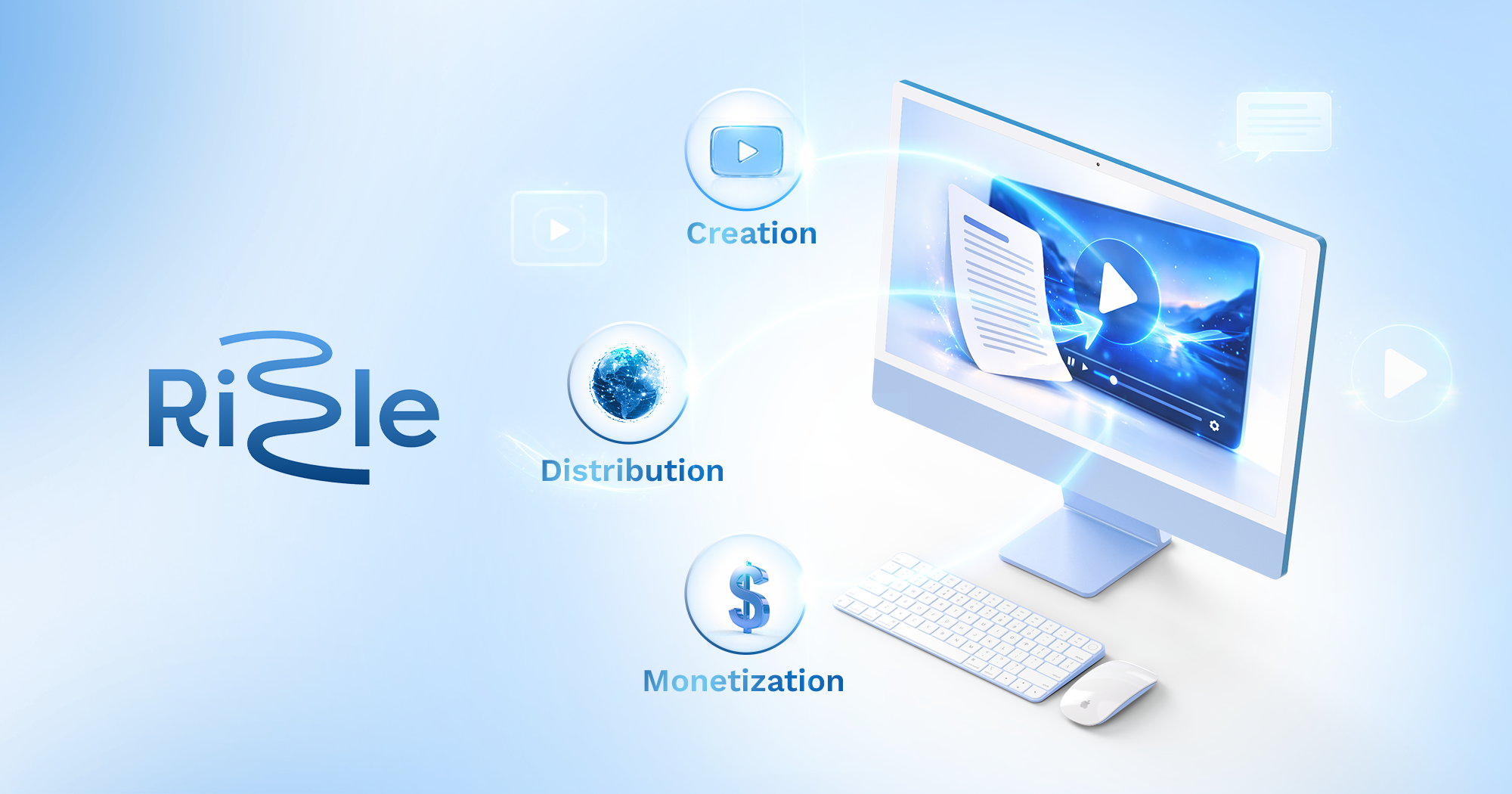
Rizzle AI: Turn Text & URLs Into Videos Instantly
Rizzle AI converts text, blogs, tweets, podcasts, and URLs into polished videos in minutes—no editing skills required.
Overview
Rizzle AI is a text-to-video platform built to eliminate the friction of traditional video production. Instead of learning complex editing software, users simply paste in a blog post, tweet, podcast transcript, or URL, and Rizzle's AI engine automatically generates an engaging, ready-to-share video. This makes it an ideal solution for anyone looking to repurpose existing written or audio content into a more visually compelling format.
Beyond video creation, Rizzle rounds out its offering with tools for the full content lifecycle, including social media distribution, scheduling, and performance analytics. This means creators and teams can generate, publish, and track their video content all within a single ecosystem, saving significant time compared to piecing together multiple separate tools.
With tiered plans supporting everything from solo creators to enterprise publishing teams, Rizzle scales its offering through voice cloning, premium voiceovers, expanded template libraries, and collaborative workflows—making it a flexible option whether you're a hobbyist or managing a high-volume publishing operation.
Capabilities & Features
- AI video creation
- Text to video
- Content marketing
- Social media video
- Video analytics
- Content scheduling
Core Features
- Text to Video AI conversion
- Direct social media distribution
- Built-in content scheduling
- Video performance analytics
- Voice cloning on paid tiers
- Extensive template library (up to 500+ on Enterprise)
Use Cases
- Transforming blog posts into engaging video content
- Creating videos from tweets and social media prompts
- Generating videos from podcast transcripts
- Turning URLs into video summaries
- Scaling video output for teams via collaboration and publishing workflows
Best For
- Content creators
- Marketers
- Publishers
- Social media managers
- Small businesses
Pros
- •No editing skills needed to produce polished videos
- •Supports a wide range of input formats (text, URLs, podcasts, tweets)
- •Built-in scheduling and analytics streamline the full publishing workflow
- •Voice cloning and premium voiceovers add a personalized touch
- •Scales from free individual use to enterprise team collaboration
Cons
- •Free and Starter plans offer only 4 video minutes per month, which may feel limiting
- •Watermark included on the free tier
- •Higher-tier features like voice cloning and expanded templates require paid upgrades
- •Custom pricing for Enterprise may lack transparency for budgeting
How to Use
1. Log into Rizzle and start a new project. 2. Input your source content—paste text, a URL, a tweet, or upload a podcast transcript. 3. Optionally add your own media or select from stock/editorial libraries. 4. Choose a template and voiceover style (or use a cloned voice on paid plans). 5. Let Rizzle's AI automatically generate the video. 6. Review, then publish directly to social platforms or schedule for later, and track performance via built-in analytics.
Frequently Asked Questions
Pricing
Rizzle offers a free plan with basic features and a watermark, with paid tiers starting at $10/month for more minutes, users, and voice cloning, scaling up to a custom-priced Enterprise plan with unlimited usage and dedicated support.
Pricing data is provided as a summary. Visit the vendor website for full tier details.