Remodeled AI: Instant AI Home Remodeling & Staging
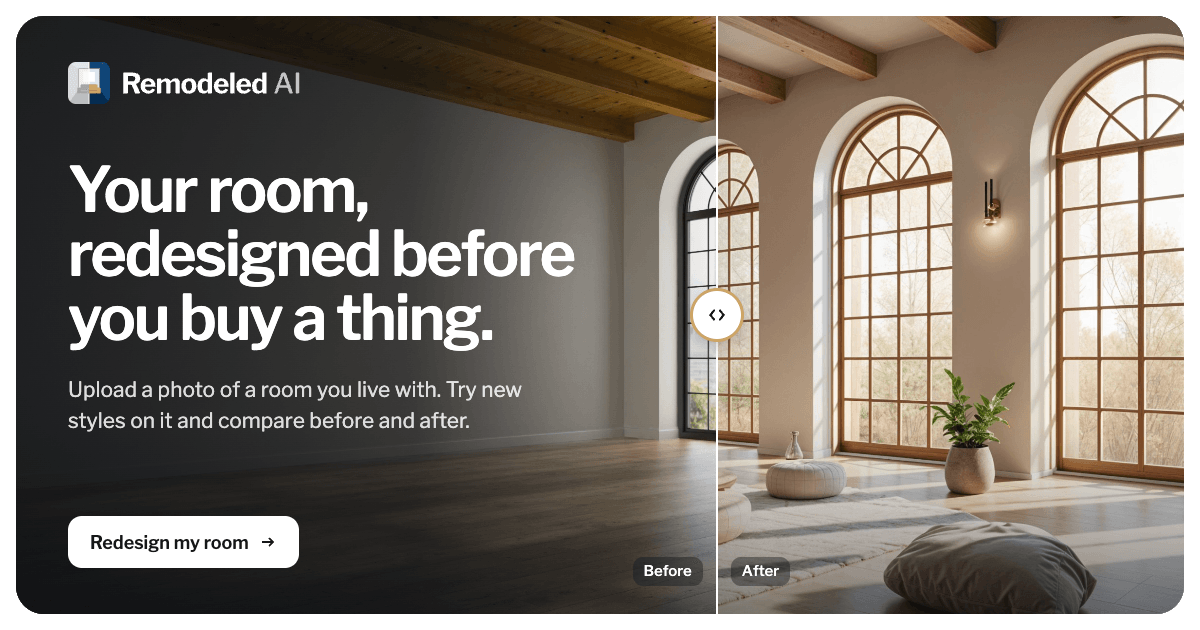
Remodeled AI turns ordinary room photos into photorealistic redesigns in seconds, combining AI remodeling, virtual staging, and clutter removal in one platform.
Overview
Remodeled AI is a generative design platform built for anyone who wants to visualize a space's potential without lifting a hammer. By simply uploading a photo of a room, users can apply different design styles and watch the AI generate stunning, photorealistic renders of what that space could become. Beyond basic remodeling, the platform rounds out its toolkit with virtual staging for empty properties, automatic clutter removal, and image enhancement to polish photos before they ever hit a listing.
What sets Remodeled AI apart is its blend of creative and practical real estate tools. Real estate agents and photographers can stage vacant homes virtually, generate AI-written property descriptions, and clean up photos—all from a single dashboard. Meanwhile, homeowners and interior designers can experiment freely in the AI Design Playground, testing everything from biophilic living rooms to mid-century modern makeovers before committing to a renovation budget. It's a fast, low-risk way to explore design possibilities and bring ideas to life instantly.
Capabilities & Features
- AI remodeling
- Interior design
- Virtual staging
- Home renovation
- AI design
- Image enhancement
- Property listings
Core Features
- AI-powered remodeling with photorealistic results
- Virtual staging for empty or unfurnished spaces
- Automatic clutter removal from photos
- Image enhancement for sharper, more appealing visuals
- AI-generated property descriptions for listings
- AI Design Playground for open-ended experimentation
Use Cases
- Reimagining a living room with a biophilic design theme
- Virtually staging an empty property for a real estate listing
- Cleaning up cluttered photos to boost visual appeal
- Generating polished property descriptions for marketing materials
- Testing mid-century modern concepts before a renovation
Best For
- Interior designers
- Homeowners planning renovations
- Real estate agents
- Property photographers
- Home staging professionals
Pros
- •Generates photorealistic redesigns in seconds, saving design time
- •Combines remodeling, staging, and listing tools in one platform
- •Flexible Playground feature encourages creative experimentation
- •Tiered plans scale from personal hobbyist use to commercial real estate workflows
- •Yearly billing offers substantial savings over monthly plans
Cons
- •Entry-level Basic plan is restricted to personal use only, limiting its value for professionals
- •Credit limits on lower tiers may restrict heavy users
- •Lack of transparency around data storage, photo ownership, and privacy practices
- •Commercial usage license only available starting at the Plus tier
How to Use
Start by uploading a photo of the room you want to transform. Next, choose a design style or theme from the available options. The AI will then process the image and generate a photorealistic redesign within seconds. For more open-ended exploration, head to the Playground to experiment with different styles and room combinations before finalizing your favorite look.
Frequently Asked Questions
Open in AI Studio
Ask our AI to evaluate if Remodeled AI fits your specific workflow.
Connect & Contact
Pricing
Remodeled AI offers three tiers—Basic, Plus, and Pro—starting at $13/month, with Plus and Pro unlocking unlimited fast renders and commercial licensing; annual billing cuts costs significantly, with Basic dropping to $7/month and Pro to $57/month.
Pricing data is provided as a summary. Visit the vendor website for full tier details.