Reclaim AI: Smart Calendar & Scheduling Automation Tool
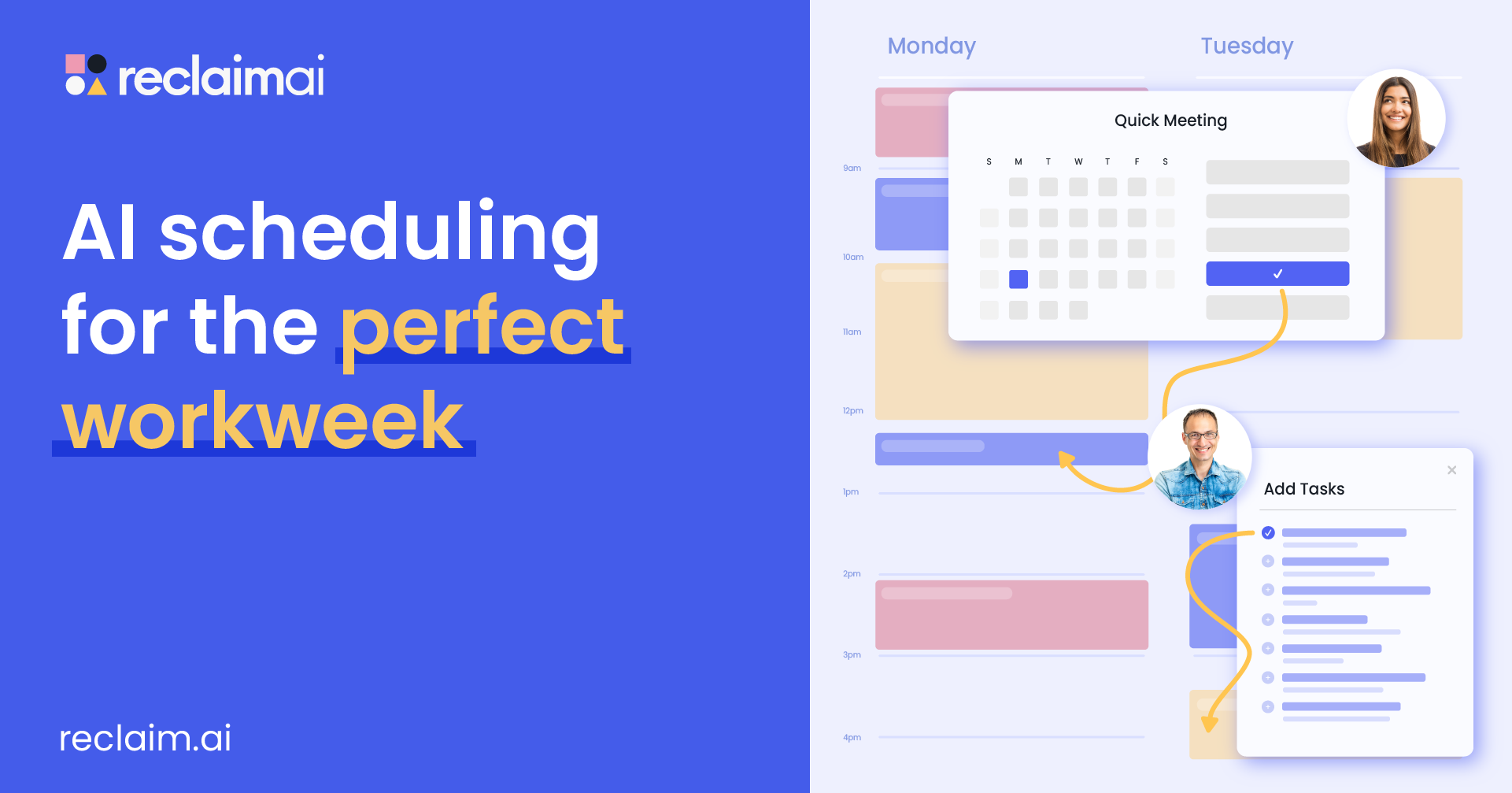
Reclaim AI is a smart calendar assistant that automatically schedules tasks, habits, and meetings to protect your focus time and reclaim your workweek.
Overview
Reclaim AI transforms Google Calendar and Outlook into intelligent scheduling engines that work behind the scenes to organize your day. Rather than manually juggling meetings, tasks, and personal habits, Reclaim's AI analyzes your priorities and automatically slots everything into your calendar—finding time for deep work, recurring habits, and team meetings while adapting in real time as your schedule shifts.
Built for both individuals and teams, the platform goes beyond simple calendar syncing. It offers smart meeting scheduling that finds optimal times across multiple attendees, buffer time to prevent back-to-back burnout, and time tracking analytics that reveal exactly how your hours are spent. Reclaim claims it can free up as much as 40% of a typical workweek by making time management flexible and self-optimizing instead of static and manual.
From executive assistants coordinating complex calendars to engineering teams defending coding time and sales reps automating booking links, Reclaim adapts to a wide range of workflows. Its blend of automation, analytics, and calendar intelligence makes it a compelling upgrade for anyone tired of playing calendar Tetris.
Capabilities & Features
- AI calendar
- Task management
- Scheduling
- Time management
- Productivity
- Automation
- Google Calendar
- Outlook Calendar
- Focus time
- Work-life balance
- Meeting scheduling
- Habit tracking
- Time tracking
- People analytics
Core Features
- AI-driven auto-scheduling for tasks, habits, and meetings
- Smart Meetings that find optimal times across multiple attendees
- Automated buffer time to prevent scheduling burnout
- Two-way calendar sync with Google Calendar and Outlook
- Time tracking and people analytics dashboards
- Scheduling links for fast external meeting booking
Use Cases
- Protecting uninterrupted focus time for deep work
- Reducing burnout by balancing meetings with personal habits and breaks
- Coordinating smart meetings across multiple team members' calendars
- Automating recurring task scheduling without manual calendar edits
- Monitoring team-wide time allocation and productivity trends
Best For
- Individuals seeking better daily productivity
- Teams needing coordinated scheduling
- Executive assistants managing multiple calendars
- Project managers tracking deadlines and tasks
- Sales teams automating meeting bookings
- Engineering teams protecting coding focus time
- Marketing teams planning campaign timelines
- HR teams supporting employee work-life balance
Pros
- •Generous free-forever plan covering core scheduling features
- •Reduces manual calendar management through AI automation
- •Strong integration ecosystem including Slack, Zoom, Asana, and Jira
- •Detailed analytics help teams understand time allocation
- •Scales well from solo users to large enterprise teams
Cons
- •Free Lite plan limits scheduling range to just 3 weeks
- •Advanced features like SSO and webhooks require top-tier Enterprise pricing
- •Monthly Enterprise billing is unavailable, requiring annual commitment
- •Full value depends heavily on team-wide adoption for coordination features
How to Use
1. Connect your Google Calendar or Outlook Calendar to your Reclaim account. 2. Input your tasks, habits, meeting preferences, and priority levels. 3. Let Reclaim's AI automatically build and continuously optimize your schedule, defending focus time and balancing workload. 4. Use scheduling links and smart meeting tools to coordinate with others, and review analytics to track how your time is actually being spent.
Frequently Asked Questions
Connect & Contact
Pricing
Reclaim offers a free-forever Lite plan for individuals, with paid team plans starting at $8/seat/month (annual billing) and scaling up to $18/seat/month for Enterprise-grade controls like SSO and webhooks.
Pricing data is provided as a summary. Visit the vendor website for full tier details.