Raycast: Fast Extendable Launcher for Productivity
Raycast is a lightning-fast, extendable launcher that replaces dozens of apps with one keyboard-driven productivity hub.
Overview
Raycast reimagines the humble app launcher as a full productivity command center. Instead of juggling separate tools for calculations, clipboard history, window management, and quick notes, Raycast puts everything behind a single keyboard shortcut, letting you type your way to almost any task. Its extension ecosystem, built by both Raycast and its community, means the launcher can grow to match your exact workflow, whether that's searching files, controlling apps, or querying AI models.
Built with speed and ergonomics as core principles, Raycast is designed for people who live in their keyboard and hate context-switching. Developers, designers, and engineers in particular benefit from its scriptable commands and developer tooling, while everyday professionals appreciate features like snippets, quicklinks, and an emoji picker that shave seconds off repetitive tasks. With AI now baked directly into the launcher, Raycast also functions as a lightweight assistant for translation, summarization, and quick automation without leaving your current app.
What sets Raycast apart is its balance of raw speed with genuine extensibility—thousands of community-built extensions mean it rarely feels limited, and its free tier is generous enough for solo users while Pro and Team plans unlock cloud sync, unlimited notes, and collaborative extension sharing for organizations.
Capabilities & Features
- Launcher
- Productivity
- Automation
- AI
- Shortcuts
- Extensions
- Clipboard History
- Quicklinks
- Calculator
- Snippets
- Window Management
- Notes
- File Search
Core Features
- Extendable launcher with thousands of community extensions
- Persistent clipboard history manager
- Custom quicklinks and text snippets
- Built-in calculator and unit conversion
- Emoji and symbol picker
- Keyboard-driven window management
- Integrated AI for writing, translation, and automation
- Quick notes for capturing ideas instantly
Use Cases
- Instantly launching apps and running commands without touching the mouse
- Recalling and reusing previously copied text via clipboard history
- Building custom quicklinks for frequently visited sites or files
- Running fast calculations and conversions mid-workflow
- Snapping and resizing windows with keyboard shortcuts
- Using AI to draft, translate, or summarize text on the fly
- Jotting down quick notes without opening a separate app
Best For
- Developers
- Designers
- Engineers
- Productivity enthusiasts
- Remote and hybrid teams
- Power users who prefer keyboard-first workflows
Pros
- •Extremely fast, keyboard-centric interface that reduces context switching
- •Huge library of community and official extensions for endless customization
- •Combines many single-purpose tools (clipboard manager, calculator, notes) into one app
- •Generous free tier that covers core productivity features
- •Team plans support shared snippets, quicklinks, and extensions for collaboration
Cons
- •Advanced AI models require a costly add-on subscription on top of Pro
- •Free plan limits AI messages and notes, pushing frequent users toward paid tiers
- •Primarily built around keyboard shortcuts, which may feel less intuitive for mouse-first users
- •Full value depends on installing and configuring third-party extensions
How to Use
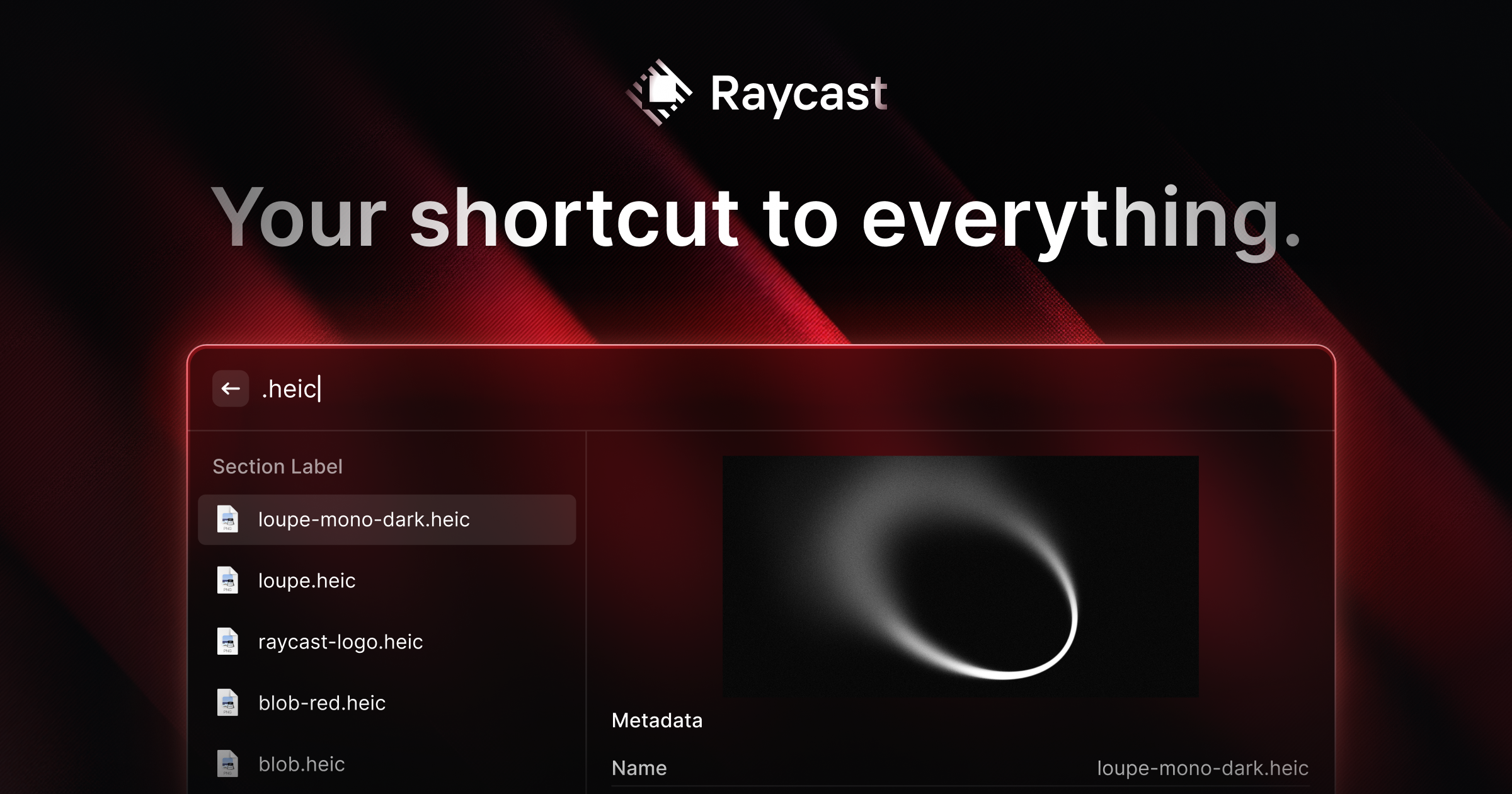
Launch Raycast with your keyboard shortcut and start typing to filter through apps, commands, and extensions. Use built-in commands to search emoji and symbols, browse and paste from clipboard history, look up file locations, define words, or run a quick Google or DuckDuckGo search. Create quicklinks and snippets for repetitive actions, manage open windows with keyboard commands, and tap into Raycast AI for on-the-fly writing help or automation—all without lifting your hands from the keyboard.
Frequently Asked Questions
Connect & Contact
Pricing
Raycast offers a solid free plan with core features and limited AI/notes, while Pro starts at $8/month for unlimited notes, clipboard history, and cloud sync; Advanced AI and Team collaboration plans range from $12 to $20 per user/month.
Pricing data is provided as a summary. Visit the vendor website for full tier details.