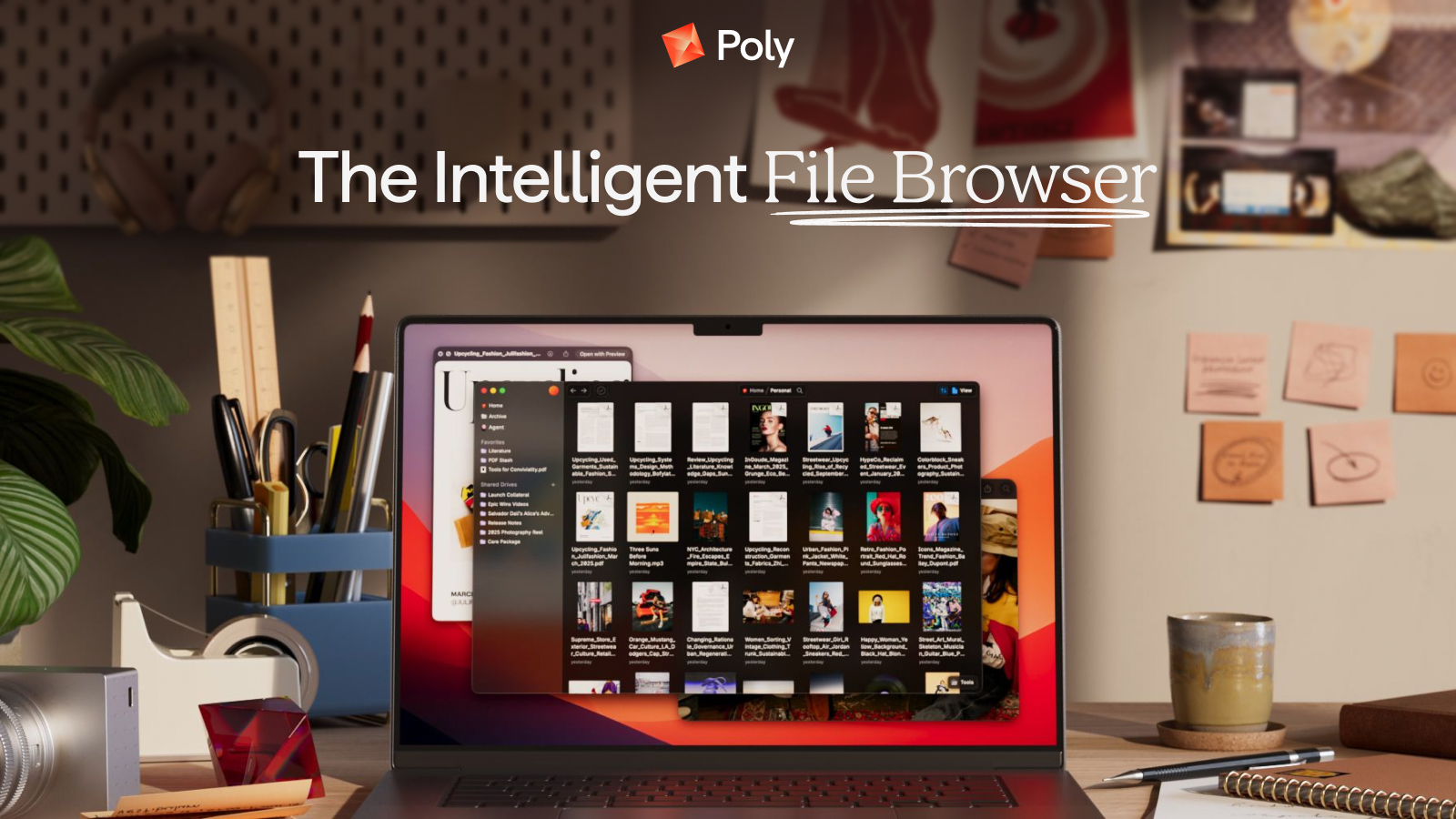
Poly: AI Cloud Image Browser for Smarter File Search
Poly is an AI-powered cloud image browser that lets you search, organize, and share massive media libraries using natural language.
Overview
Poly reimagines how creators manage visual content in the age of generative AI. Instead of scrolling endlessly through folders, Poly uses multimodal AI to understand the actual contents of your files, letting you search by natural language, file type, or a mix of both to instantly surface exactly what you need. Whether you're sifting through thousands of AI-generated images or a growing library of design assets, Poly turns chaotic file storage into a fast, intuitive browsing experience.
Beyond search, Poly is built for speed and flow. Lightning-fast previews with pan and zoom, a waterfall view for scanning huge collections, and customizable layout modes make navigating large libraries feel effortless. Collaboration is baked in too, with real-time public sharing, desktop notifications, notes, tagging, and split-view comparisons that keep teams aligned without leaving the app.
For anyone deep in generative workflows, Poly adds a browser plugin that auto-imports outputs straight from generative tools, plus folder drag-and-drop and batch actions to keep libraries tidy without manual busywork. It's a purpose-built home for the flood of images and media that modern creative and research work produces.
Capabilities & Features
- Cloud storage
- Image browser
- AI search
- File management
- Collaboration
- Generative AI
- Media organization
- Digital asset management
Core Features
- Multimodal AI search using natural language and file types
- Customizable layout modes with a waterfall view for large libraries
- Lightning-fast image previews with pan & zoom
- Public sharing with real-time updates and desktop notifications
- Browser plugin for auto-importing from generative AI tools
- Notes, tagging, split view, and batch actions for organization
Use Cases
- Organizing and searching massive collections of images and generative AI outputs
- Sharing curated file collections with clients or teams via real-time public links
- Quickly previewing, tagging, and annotating files with metadata
- Streamlining generative AI workflows with auto-import from creative tools
- Comparing multiple images side by side using split view
Best For
- Photographers
- Designers
- Content creators
- Researchers
- Marketing teams
- Generative AI users
Pros
- •AI-powered natural language search saves time hunting through folders
- •Fast, smooth previews with pan & zoom for handling large files
- •Built-in collaboration tools like real-time sharing and notifications
- •Browser plugin automatically imports content from generative AI tools
- •Batch actions and drag-and-drop simplify managing huge libraries
Cons
- •Currently gated behind a waitlist, limiting immediate access
- •No publicly listed pricing, making budgeting difficult upfront
- •Cloud-based storage may raise concerns for users needing offline access
- •Feature-rich interface may have a learning curve for new users
How to Use
Join the Poly waitlist to request access. Once approved, upload your images and media files to the cloud platform. From there, use natural language search or filter by file type to locate content instantly, switch between layout modes and the waterfall view to browse visually, and apply tags or notes to keep files organized. Use split view to compare files side by side, drag and drop folders to import in bulk, and share collections publicly with real-time updates when collaborating with others.
Frequently Asked Questions
Pricing
Pricing details have not been publicly disclosed; access currently requires joining a waitlist.
Pricing data is provided as a summary. Visit the vendor website for full tier details.