PicWish: AI Photo Editor for Background Removal & More
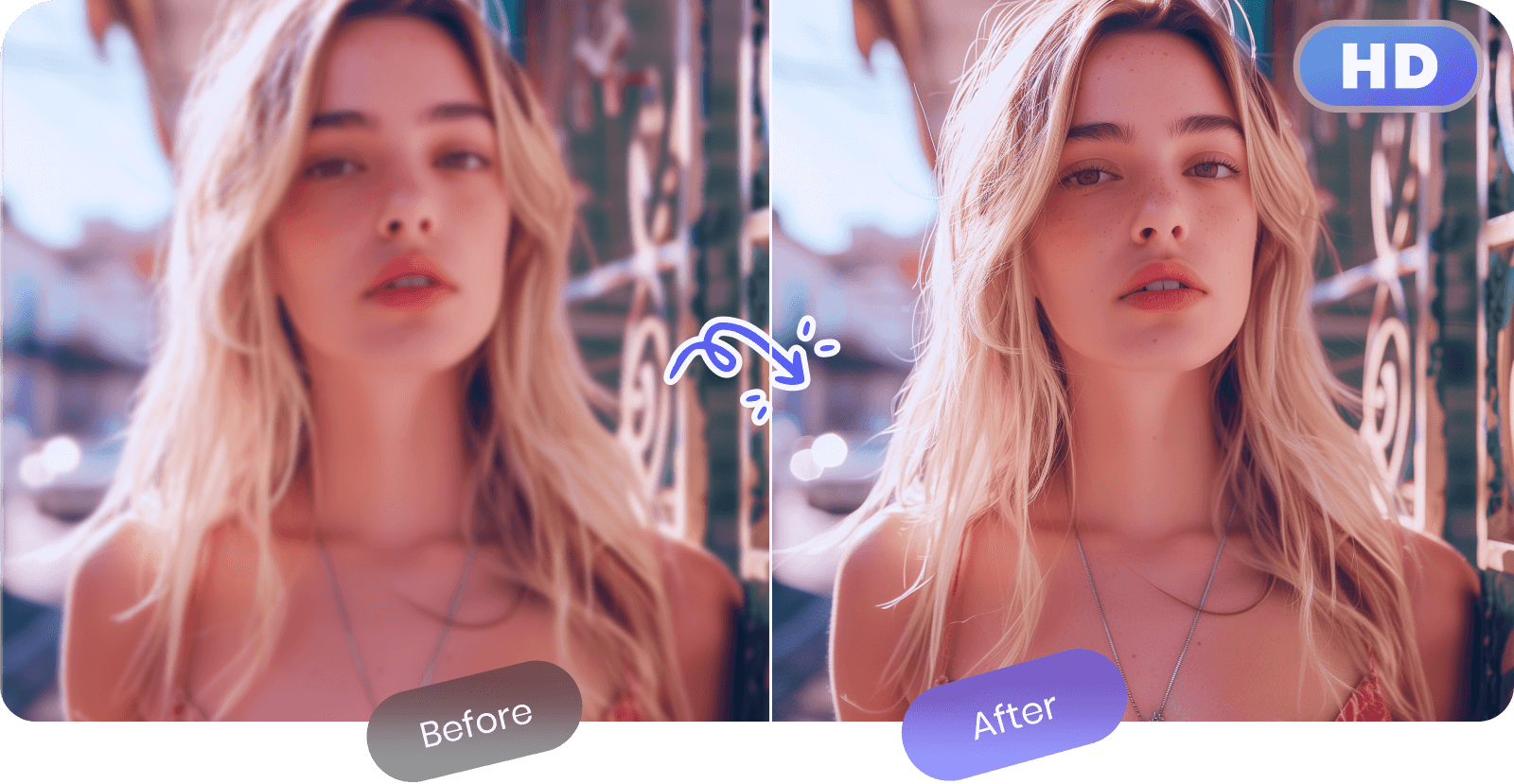
PicWish is an AI-powered photo editor that removes backgrounds, unblurs images, and erases watermarks in seconds. It's built for both casual users and developers needing batch-ready editing power.
Overview
PicWish is a free, AI-driven online photo editing suite designed to strip away the complexity of traditional editing software. Instead of fiddling with layers and masks, users can rely on intelligent automation to remove backgrounds, sharpen blurry images, extend canvas sizes, and translate on-image text with just a few clicks. The platform balances accessibility with power, offering both a no-cost tier for casual edits and robust paid plans for high-volume professional use.
What sets PicWish apart is its versatility across use cases—from e-commerce sellers needing clean product shots to social media managers batch-processing dozens of images at once. Its bulk watermark removal and batch processing tools save significant time for anyone handling large photo libraries, while the AI background generator adds a creative layer for users who want more than just a plain white backdrop. With API access also available, PicWish extends beyond individual users into the developer space, making it a flexible tool for integrating automated image editing into larger workflows.
Capabilities & Features
- AI photo editor
- Background removal
- Image enhancement
- Photo retouching
- Watermark removal
- Image translator
- Online photo editor
- Batch processing
- AI image generator
Core Features
- AI Background Removal for instant, clean cutouts
- AI Image Enhancement to fix blur and low resolution
- AI Image Translator for converting text within photos
- AI Image Extender to expand canvas and backgrounds seamlessly
- Bulk Watermark Removal for processing multiple images at once
- Batch Processing to handle large volumes of photos efficiently
Use Cases
- Creating polished, background-free product photos for online stores
- Restoring and sharpening blurry personal or professional photographs
- Translating foreign-language text embedded in images
- Expanding image dimensions for social media banners or ads
- Stripping watermarks from bulk image sets for cleaner presentation
Best For
- E-commerce businesses
- Photographers
- Social media managers
- Graphic designers
- Marketing professionals
- Individuals needing quick, everyday photo edits
Pros
- •Wide range of AI tools covering background removal, enhancement, translation, and more
- •Batch processing saves significant time on large image sets
- •Flexible pricing with both subscription and pay-as-you-go credit options
- •Mobile apps provide full feature access on iOS and Android
- •Free tier allows users to test tools before committing to a paid plan
Cons
- •Free plan limits downloads to Non-HD quality
- •Credit-based system can become costly for heavy users on Pay-As-You-Go
- •Advanced generative tools consume credits faster than standard edits
- •Weekly and monthly Pro plans are pricier per month than the yearly option
How to Use
1. Visit the PicWish website or download the mobile app. 2. Choose the tool you need, such as Background Removal, Image Enhancement, or Watermark Removal. 3. Upload a single image or multiple files for batch processing. 4. Let the AI process the image automatically. 5. Preview the result, make adjustments if needed, and download—HD downloads require a Pro or Pay-As-You-Go plan.
Frequently Asked Questions
Connect & Contact
Pricing
PicWish offers a free plan with limited Non-HD downloads, plus Pro subscriptions starting at $4.99/mo (billed yearly) for 50 HD downloads and 450 monthly credits. Pay-As-You-Go credit packs are also available, scaling from $12.99 for 300 credits down to $0.008 per credit at the highest 80,000-credit tier.
Pricing data is provided as a summary. Visit the vendor website for full tier details.