Pickaxe: No-Code AI App Builder for Teams & Creators
Pickaxe lets anyone build, embed, and monetize custom AI-powered tools without writing code, turning prompts into shareable apps in minutes.
Overview
Pickaxe is a no-code platform designed to democratize AI app creation, letting prompt engineers, educators, and businesses transform prompts into fully functional AI tools without touching a line of code. Through its visual builder, users can craft custom AI widgets, train them on proprietary documents and expertise, and deploy them directly into websites, dashboards, or internal workflows—closing the gap between raw generative AI and everyday end users.
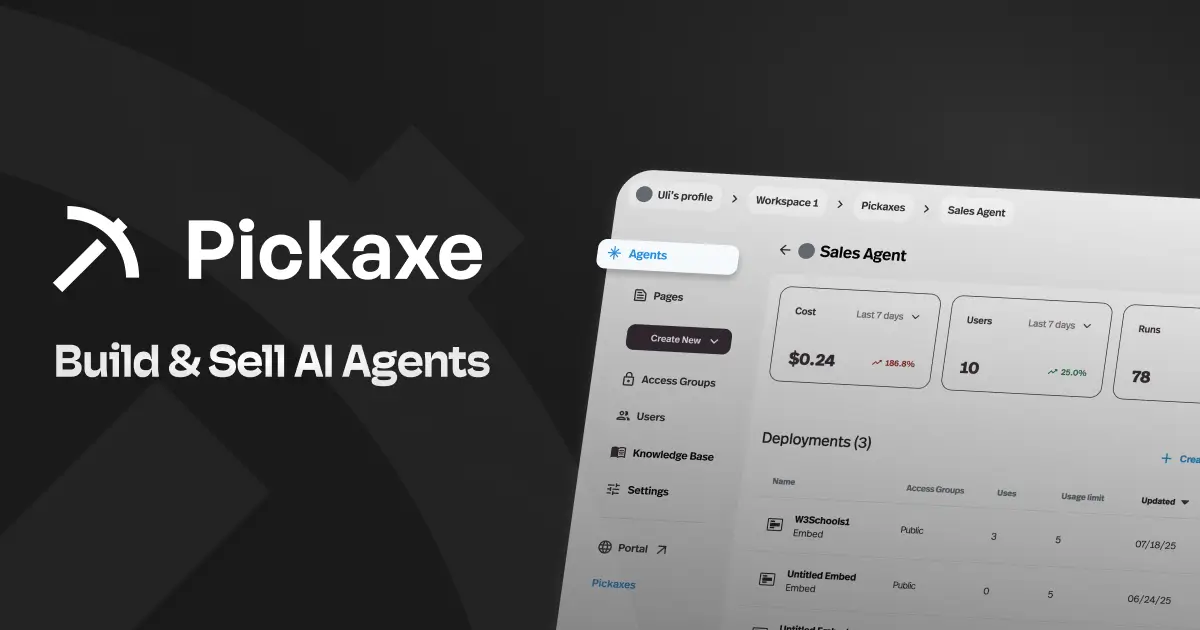
Beyond simple app creation, Pickaxe offers a full management layer: performance dashboards to track usage, templates to speed up development, and an AI Studio for organizing multiple tools under one roof. Whether you're automating spreadsheet tasks, coding qualitative research data, or building a suite of GPT-4-powered features for an online course, Pickaxe gives non-technical creators the infrastructure to scale AI experiences across an entire organization—and even monetize them through built-in Stripe subscription support.
Capabilities & Features
- No-code AI
- AI app builder
- Prompt engineering
- AI tools
- GPT-4
- AI automation
- AI chatbot
- AI Studio
- AI Embeddings
- AI Training
Core Features
- Visual no-code AI app builder
- One-click embeddable AI widgets for websites and dashboards
- Custom AI training using your own documents and data
- Centralized dashboard for sharing, managing, and tracking tools
- Prompt engineering tools including an Automatic AI Builder
- AI Studio for bundling and monetizing multiple tools
Use Cases
- Embedding GPT-4-powered chat tools directly into a business website
- Training a support assistant on internal company documents and FAQs
- Building interactive AI features for online courses or digital products
- Automating repetitive data-entry tasks inside Google Sheets
- Coding and categorizing qualitative research data at scale
Best For
- Prompt engineers
- Online course creators
- Website developers
- Small businesses and startups
- Educators and trainers
- Academic researchers
- Data analysts
- Content creators
Pros
- •No coding skills required to launch functional AI tools
- •Flexible embedding options for websites, dashboards, and blogs
- •Built-in monetization via Stripe-powered subscriptions
- •Dashboard analytics help refine and improve tool performance
- •Option to connect a personal OpenAI API key for near-unlimited usage
Cons
- •Credit-based system can get costly for high-traffic embedded tools
- •No dedicated enterprise tier for larger custom deployments
- •Effectiveness of tools depends heavily on prompt-writing skill
- •Learning curve exists for optimizing AI training with custom data
How to Use
1. Sign up and choose a template or start from scratch using the visual prompt-framing builder.
2. Design your AI tool's logic and, if needed, upload documents or data to train it on specific expertise.
3. Test the tool using credits to refine its prompts and outputs.
4. Click 'embed' on your dashboard to generate a customizable widget for your website or internal platform.
5. Organize multiple tools into a Studio, optionally enabling subscription payments via Stripe.
6. Monitor usage and performance through the dashboard, iterating on prompt design to improve results over time.
Frequently Asked Questions
Connect & Contact
Pricing
Pickaxe offers a free tier for basic no-code AI widgets, with paid plans from $23/month (Gold) to $77/month (Pro) for more advanced, scalable tooling, plus pay-as-you-go credit top-ups starting at $5.
Pricing data is provided as a summary. Visit the vendor website for full tier details.