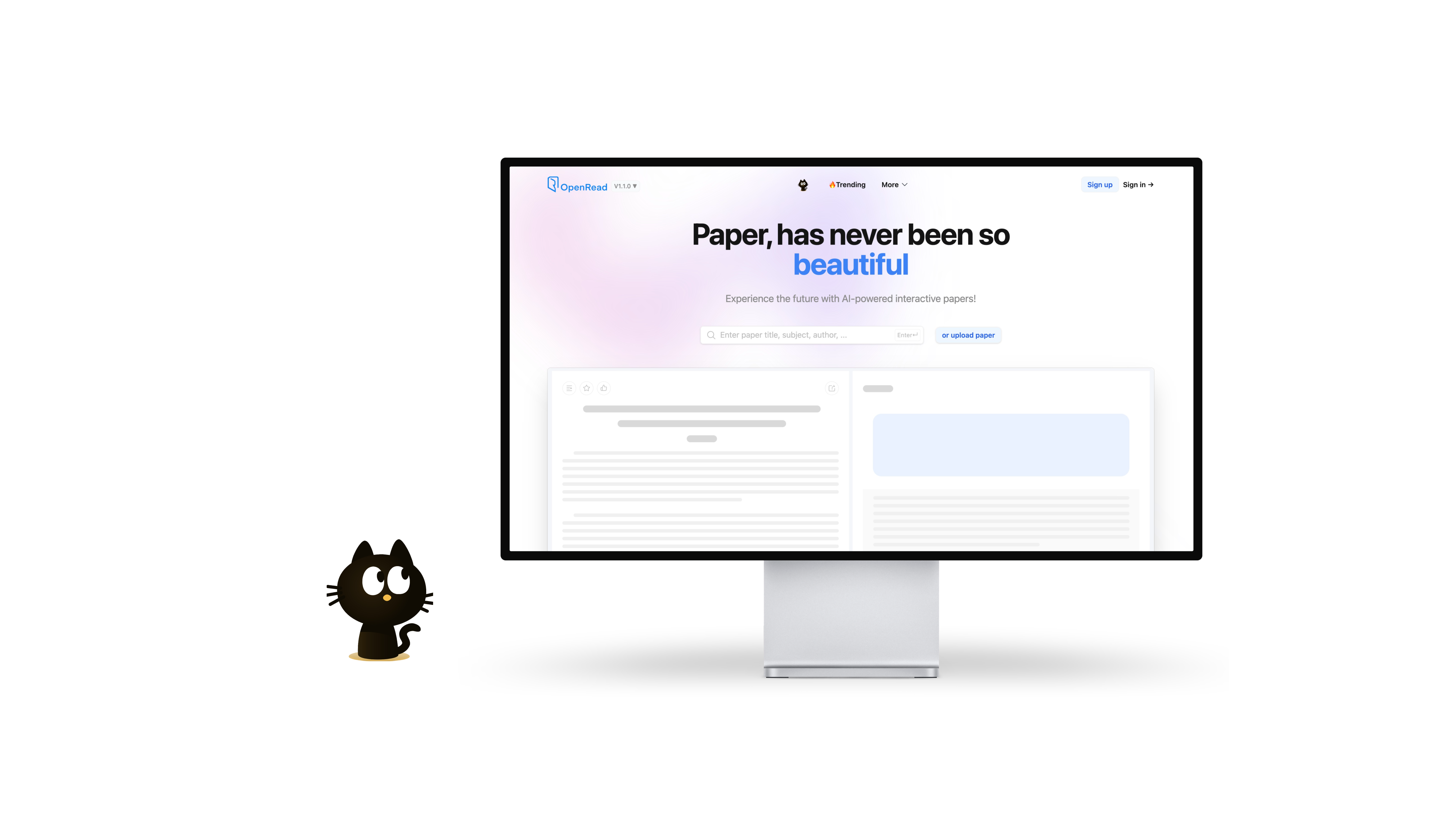
OpenRead: AI Tool for Interactive Scientific Paper Analysis
OpenRead uses AI to turn dense scientific PDFs into interactive papers, letting researchers summarize, question, and navigate studies in minutes instead of hours.
Overview
OpenRead reimagines how researchers, students, and academics engage with scientific literature. Instead of slogging through pages of dense text, users can upload a PDF and instantly unlock AI-powered tools like Paper Espresso, which generates concise literature reviews, and Paper Q&A, which answers specific questions about the paper's content on demand. This turns static documents into dynamic, searchable knowledge sources.
Beyond summarization, OpenRead's Extensive Reading Mode helps users grasp a paper's core contributions quickly, while its AI-driven extraction of figures, formulas, and tables creates hyperlinked, interactive elements throughout the document. A robust notes system with backlinks supports deep research organization, and an in-development low-code paper editor aims to streamline the writing process itself. Combined with an emerging research community and seminar series, OpenRead positions itself as an all-in-one hub for reading, understanding, and producing academic work.
Whether you're conducting a systematic literature review, prepping for a thesis defense, or just trying to stay current in your field, OpenRead's blend of AI comprehension tools and organizational features is designed to compress hours of reading into minutes of focused insight.
Capabilities & Features
- AI
- Scientific papers
- Research
- Literature review
- Note-taking
- Paper drafting
- PDF analysis
- Interactive papers
- NLP
- Research community
Core Features
- Paper Espresso for AI-generated literature review summaries
- Paper Q&A for instant, specific answers about a paper's content
- Extensive Reading Mode to absorb core value in minutes
- Interactive Figures with AI-extracted, hyperlinked tables and formulas
- Powerful notes system with backlinks and outgoing links
- Low-code paper editor for drafting original research (in development)
Use Cases
- Rapidly summarizing dense academic papers before a deep read
- Generating literature review drafts for research projects
- Locating and referencing specific figures, formulas, or tables
- Building an organized, interlinked archive of research notes
- Drafting new papers with a low-code writing interface
- Engaging with peers through community seminars and discussions
Best For
- Researchers
- Graduate students
- Academics
- Scientists
- Literature review authors
Pros
- •Drastically cuts down time needed to digest scientific papers
- •Q&A feature removes need to manually search for specific details
- •Interactive figures and tables make data easier to reference
- •Notes system with backlinks supports deep, connected research organization
- •Institutional plan offers SSO and admin controls for larger teams
Cons
- •Free plan caps AI features at just 5 uses per month
- •Low-code paper editor and research community are still under development
- •Heavy reliance on AI summaries may risk missing nuanced context in original text
- •Refund policy is strict and excludes several common cancellation reasons
How to Use
Start by uploading or pasting a scientific paper into OpenRead. Run Paper Espresso to get an AI-generated summary of the core findings, or use Paper Q&A to ask targeted questions about the content. Switch to Extensive Reading Mode to quickly absorb the paper's key value without reading it cover to cover. Click on embedded hyperlinks to interact with figures, formulas, and tables directly. Use the built-in notes system with backlinks to capture insights and connect them across your research library.
Frequently Asked Questions
Connect & Contact
Pricing
OpenRead offers a free tier with limited monthly AI usage, a Basic plan at $5/month with expanded limits, and a Premium plan at $20/month for unlimited access, plus a $200-per-seat annual institutional plan with SSO and admin tools.
Pricing data is provided as a summary. Visit the vendor website for full tier details.