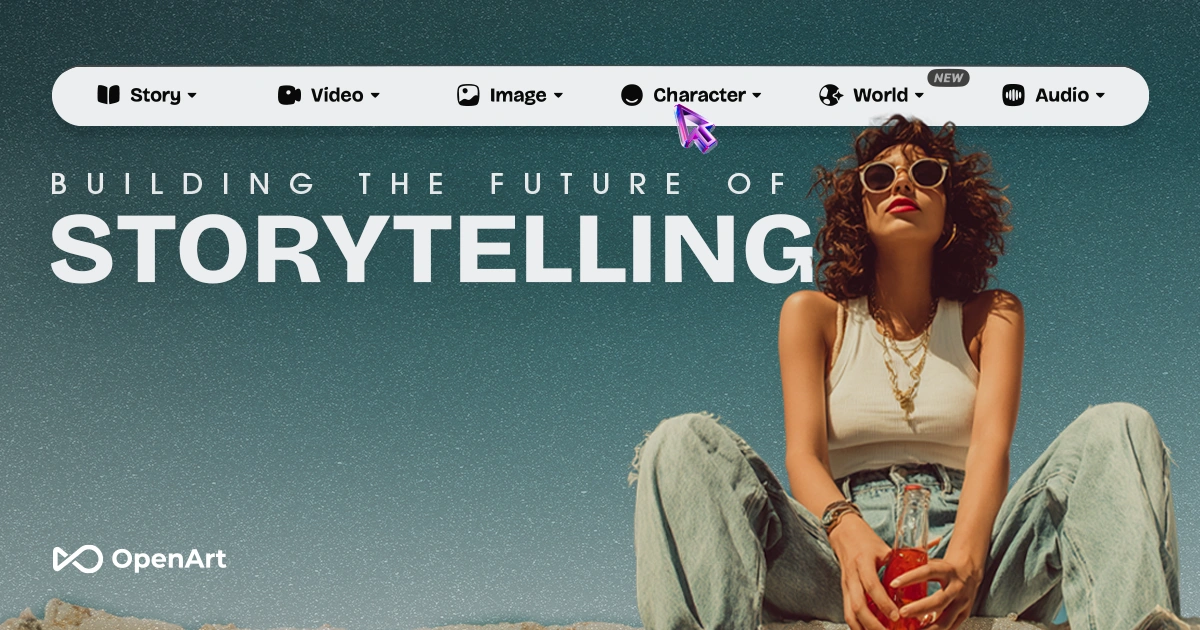
OpenArt: AI Image Generator with 10M+ Prompts
OpenArt is an all-in-one AI art platform combining DALL·E 2, Midjourney, and Stable Diffusion with powerful editing tools like ControlNet, inpainting, and image-to-video conversion.
Overview
OpenArt brings together the most popular AI image generation models—DALL·E 2, Midjourney, and Stable Diffusion—into a single creative workspace, giving artists and creators the flexibility to experiment across different engines without juggling multiple platforms. Beyond simple text-to-image generation, the tool offers a deep toolkit including img2img transformations, ControlNet for precise composition control, inpainting for targeted edits, and specialized face/anime upscaling for polished results.
What sets OpenArt apart is its massive library of over 10 million community prompts, making it easy to discover proven prompt formulas and remix them for your own projects. Advanced users can go further by training personalized models tailored to their unique style or subject matter, while newer creative modes like sketch-to-image, image-to-video, and real-time drawing open up fresh workflows for concept art, animation previews, and rapid ideation.
Whether you're generating game assets, designing AI avatars, or exploring anime-style artwork, OpenArt's breadth of tools makes it a flexible hub for both casual experimentation and serious production work.
Capabilities & Features
- AI art generator
- AI image generator
- Anime AI generator
- AI avatar generator
- AI generated art
- AI generated gaming assets
- Text to image
- Image to image
- Stable Diffusion
- Midjourney
- DALL·E 2
- ControlNet
- Inpainting
- Upscaling
- Model training
Core Features
- Multi-model AI image generation (DALL·E 2, Midjourney, Stable Diffusion)
- Massive searchable library of 10M+ community prompts
- Advanced editing tools: img2img, ControlNet, and inpainting
- Face and anime enhancement with upscaling
- Personalized model fine-tuning and training
- Sketch-to-image, image-to-video, and real-time drawing modes
Use Cases
- Generating AI art from text prompts
- Creating anime-style character designs
- Upscaling and enhancing existing images or artwork
- Producing gaming assets and concept art
- Designing custom AI avatars
- Training a personalized model for consistent brand or style output
Best For
- Artists
- Designers
- Content creators
- Game developers
- Anime enthusiasts
- Marketing professionals
Pros
- •Access to multiple top-tier AI models in one platform
- •Huge prompt library speeds up ideation and learning
- •Advanced editing tools like ControlNet and inpainting offer precise control
- •Supports personalized model training for unique styles
- •Free tier available with trial credits to test the platform
Cons
- •Terms around commercial use and NSFW content are not clearly documented
- •Advanced features like model training may require a learning curve for beginners
- •Higher-tier plans needed to unlock full creative potential and volume production
- •Quality can vary depending on which underlying model is selected
How to Use
1. Sign up for a free OpenArt account to get started with basic models and trial credits. 2. Choose a tool—txt2img, img2img, ControlNet, or inpainting—based on your creative goal. 3. Enter a text prompt or upload a reference image to guide the AI. 4. Adjust settings and generate your image, then refine using upscaling or face/anime enhancement tools. 5. Explore the 10M+ prompt library for inspiration or remix existing prompts. 6. Train a personalized model for consistent style across future creations. 7. Join the OpenArt Discord community to earn additional trial credits and connect with other creators.
Frequently Asked Questions
Connect & Contact
Pricing
OpenArt offers a free plan with trial credits for beginners, plus three paid tiers—Essential ($7), Advanced ($14.5), and Infinite ($28)—scaling up from basic editing tools to high-volume production and full feature access.
Pricing data is provided as a summary. Visit the vendor website for full tier details.