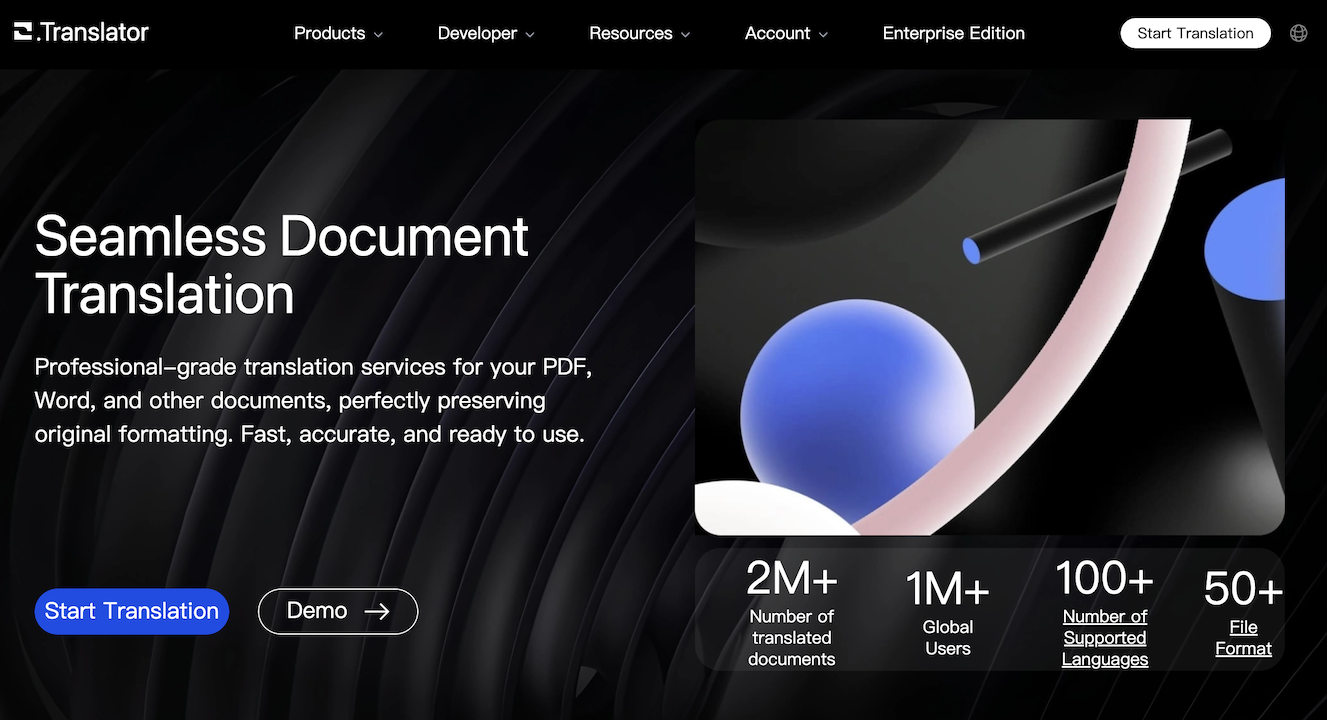
Office Translator: AI Document Translation, Format Intact
Office Translator uses advanced AI to translate PDFs, DOCX, PPTX, and more while perfectly preserving the original document layout and formatting.
Overview
Office Translator is an AI-driven document translation platform built for anyone who needs accurate, fast translations without the hassle of reformatting afterward. Rather than dumping translated text into a blank page, it intelligently reconstructs your document—tables, images, fonts, and layouts included—across formats like PDF, DOCX, XLSX, PPTX, and EPUB. With support for over 80 languages and access to top-tier AI models, it's designed to handle everything from dense legal contracts to academic papers and marketing decks.
What sets this tool apart is its flexibility and transparency. Users can preview translations for free before committing to a purchase, choose from a lineup of leading AI models (including Gemini, Claude, GPT, and DeepSeek variants), and even run OCR on scanned PDFs that would otherwise be untranslatable. Add in API access for developers and collaborative features for teams, and Office Translator positions itself as a serious tool for businesses, educators, legal professionals, and international organizations looking to scale multilingual content without sacrificing document integrity.
Capabilities & Features
- AI translation
- Document translation
- PDF translation
- DOCX translation
- EPUB translation
- Machine translation
- Layout preservation
- OCR
- API
- Localization
- Internationalization
Core Features
- AI-powered translation that preserves original document layout and formatting
- Broad format support including PDF, DOCX, XLSX, PPTX, and EPUB
- Coverage for 80+ languages
- Free preview before any payment is required
- OCR capability for translating scanned PDFs
- Team collaboration tools and developer API access
Use Cases
- Translating legal contracts and compliance documents
- Localizing product manuals and technical documentation
- Converting academic papers for international publication
- Internationalizing website content and marketing materials
- Translating EPUB files for global readership
Best For
- Businesses expanding into international markets
- Academic institutions and researchers
- Legal professionals handling multilingual documents
- Content creators and marketers
- Organizations with distributed international teams
- Developers integrating translation via API
Pros
- •Preserves complex formatting across many file types, saving manual rework
- •Access to multiple premium AI models lets users balance cost and quality
- •Free preview reduces risk of paying for unsatisfactory translations
- •Wide language coverage supports truly global use cases
- •OCR support extends usability to scanned and image-based documents
Cons
- •Pay-per-use pricing based on word count could add up for large-volume projects
- •Higher-tier AI models (like GPT-4) come at a premium cost
- •Files are only retained for about 10 days, requiring prompt downloads
- •No published flat-rate or subscription pricing tiers listed
How to Use
1. Upload your document (PDF, DOCX, XLSX, PPTX, EPUB, and more are supported). 2. Select your source and target languages from the 80+ options available. 3. Pick an AI translation model based on your accuracy and budget needs. 4. Preview the translation for free to check quality before paying. 5. Once satisfied, complete payment to download the fully translated document with original formatting intact.
Frequently Asked Questions
Open in AI Studio
Ask our AI to evaluate if Office Translator fits your specific workflow.
Pricing
Office Translator uses a pay-as-you-go credit system, where roughly 8 points (about $1) translates 20,000 words using GPT-4oMini, with a $1.95 minimum order; premium models like GPT-4 cost more per translation.
Pricing data is provided as a summary. Visit the vendor website for full tier details.