JotBot AI: Write Faster with AI-Powered Research & Edits
JotBot AI is a writing assistant that learns your voice, finds and cites sources, and helps you draft and edit content dramatically faster.
Overview
JotBot AI is designed to eliminate the two biggest bottlenecks in writing: research and editing. By learning to mimic your personal writing style, it generates drafts that sound like you, not a generic chatbot, while handling the tedious work of finding credible sources and citing them automatically. Writers can stay focused on ideas instead of getting bogged down in formatting references or hunting for the perfect phrase.
Beyond drafting, JotBot acts as an in-document collaborator. Users can chat directly with JotBot for research, writing, or editing support, or even converse with their own sources — PDFs, websites, or raw text — to extract summaries, clarify points, or ask targeted questions. Combined with AI Autocomplete and command-based editing, JotBot turns the writing process into a fluid, assisted workflow rather than a solitary grind.
Built for writers, students, teams, and researchers, JotBot positions itself as a full-spectrum writing partner rather than a single-purpose tool. Its blend of style-matching, source management, and conversational AI assistance aims to make writing not just faster, but more accurate and less isolating.
Capabilities & Features
- AI Writing Assistant
- AI Essay Writer
- AI Source Finder
- AI Outline Generator
- Writing Tool
- Research Tool
- Editing Tool
- Document Assistant
Core Features
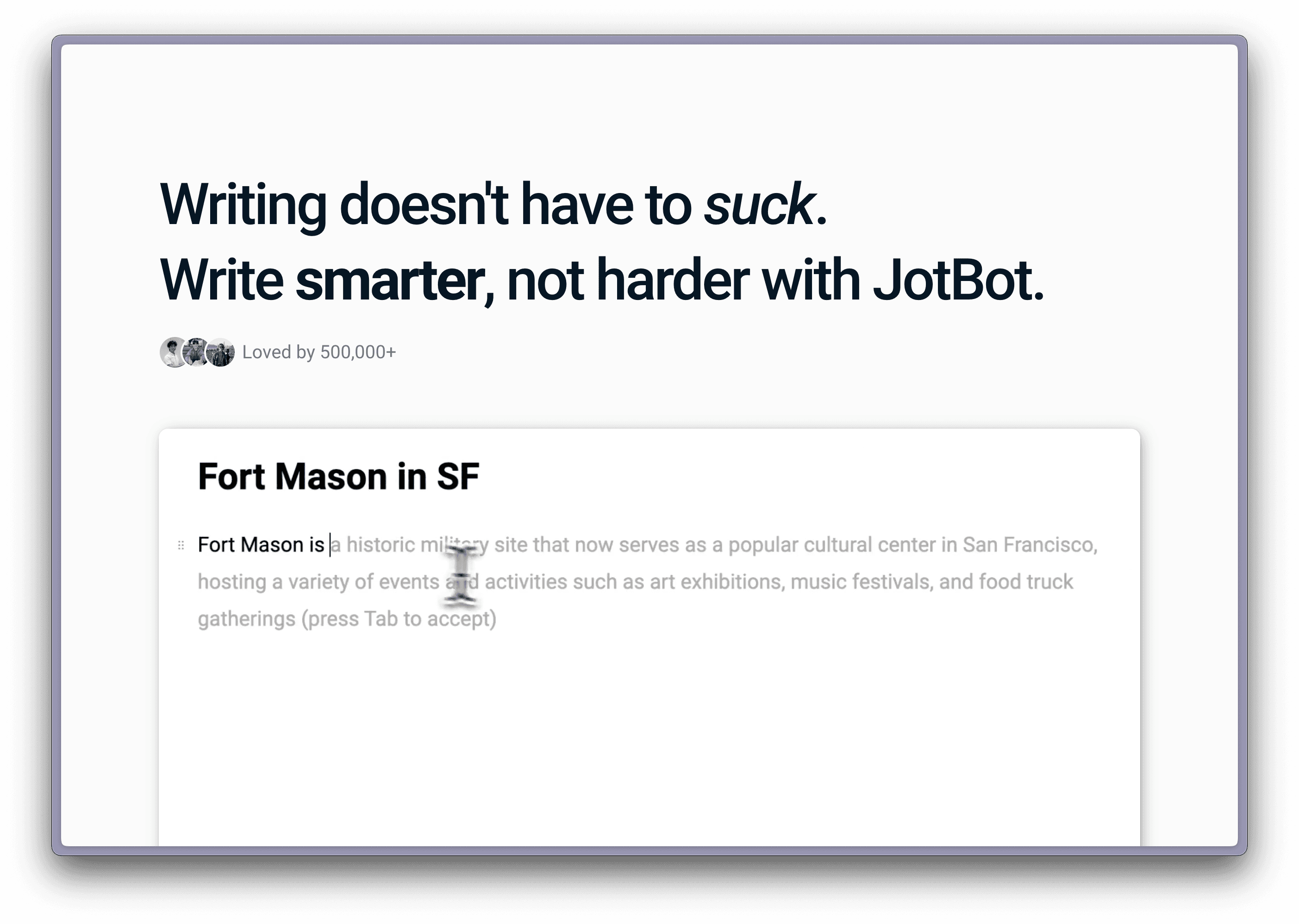
- AI Autocomplete for faster writing
- Automatic source finding and citation
- Draft generation that mimics your personal voice
- In-document AI chat for research and editing help
- AI command-based writing and editing tools
- Chat with sources (PDFs, websites, text) for summaries and Q&A
Use Cases
- Drafting essays, articles, or reports in your own writing style
- Quickly finding and citing credible sources for academic or professional work
- Getting instant editing suggestions without leaving your document
- Summarizing lengthy PDFs or websites before citing them
- Collaborating with a team on research-heavy writing projects
Best For
- Writers
- Students
- Teams
- Researchers
Pros
- •Learns and replicates your personal writing voice
- •Saves time by automating source discovery and citation
- •Offers in-document chat so you never have to switch tools
- •Lets you interrogate your own sources for faster comprehension
- •Combines autocomplete, editing, and research in one workflow
Cons
- •Credit-based system may limit heavy daily use
- •Quality of style-matching may vary depending on available writing samples
- •Reliance on AI-sourced citations still requires manual verification for accuracy
- •No transparent pricing tiers listed, making cost planning difficult
How to Use
Open your document and prompt JotBot to generate text or make revisions directly inline. Use the chat feature within your document to ask for research, writing, or editing help. You can also upload or link sources — PDFs, websites, or text — and chat with them to get summaries, ask questions, or clarify key points before incorporating them into your draft.
Frequently Asked Questions
Connect & Contact
Pricing
Pricing details aren't publicly listed, but JotBot operates on a daily credit system (refreshing every 24 hours) where actions like document edits, outlines, drafts, and video summaries each consume a different number of credits.
Pricing data is provided as a summary. Visit the vendor website for full tier details.