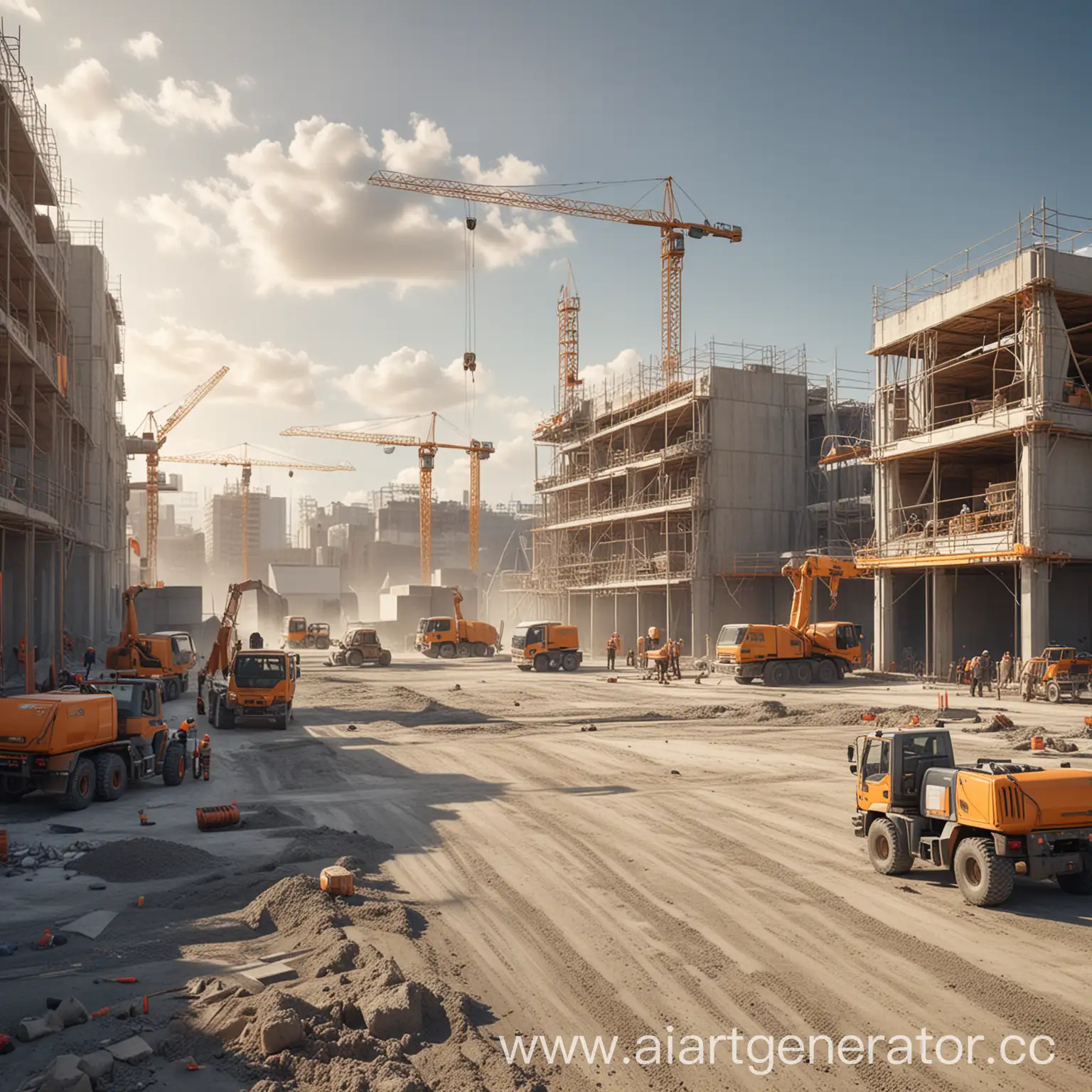
Muse AI Art Generator: Text-to-Image Art in Seconds
Muse AI Art Generator turns simple text prompts into original, high-quality artwork using Stable Diffusion technology—no artistic skill needed.
Overview
Muse AI Art Generator is a web-based creative tool that harnesses the power of Stable Diffusion to convert written descriptions into fully realized visual art. Whether you need a fantasy landscape, a sleek logo, a book cover, or character concept art, this platform generates original images on demand, giving anyone—regardless of drawing ability—the power to bring their creative visions to life. By training on vast libraries of existing artwork, the underlying AI model has learned to recognize styles, compositions, and artistic patterns, allowing it to produce fresh, unique outputs rather than copying existing pieces.
The tool is designed with accessibility in mind: there's no steep learning curve, no software to install, and no design background required. Simply type what you envision, and the AI handles the heavy lifting of translating words into pixels. This makes it a versatile solution for content creators, marketers, indie authors, and hobbyist artists alike who need fast, customizable visuals for projects ranging from social media graphics to album covers and architectural sketches.
Capabilities & Features
- AI Art Generator
- Text-to-Image
- Stable Diffusion
- Digital Art
- Creative Tool
- Image Generation
- Art Creation
- AI Tool
- Concept Art
- Illustration
Core Features
- Text-to-image generation powered by Stable Diffusion
- Produces completely original, non-plagiarized artwork
- No design or drawing experience required
- Supports a wide range of art styles and subjects
- Instant image generation from simple prompts
Use Cases
- Generating illustrations for blogs, books, or social media
- Creating concept art for games or creative projects
- Designing book covers and album artwork
- Producing logos and branding visuals
- Sketching fashion designs or architectural concepts
- Crafting fantasy landscapes and character art
Best For
- Content creators
- Independent authors and publishers
- Graphic designers
- Marketers
- Hobbyist and professional artists
- Anyone without traditional art skills
Pros
- •Removes the barrier to entry for creating visual art
- •Fast, prompt-based workflow saves significant time
- •Generates unique images rather than reusing existing art
- •Versatile enough for logos, book covers, landscapes, and more
- •Simple signup process with a free account option
Cons
- •Output quality and accuracy depend heavily on prompt wording
- •Limited control compared to manual digital art tools
- •No stated guarantee of commercial usage rights or copyright ownership
- •Free tier may restrict resolution or advanced features
How to Use
1. Visit aiartgenerator.cc and sign up for a free account. 2. Type a descriptive text prompt detailing the artwork you want to create. 3. Submit the prompt and let the AI generate the image instantly. 4. Review the result, tweak your prompt for different variations, and download or export your finished artwork. 5. Consider a premium plan if you want higher-resolution outputs or advanced customization options.
Frequently Asked Questions
Open in AI Studio
Ask our AI to evaluate if Muse AI Art Generator fits your specific workflow.
Pricing
Specific pricing tiers aren't listed, but the platform offers a free account to get started, with a premium subscription available for enhanced features like higher-resolution image outputs.
Pricing data is provided as a summary. Visit the vendor website for full tier details.