Murf AI: Realistic Text-to-Speech Voice Generator
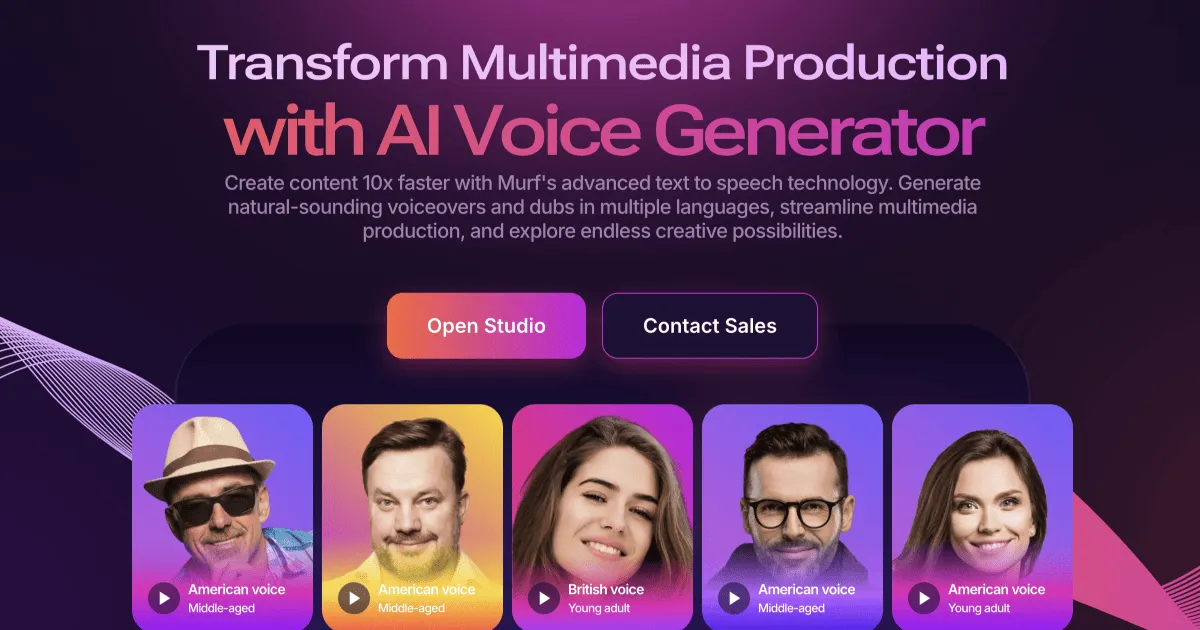
Murf AI turns written text into studio-quality voiceovers using 200+ lifelike AI voices across 20+ languages.
Overview
Murf AI is a powerful text-to-speech platform designed to help creators, marketers, and businesses produce professional-grade voiceovers without expensive studio equipment or voice talent. With a library of over 200 natural-sounding AI voices spanning more than 20 languages, users can craft everything from podcast narration to e-learning modules and corporate presentations in a matter of minutes. The platform goes beyond basic speech synthesis, offering voice cloning, AI dubbing, and a voice changer to give creators full creative control over tone, pacing, and delivery.
Beyond its core voice generation engine, Murf integrates smoothly with popular tools like Canva, Google Slides, PowerPoint, and Adobe Audition/Captivate, making it easy to slot AI voiceovers directly into existing workflows. Developers can also tap into the Murf Text to Speech API to embed voice capabilities into their own applications. Whether you're producing an advertisement, translating content for global audiences, or building an IVR system, Murf simplifies the process of delivering clear, engaging, and multilingual audio content at scale.
Capabilities & Features
- AI voice generator
- Text to speech
- Voiceover
- AI dubbing
- Voice cloning
- Speech synthesis
- Audio production
- Multilingual voiceovers
Core Features
- Text to Speech with 200+ realistic AI voices
- Voice Cloning for personalized audio branding
- AI Dubbing for multilingual content localization
- Voice Changer for creative audio transformation
- Developer-friendly Text to Speech API
- Native integrations with Canva, PowerPoint, Google Slides, and Adobe apps
Use Cases
- Creating narrated e-learning courses and training modules
- Producing voiceovers for advertisements and commercials
- Generating voice tracks for marketing and explainer videos
- Building automated IVR and phone system voice prompts
- Narrating audiobooks with natural-sounding AI voices
Best For
- Marketing professionals
- E-learning creators
- Video producers
- Podcasters
- Advertisers
- Corporate communicators
- Digital learning specialists
Pros
- •Massive voice library with 200+ options across 20+ languages
- •Fast turnaround for studio-quality voiceovers without recording equipment
- •Deep integrations with popular design and presentation tools
- •Commercial usage rights included on paid plans
- •Scales from solo creators to enterprise teams with custom needs
Cons
- •Voice generation time is capped by plan tier, limiting heavy users on lower plans
- •Free plan restricts downloads, reducing its practical usability
- •AI voices, while realistic, may still lack the full emotional nuance of human narration
- •Advanced features like AI Translation and custom voice clones are reserved for higher-tier or Enterprise plans
How to Use
1. Sign up for a Murf AI account and choose a plan that fits your project needs. 2. Input or paste your script into the platform's text editor. 3. Browse and select from 200+ AI voices across 20+ languages. 4. Fine-tune pitch, speed, emphasis, and tone to match your desired style. 5. Preview the generated voiceover and make adjustments as needed. 6. Export or download your final audio, or integrate it directly into tools like Canva, PowerPoint, or Google Slides.
Frequently Asked Questions
Connect & Contact
Pricing
Murf AI offers a limited free plan alongside paid tiers starting at $19/month, scaling up to $199/month for business use, with custom Enterprise pricing available for advanced security, translation, and support needs.
Pricing data is provided as a summary. Visit the vendor website for full tier details.