Motionit.ai: AI Slide & Video Generator for Presentations
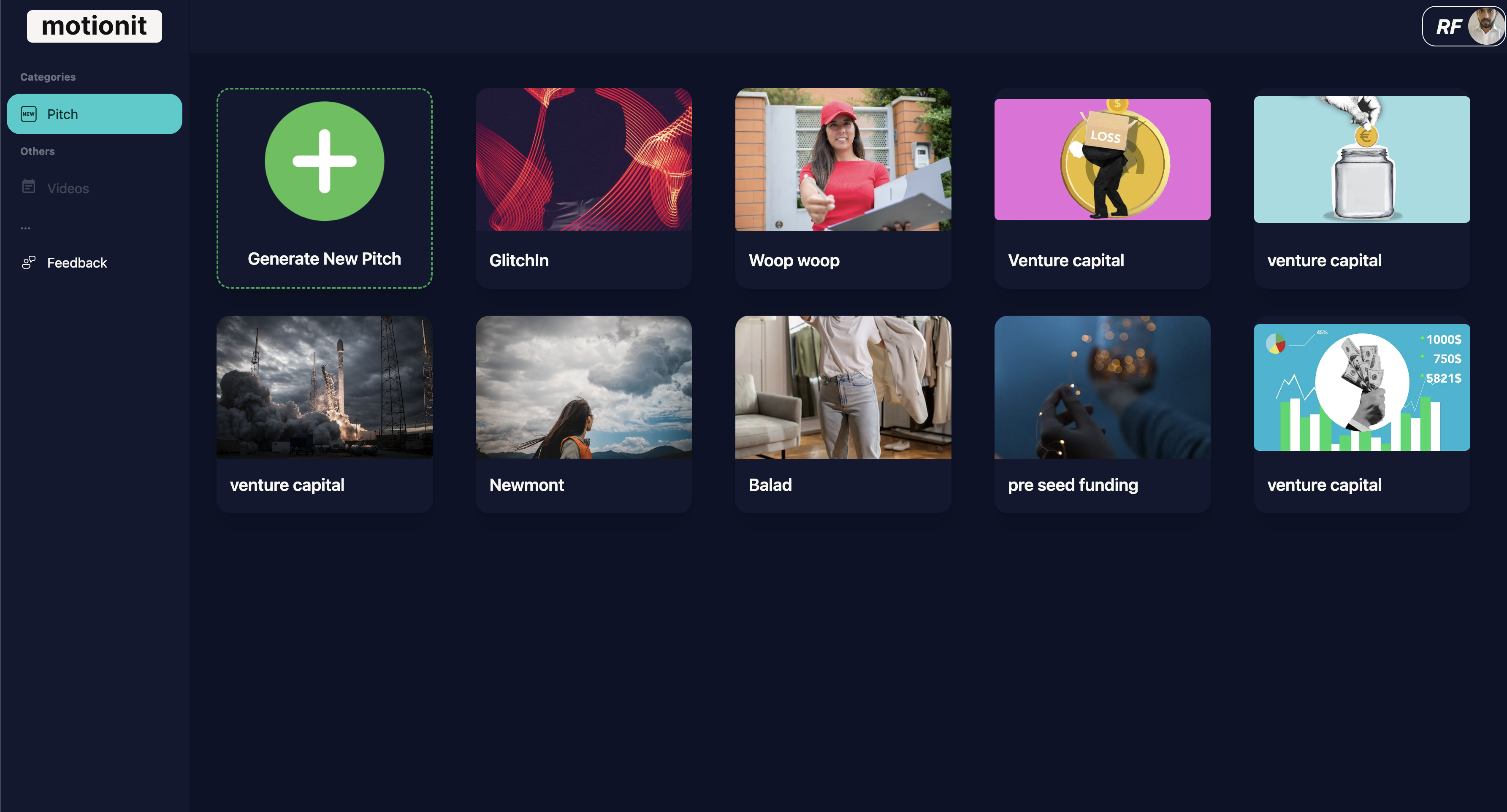
Motionit.ai turns keywords or documents into polished slides and videos in minutes, using AI to handle design, formatting, and image selection automatically.
Overview
Motionit.ai is an AI-powered content creation platform built to eliminate the tedious parts of building presentations. Instead of manually formatting slides or hunting for the right images, users simply input keywords or upload existing documents, and the AI takes over—generating professional-looking slides and videos tailored to the purpose at hand, whether that's a startup pitch deck, a conference talk, or a classroom lesson.
What sets Motionit.ai apart is its blend of speed and flexibility. The platform automatically selects relevant imagery and applies clean, cohesive design to every slide, so users don't need any design background to produce polished results. Once the content is ready, it can be exported directly to Google Slides or downloaded as a PowerPoint (PPTX) or PDF file, making it easy to fit into any existing workflow.
From entrepreneurs pitching investors to teachers preparing lesson materials, Motionit.ai is designed to serve anyone who needs to communicate ideas visually without spending hours in a slide editor. Its document-to-slide transformation and video generation capabilities make it a versatile tool for both static presentations and dynamic multimedia content.
Capabilities & Features
- AI slide generator
- AI video generator
- Presentation software
- Pitch deck creation
- Google Slides
- PowerPoint
- Automatic slide design
- Document to slide conversion
Core Features
- AI-Driven Slide Design
- Automatic Image Selection
- Document-to-Slide Transformation
- Video Generation
- Multi-format Export (Google Slides, PPTX, PDF)
Use Cases
- Creating startup pitch decks for investor meetings
- Generating conference presentations quickly
- Making instructional slides for students and teachers
- Turning existing reports or documents into visual slide decks
- Producing short promotional or explainer videos
Best For
- Business owners
- Marketing professionals
- Students
- Teachers
- Conference speakers
Pros
- •Speeds up slide creation by automating design and image selection
- •Flexible input options—start from keywords or existing documents
- •Multiple export formats for compatibility with popular tools
- •Adds video generation on top of standard slide creation
- •Accessible to users with no design experience
Cons
- •Automated designs may require manual tweaking for brand-specific styling
- •Limited control over image choices compared to manual selection
- •No pricing details publicly listed, making cost expectations unclear
- •May struggle with highly specialized or technical content formatting
How to Use
1. Enter a set of keywords describing your topic, or upload an existing document. 2. Let the AI analyze your input and generate slides, automatically handling layout, formatting, and image selection. 3. Review and refine the generated slides or video as needed. 4. Export your finished presentation to Google Slides, or download it as a PowerPoint (PPTX) or PDF file for offline use.
Frequently Asked Questions
Open in AI Studio
Ask our AI to evaluate if Motionit.ai fits your specific workflow.
Pricing
Specific pricing tiers are not publicly listed, so prospective users should check the platform directly for current plans and costs.
Pricing data is provided as a summary. Visit the vendor website for full tier details.