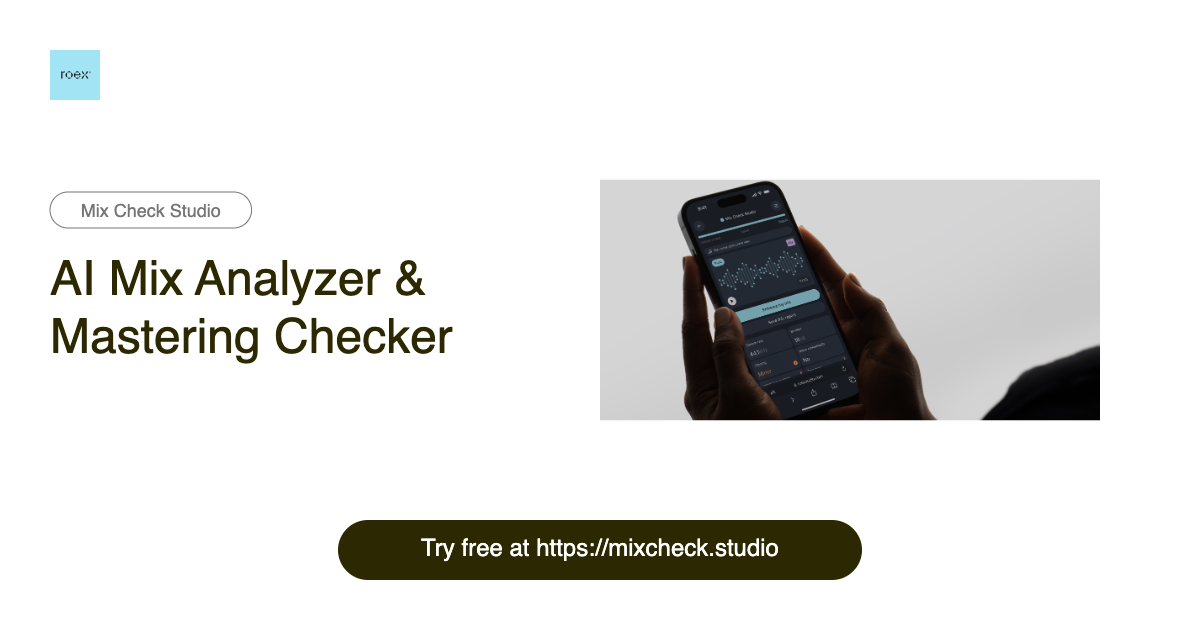
Mix Check Studio: Free AI Mix & Master Analysis Tool
Mix Check Studio uses AI to instantly analyze your WAV or MP3 tracks, delivering actionable feedback to sharpen your mixes and masters.
Overview
Mix Check Studio is a free, AI-driven web app built to help musicians, producers, and audio engineers get honest, objective feedback on their tracks without needing a professional engineer on call. Simply upload a WAV or MP3 file, tell the tool whether it's a mix or a final master, and specify the genre — the AI takes care of the rest, scanning your audio for balance, clarity, loudness, and other technical issues that could be holding your track back.
Rather than vague or generic critiques, Mix Check Studio delivers actionable, genre-aware insights that point you toward specific fixes, making it a practical learning tool as well as a quality-control checkpoint. Because it stores only anonymized analysis metrics rather than your actual audio files, you get useful long-term feedback trends without sacrificing privacy. Whether you're a bedroom producer polishing a demo or a seasoned engineer double-checking a final master, this tool offers a fast, no-cost way to catch problems before your music goes public.
Capabilities & Features
- AI audio analysis
- Mixing
- Mastering
- Audio feedback
- Music production
- Audio engineering
- WAV
- MP3
Core Features
- AI-powered audio analysis engine
- Detailed feedback tailored to mixes vs. masters
- Genre-aware evaluation for style-specific accuracy
- Anonymized storage of analysis results for reference
- Support for both WAV and MP3 file formats
Use Cases
- Getting a second opinion on a mix before releasing a track
- Catching technical issues like balance or loudness problems before mastering
- Learning practical mixing and mastering concepts through real feedback
- Comparing anonymized metrics across multiple track versions
- Validating a final master's quality before distribution
Best For
- Musicians
- Audio engineers
- Music producers
- Audio enthusiasts
- Home studio hobbyists
Pros
- •Completely free to use
- •Fast, automated feedback without needing a human engineer
- •Genre-specific analysis improves relevance of suggestions
- •Supports common audio formats (WAV and MP3)
- •Privacy-conscious approach with anonymized data storage
Cons
- •No support for formats beyond WAV and MP3
- •AI feedback may lack the nuance of a professional human ear
- •Limited to analysis only — no built-in editing or repair tools
- •Genre selection accuracy depends on user input
How to Use
1. Upload your WAV or MP3 track to Mix Check Studio. 2. Indicate whether the file is a mix-in-progress or a finished master. 3. Select the musical style or genre that best fits the track. 4. Let the AI run its analysis on the audio. 5. Review the detailed feedback and apply the suggested fixes to improve your mix or master.
Frequently Asked Questions
Open in AI Studio
Ask our AI to evaluate if Mix Check Studio fits your specific workflow.
Pricing
Mix Check Studio is completely free to use, with no paid tiers or hidden costs currently offered.
Pricing data is provided as a summary. Visit the vendor website for full tier details.