MeetGeek: AI Meeting Assistant for Notes & Insights
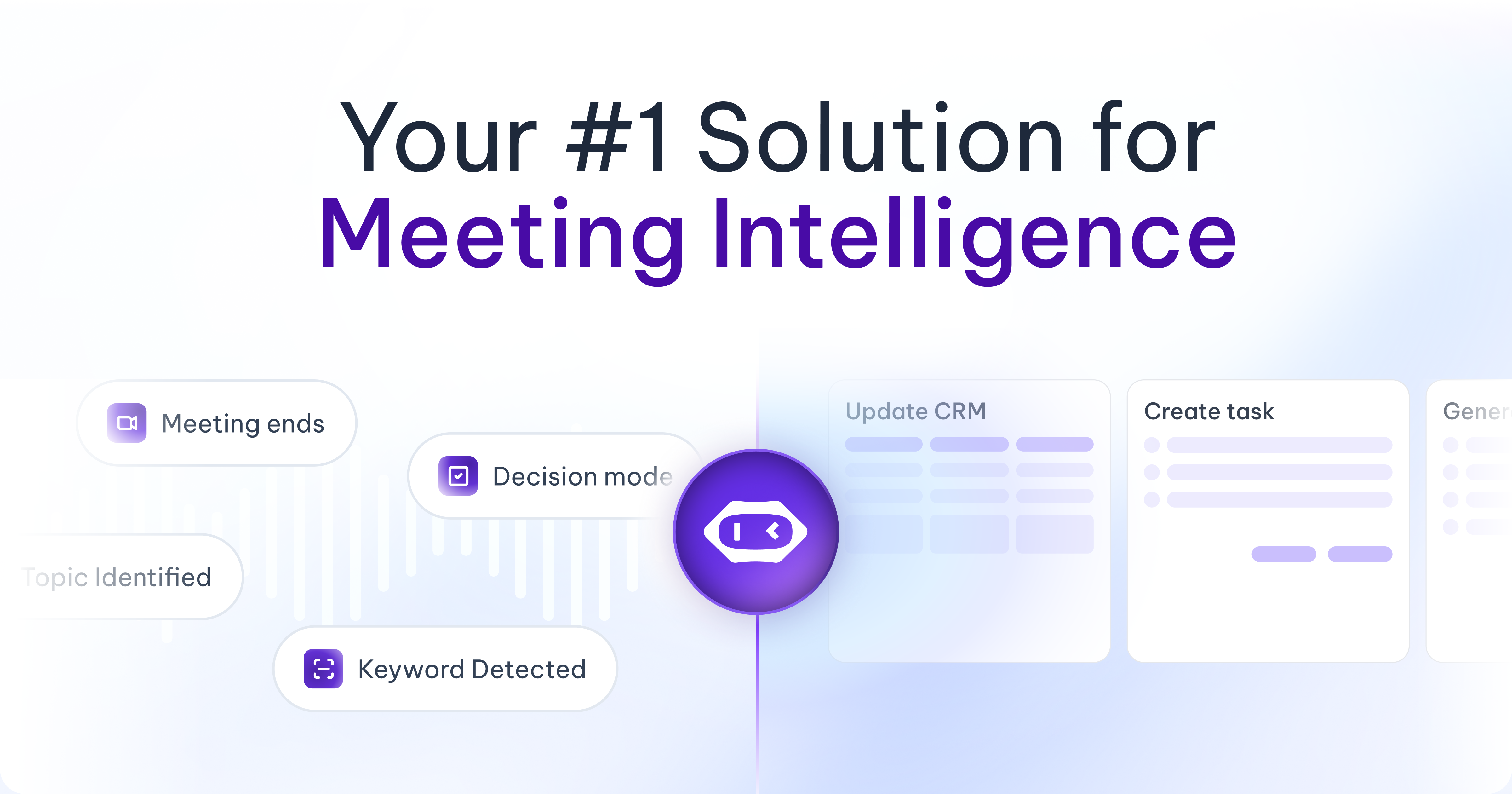
MeetGeek is an AI-powered meeting assistant that automatically records, transcribes, and summarizes your calls, turning conversations into actionable insights.
Overview
MeetGeek transforms how teams handle meetings by automating the tedious parts of note-taking and follow-up. Once connected to your calendar, an AI bot silently joins your scheduled calls on Zoom, Google Meet, Microsoft Teams, and other platforms to capture every word, generate accurate transcripts, and produce concise summaries the moment the meeting ends. Beyond simple transcription, MeetGeek applies conversation intelligence to detect action items, surface key topics, and deliver insights that help teams work smarter rather than harder.
The platform is built for collaboration, allowing teams to search across a library of past meetings, share highlights instantly, and integrate findings into existing workflows through tools like Zapier. Whether you're a sales rep reviewing customer calls, a recruiter comparing candidate interviews, or a founder mining discovery calls for product feedback, MeetGeek turns raw conversation data into a searchable knowledge base. This reduces the need for redundant meetings and keeps distributed teams aligned without requiring everyone to sit through every call.
Capabilities & Features
- AI meeting assistant
- Meeting recording
- Transcription
- Meeting summary
- Action items
- Team collaboration
- Meeting automation
- Conversation intelligence
- Sales insights
- Customer insights
- Integrations
- Productivity
Core Features
- Auto-Recording and Transcription
- Automatic Summaries
- Action Items & Topic Detection
- Team Collaboration & Comments
- Conversation Intelligence & Meeting Insights
- Meeting Automation via Workflows and Zapier
- Broad Platform Integrations (Zoom, Teams, Google Meet)
Use Cases
- Automating follow-up notes after sales, consulting, or customer discovery calls
- Building a searchable library of recorded candidate interviews for recruiting teams
- Extracting product feedback directly from customer conversations to guide roadmap decisions
- Keeping distributed teams aligned by sharing meeting summaries instead of requiring live attendance
- Tracking action items and topics across recurring team or client meetings
Best For
- Sales Teams
- HR & Recruiting Teams
- C-Level Executives
- Customer Success Teams
- Marketing Teams
- Startups
- Agencies & SMBs
- Enterprises
Pros
- •Fully automates recording, transcription, and summarization with no manual setup per meeting
- •Detects action items and key topics to speed up follow-ups
- •Supports 50+ languages with high transcription accuracy
- •Deep integrations with major platforms like Zoom, Teams, and Google Meet plus Zapier automation
- •Scales from free individual use to enterprise-grade customization and data retention
Cons
- •Free plan is limited to just 3 hours of transcription per month
- •Advanced features like custom speech models and private data storage require the priciest Enterprise tier
- •Per-user pricing can become costly for larger teams needing Business or Enterprise plans
- •Reliance on a bot joining meetings may raise privacy considerations for some participants
How to Use
1. Connect your calendar (Google Calendar, Outlook, etc.) to MeetGeek.
2. The MeetGeek AI bot automatically joins your scheduled meetings on Zoom, Google Meet, or Microsoft Teams.
3. The bot records the call and generates a full transcript along with an automatic summary and action items.
4. Log into the MeetGeek dashboard to review recordings, transcripts, and highlights.
5. Share meeting summaries with teammates or export them, and connect insights to other tools via integrations like Zapier.
Frequently Asked Questions
Pricing
MeetGeek offers a free Basic plan with limited transcription hours, while paid plans range from $15/user/month (Pro) to $59/user/month (Enterprise) with increasing storage, automation, and customization capabilities.
Pricing data is provided as a summary. Visit the vendor website for full tier details.