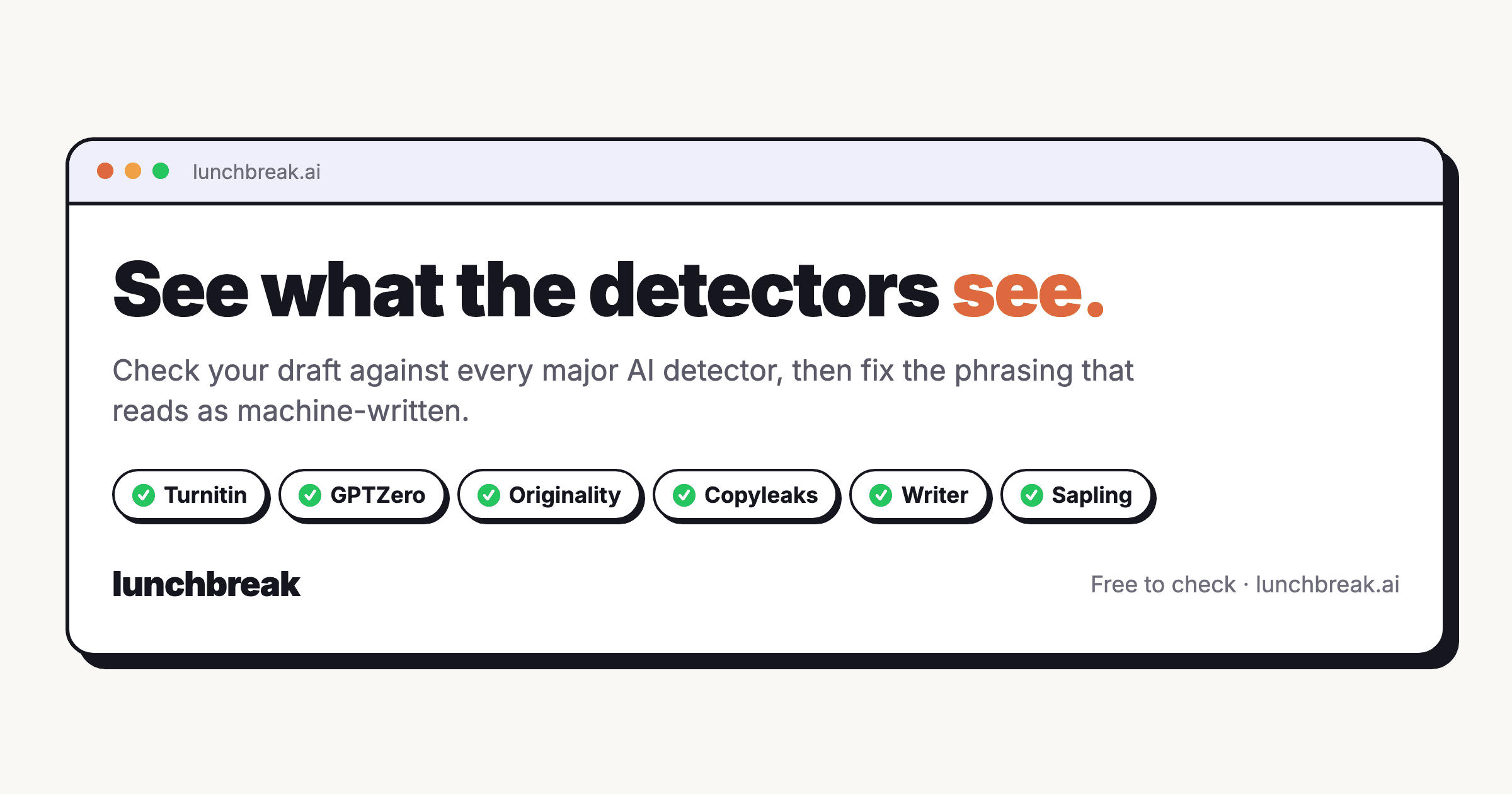
Lunchbreak AI: Humanize AI Text & Bypass Detection
Lunchbreak AI rewrites AI-generated content into natural, human-sounding text that slips past detection tools and plagiarism checkers.
Overview
Lunchbreak AI is a specialized rewriting tool built to transform robotic, AI-generated text into content that reads as genuinely human-written. By running your draft through its detection and rewriting engine, the tool identifies telltale AI patterns and reshapes them into natural, authentic-sounding prose that maintains your original meaning and tone.
Designed with students, academics, business professionals, and organizations in mind, Lunchbreak AI addresses a growing concern: the risk of work being flagged by AI detectors like Turnitin. Whether it's a thesis, a client proposal, or an investor update, the platform lets users check detectability first, then refine the text with customizable readability and purpose settings to match the intended audience and voice.
Capabilities & Features
- AI Rewriter
- AI Humanizer
- AI Detection Bypass
- Plagiarism Checker
- Content Refinement
- AI Content
- Turnitin Bypass
- GPTZero Bypass
- Copyleaks Bypass
Core Features
- AI content humanization engine
- AI detection bypass technology
- Built-in plagiarism removal
- Authentic voice preservation
- Enterprise-grade AI detection scanning
- Customizable readability and tone settings
Use Cases
- Students rewriting thesis submissions and research papers to avoid AI flagging
- Business professionals refining client proposals and strategy documents
- Organizations humanizing investor updates and job descriptions
- Freelance writers polishing AI-assisted drafts for client delivery
- Content creators ensuring blog posts read naturally and pass originality checks
Best For
- Students
- Academics
- Business Professionals
- Organizations
- Freelance Writers
- Content Creators
Pros
- •Combines detection checking and rewriting in one workflow
- •Helps preserve an authentic, human voice in edited content
- •Customizable tone and readability settings for different audiences
- •Useful across academic, business, and creative contexts
- •Enterprise-grade detection claims to handle Turnitin and similar tools
Cons
- •No publicly available pricing information, making cost comparison difficult
- •Detection bypass claims may not hold up against evolving AI detection algorithms
- •Lack of transparency around data privacy and security practices
- •Customer support options are not clearly documented
How to Use
1. Copy your AI-generated text and paste it into Lunchbreak AI's detection checker. 2. Review the results to see how likely the content is to be flagged. 3. Run the text through the rewrite and humanize feature. 4. Select your desired readability level and purpose to align the tone with your intended audience. 5. Review the humanized output and export your polished, undetectable content.
Frequently Asked Questions
Open in AI Studio
Ask our AI to evaluate if Lunchbreak AI fits your specific workflow.
Pricing
Pricing details are not publicly disclosed, so prospective users will need to check directly with Lunchbreak AI for plan options and costs.
Pricing data is provided as a summary. Visit the vendor website for full tier details.