Liner.ai: Free No-Code Machine Learning Model Trainer
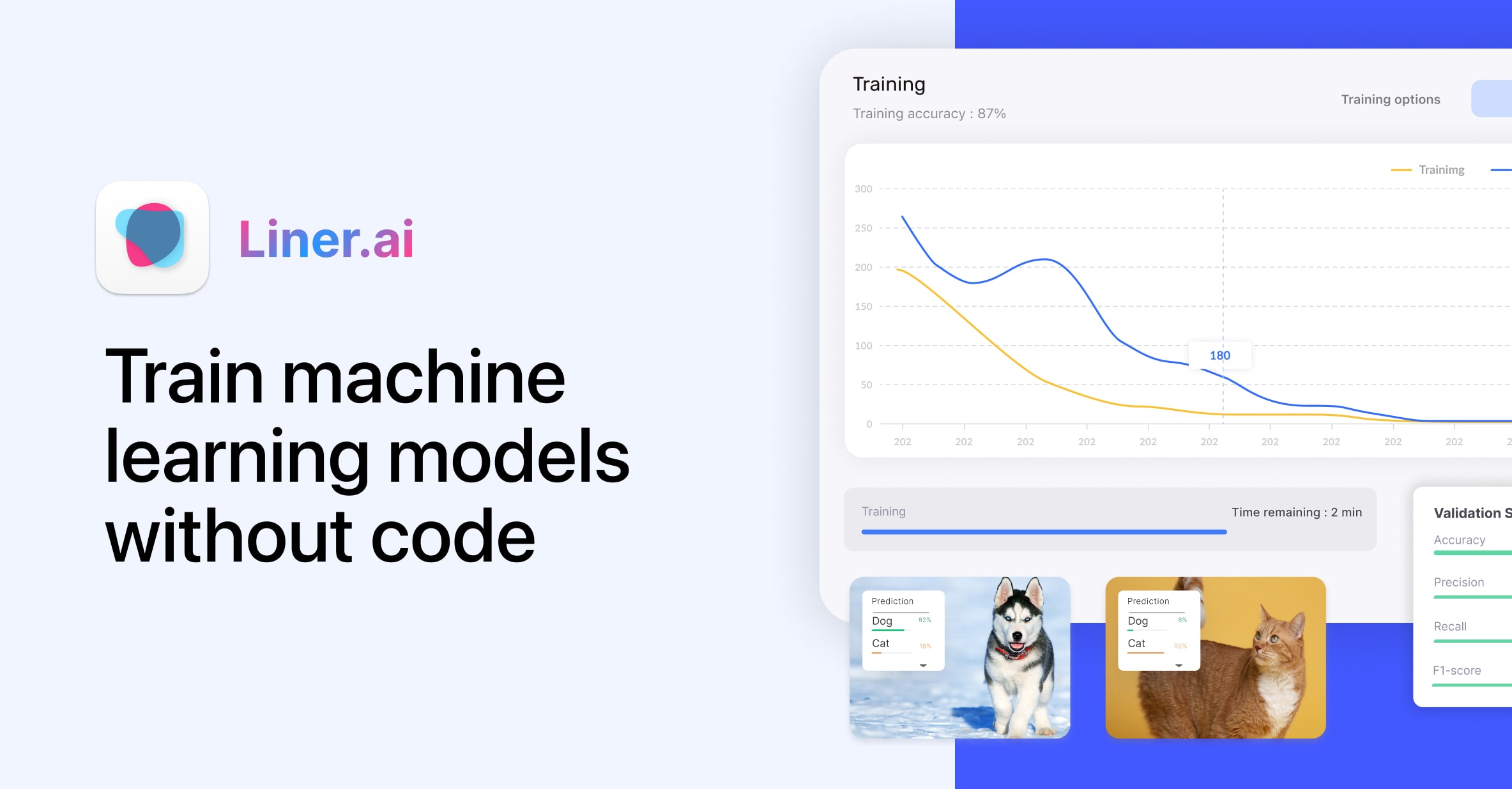
Liner.ai lets anyone train and deploy machine learning models without writing a single line of code. Import your data, click train, and ship your model in minutes.
Overview
Liner.ai is a free, no-code platform that demystifies machine learning by handling the heavy lifting behind the scenes. Instead of wrestling with frameworks, GPUs, or complex algorithms, users simply import their training data, hit a button to start training, and let Liner optimize a model for speed and accuracy automatically. It's designed for real-world tasks like image, text, audio, video, and object classification, making advanced AI accessible to people who've never touched a machine learning library before.
What sets Liner.ai apart is its emphasis on privacy and accessibility—training happens locally on your own machine rather than in the cloud, and it works fine on standard CPUs without requiring expensive GPU hardware. Once a model is trained, it can be deployed across various platforms and even optimized for edge devices, closing the gap between experimentation and production. Whether you're building a proof of concept or a lightweight app feature, Liner.ai turns what used to be a months-long ML project into a same-day task.
Capabilities & Features
- Machine Learning
- No-Code ML
- AI
- Model Training
- Data Science
- Image Classification
- Text Classification
- Audio Classification
- Video Classification
- Object Detection
- Image Segmentation
- Pose Classification
- Free Tool
Core Features
- No-code machine learning model training
- One-click training workflow
- Ready-made ML templates for common tasks
- Cross-platform model deployment, including edge devices
- CPU-based training with no GPU requirement
- Local, on-device training for data privacy
Use Cases
- Classifying images for inventory or content moderation apps
- Building text classifiers for sentiment analysis or spam detection
- Detecting objects in photos or video feeds
- Segmenting images for design or analysis tools
- Classifying audio clips for sound recognition projects
- Analyzing human pose data for fitness or motion apps
Best For
- Beginners exploring machine learning for the first time
- Small business owners needing custom ML without a dev team
- Educators teaching AI and ML concepts
- Hobbyists experimenting with personal projects
- Developers who lack dedicated ML expertise
Pros
- •No coding or ML expertise required to get started
- •Local training keeps data private and off the cloud
- •Works on standard CPUs, eliminating expensive GPU costs
- •Supports a wide range of tasks from image to audio classification
- •Templates and simple workflow speed up model creation
Cons
- •Local CPU training may be slower than cloud GPU-based alternatives for large datasets
- •Simplified no-code interface may limit fine-tuning for advanced users
- •Best suited for common ML tasks, not highly specialized research use cases
- •Deployment options depend on supported platforms, which may not cover every use case
How to Use
1. Import your dataset into Liner.ai, or choose from its built-in library of sample datasets.
2. Press the training button to let Liner automatically train an optimized machine learning model on your data.
3. Deploy the finished model to your chosen platform or integrate it directly into your application.
Frequently Asked Questions
Connect & Contact
Pricing
Liner.ai is completely free to use, with no paid tiers currently listed.
Pricing data is provided as a summary. Visit the vendor website for full tier details.