LightPDF: AI-Powered PDF Editor, Converter & Reader
LightPDF is a cloud-based PDF suite that lets you edit, convert, sign, and manage documents, enhanced with AI tools for summarizing and translating content.
Overview
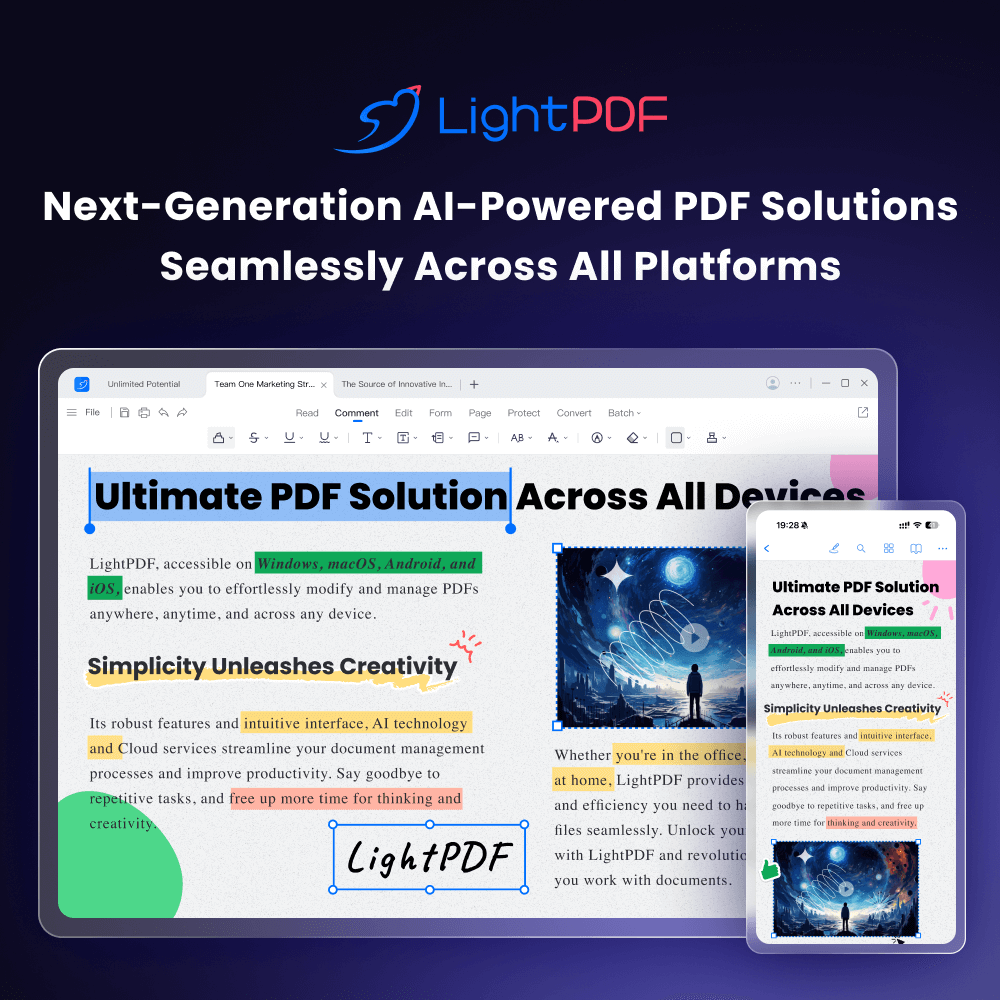
LightPDF is an all-in-one, AI-enhanced platform designed to tackle every PDF-related task you can imagine, all from your browser. Whether you need to convert a PDF to Word, PPT, or Excel, merge multiple files into one, or add a digital signature, LightPDF provides a comprehensive cloud-based toolkit that eliminates the need for clunky desktop software. Its intuitive interface makes complex document management accessible to everyone, from students to IT professionals.
What sets LightPDF apart is its integration of artificial intelligence directly into the document workflow. Beyond basic editing, users can leverage AI to instantly summarize lengthy reports, translate text across languages, or even generate mind maps from PDF content to visualize complex information. Combined with robust security features like password protection and OCR capabilities for scanned documents, LightPDF serves as a powerful hub for anyone looking to streamline their paperwork and boost productivity.
Capabilities & Features
- PDF Editor
- PDF Converter
- PDF Reader
- AI PDF Tools
- OCR
- PDF Management
- Document Management
- Online PDF Editor
- PDF Security
- PDF Annotation
- PDF Signature
- PDF Merge
- PDF Split
- PDF Compression
- PDF Watermark Remover
Core Features
- Comprehensive PDF Editing (text, images, watermarks)
- Multi-format Conversion (Word, Excel, PPT, JPG)
- AI-driven Summarization and Translation
- Optical Character Recognition (OCR) for scanned docs
- Digital Signatures and Password Protection
- Cloud-based file management and storage
Use Cases
- Converting bulky PDF reports into editable Word or Excel files for quick revisions.
- Using AI to quickly summarize long research papers or legal documents.
- Merging multiple scanned pages into a single, organized PDF file.
- Adding legally binding digital signatures to contracts for business deals.
- Removing unwanted watermarks from images or documents for cleaner presentations.
Best For
- Students
- Teachers
- Business Professionals
- Researchers
- Administrative Staff
- Developers
Pros
- •Combines traditional PDF editing with modern AI capabilities like summarization
- •Wide variety of conversion formats supported (Word, Excel, PPT, Image)
- •Offers flexible subscription lengths, including weekly and 3-year plans
- •Includes OCR for digitizing scanned paper documents
- •Cloud-based access allows for editing without installing software
Cons
- •Free trial restricts AI usage to older GPT-3.5 model with limited questions
- •File size and daily upload limits are quite restrictive on lower tiers
- •Monthly subscription price is significantly higher than annual alternatives
- •Canceling a subscription requires submitting a support ticket rather than a self-service option
How to Use
1. Navigate to the LightPDF website and upload your target PDF or document file. 2. Select the specific tool you need, such as 'Convert,' 'Edit,' 'Merge,' or 'AI Summarize.' 3. Utilize the editing suite to add text, images, watermarks, or signatures as needed. 4. For AI features, ask the assistant to analyze, translate, or summarize the document content. 5. Download the processed file directly or save it to the integrated cloud storage for later access.
Frequently Asked Questions
Connect & Contact
Pricing
LightPDF offers a 3-day free trial followed by tiered subscriptions, with the best value found in the 3-Year plan at $2.77/mo, while flexible weekly ($13.99) and monthly ($19.99) options are also available.
Pricing data is provided as a summary. Visit the vendor website for full tier details.