Levity: AI Email & Document Automation Platform
Levity uses AI to automatically classify emails, documents, and images, letting teams automate repetitive workflows without writing a line of code.
Overview
Levity is a no-code AI platform built to help non-technical teams eliminate repetitive manual work by automatically classifying text, images, and documents. It's especially powerful for freight and logistics operations, where it connects directly to inboxes, reads incoming emails and attachments, and sorts, routes, and prioritizes them based on custom-defined categories—no manual tagging required. This frees operations, sales, and customer support teams to spend more time on relationships and less on sorting through cluttered inboxes.
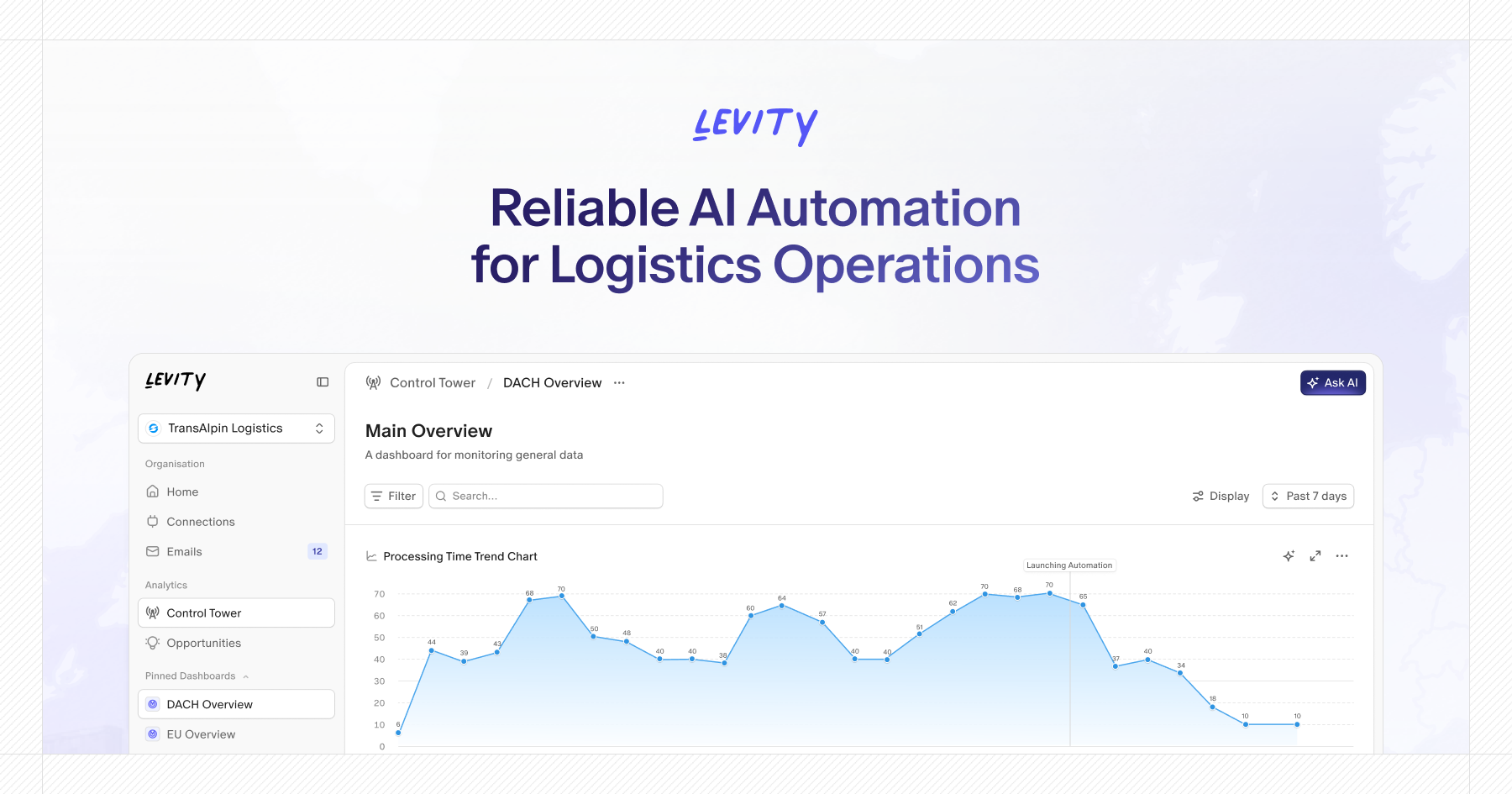
Beyond email triage, Levity offers ready-made flow templates alongside the flexibility to train custom AI models on your own data, making it adaptable across industries and use cases—from content moderation to inventory categorization. Its integration with Transportation Management Systems (TMS) makes it a natural fit for freight forwarders and logistics companies handling quoting, track & trace, and document collection at scale. The addition of PhoneAI extends automation into voice, capturing data from outbound calls and sales conversations and feeding it back into your existing tool stack, all backed by real-time analytics that give a full view of inbox activity, sentiment, and win/loss performance.
Capabilities & Features
- AI automation
- Email classification
- Document classification
- Workflow automation
- Freight operations
- Logistics
- Phone AI
- TMS integration
- Customer support automation
- Content moderation
Core Features
- AI-powered classification of text, images, and documents
- Automated email and document workflow routing
- Ready-to-use flow templates plus custom model training
- Native integration with Transportation Management Systems (TMS)
- PhoneAI agents for outbound calls, sales, and payment checks
- Real-time analytics on inbox activity, sentiment, and quoting funnels
Use Cases
- Automatically labeling interested prospects from outbound email replies
- Routing customer support tickets to the right team
- Moderating content at scale
- Categorizing product inventory automatically
- Analyzing open-ended survey responses
- Managing freight quoting, track & trace, and document collection workflows
Best For
- Freight forwarding companies
- Logistics companies
- Operations teams
- Sales teams
- Customer support teams
Pros
- •No-code setup makes AI classification accessible to non-technical users
- •Deep TMS integration tailored for freight and logistics workflows
- •Flexible: use pre-built templates or train fully custom models
- •PhoneAI extends automation beyond email into voice interactions
- •Built-in analytics offer visibility into inbox performance and sentiment
Cons
- •Heavy focus on freight/logistics may limit appeal for unrelated industries
- •Custom model training requires quality data and setup time
- •No publicly listed pricing makes it hard to gauge affordability upfront
- •Advanced features like PhoneAI may require additional onboarding effort
How to Use
Start by connecting your inbox to Levity, then choose between a ready-to-use flow template or building a custom AI model trained on your own data. Define the categories you want emails, documents, or images classified into, and Levity will automatically extract key information and apply your rules to sort, route, and prioritize incoming items. From there, configure automated follow-up actions—like routing tickets, triggering quotes, or updating your TMS—so your team only steps in when human judgment is truly needed.
Frequently Asked Questions
Connect & Contact
Pricing
Levity does not publish standard pricing tiers publicly; prospective users need to contact the company directly for a customized quote based on their workflow needs.
Pricing data is provided as a summary. Visit the vendor website for full tier details.