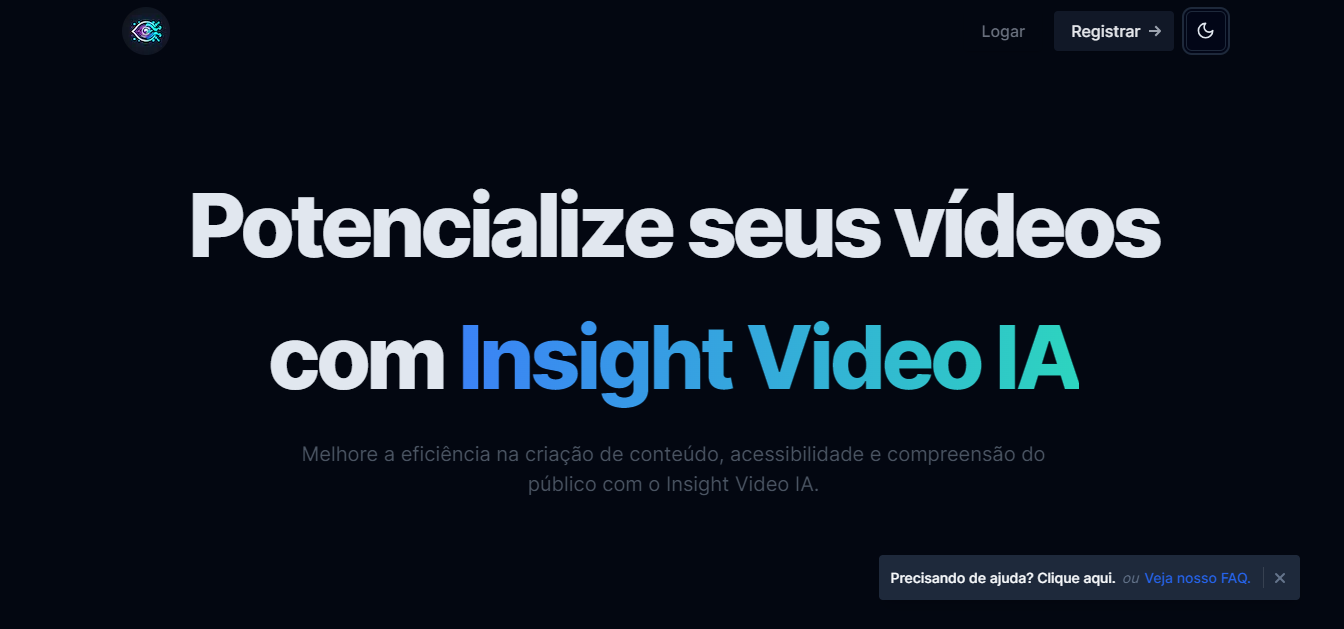
Insight Video IA: Turn Videos into E-Books & Quizzes
Insight Video IA uses artificial intelligence to transform video lessons into e-books, quizzes, summaries, and social media content, making education more accessible and efficient.
Overview
Insight Video IA is an AI-driven platform built to help educators squeeze maximum value out of their video content. Rather than letting recorded lectures sit unused, the tool automatically transcribes footage and repurposes it into a variety of learning-friendly formats, including e-books, articles, mind maps, and interactive quizzes. This means a single classroom recording can become an entire suite of study materials without hours of manual rework.
Beyond content generation, Insight Video IA focuses heavily on accessibility and reach. With automatic translation, editable transcripts, and accessibility-ready captions, the platform helps teachers and instructional designers serve diverse student populations, including those with hearing or visual impairments. The ability to quickly search transcripts for keywords also makes reviewing lecture content faster and more efficient for both educators and students.
Designed with teachers, professors, and e-learning professionals in mind, Insight Video IA bridges the gap between passive video watching and active learning. By converting lessons into bite-sized, shareable, and searchable formats, it supports modern teaching workflows and helps content creators extend the lifespan and impact of their video libraries.
Capabilities & Features
- Video transcription
- Content repurposing
- AI content generation
- Educational tools
- E-learning
- Video accessibility
- Automatic translation
- Content creation
- Video to text
- Video to ebook
- Video to quiz
- Video to social media post
- Mind map generation
Core Features
- Automated video transcription with high accuracy
- Editable transcripts for full customization
- AI-powered generation of e-books, summaries, and articles
- Interactive quiz and mind map creation
- Automatic video translation for multilingual accessibility
- Accessibility tools like captions and audio descriptions
Use Cases
- Converting classroom recordings into downloadable e-books and study guides
- Repurposing video lectures into bite-sized social media content
- Generating searchable transcripts for exam review and study sessions
- Building visual mind maps from complex video lessons
- Creating multilingual versions of lessons for international students
Best For
- Teachers
- Professors
- Instructional designers
- E-learning professionals
- Content creators
- Educational institutions
Pros
- •Saves significant time by automating content repurposing from existing videos
- •Improves accessibility with captions, audio descriptions, and translations
- •Generates multiple content formats from a single video upload
- •Editable transcripts allow full control over accuracy and tone
- •Searchable transcripts make lesson review faster for students and teachers
Cons
- •Videos are only hosted temporarily (15 days), requiring users to manage generated content separately
- •AI-generated content may still require manual review for nuanced or technical subjects
- •No publicly listed pricing information, making cost evaluation difficult upfront
- •Translation and transcription accuracy may vary depending on audio quality and accents
How to Use
1. Register for an account on the Insight Video IA platform. 2. Upload your video lesson or lecture recording. 3. Let the AI process the video to generate a transcript. 4. Edit the transcript as needed to match your educational goals. 5. Choose which derivative formats to generate, such as e-books, summaries, quizzes, mind maps, or social media posts. 6. Download or share the generated materials with students or your audience.
Frequently Asked Questions
Open in AI Studio
Ask our AI to evaluate if Insight Video IA fits your specific workflow.
Connect & Contact
Pricing
Specific pricing details are not publicly listed, so prospective users will need to sign up or contact the platform directly to learn about plan options and costs.
Pricing data is provided as a summary. Visit the vendor website for full tier details.