Inbox Zero: AI Email Management & Automation Tool
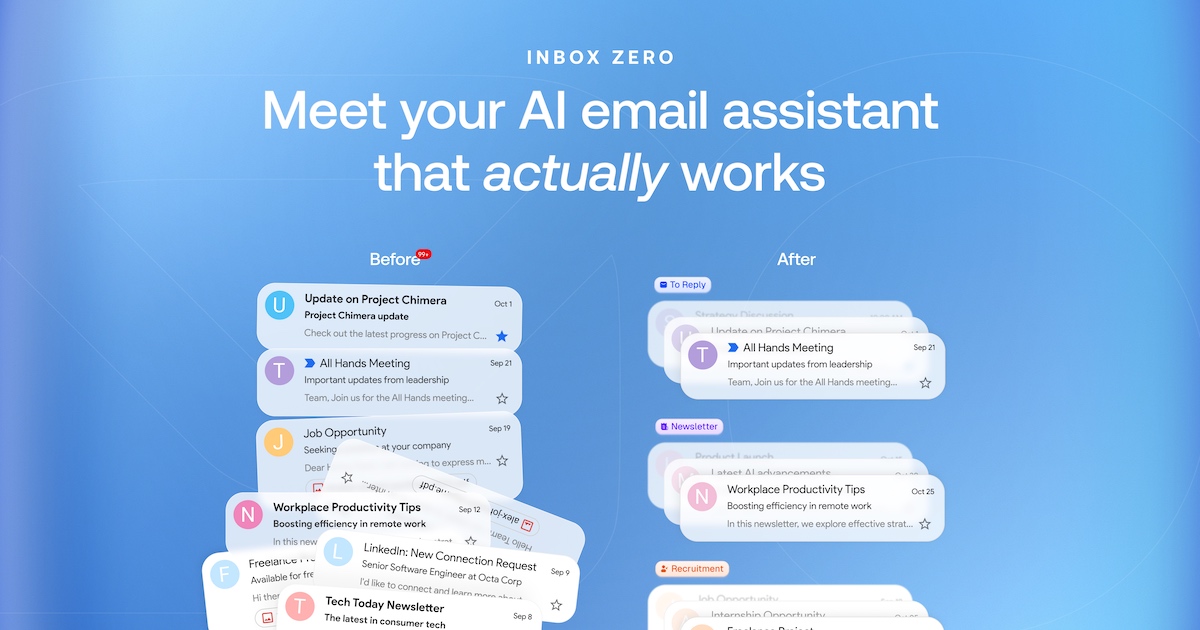
Inbox Zero is an open-source, AI-powered email assistant that automates replies, unsubscribes you from clutter, and blocks cold emails to help you reclaim your time.
Overview
Drowning in your inbox? Inbox Zero is an open-source email management platform built to cut the time you spend on email in half. By layering AI on top of your existing Gmail or Google Workspace account, it automates repetitive tasks like drafting replies, sorting messages, and organizing your inbox based on plain-English instructions you set yourself. No more manually sifting through newsletters or sales pitches—the bulk unsubscriber and cold email blocker handle the clutter automatically.
Beyond automation, Inbox Zero gives you visibility into your own email habits through built-in analytics, helping you spot patterns and optimize how you communicate. Because it's open-source and CASA Tier 2 approved, privacy-conscious users and teams can trust how their data is handled while still benefiting from powerful AI features. Whether you're an individual buried in newsletters or a business team managing high-volume support and outreach, Inbox Zero is designed to restore control over your inbox.
Capabilities & Features
- Email management
- AI automation
- Email analytics
- Bulk unsubscribe
- Cold email blocker
- Open source
- Productivity
- Gmail
- Google Workspace
- AI assistant
Core Features
- AI Email Assistant that automates inbox organization
- Reply Zero for AI-drafted email responses
- Bulk Unsubscriber to clear out newsletters in one click
- Cold Email Blocker to filter unsolicited outreach
- Email Analytics for tracking usage patterns
- Open-source codebase for full transparency
Use Cases
- Automating repetitive email responses and sorting
- Bulk unsubscribing from newsletters and marketing lists
- Blocking cold sales emails and unsolicited pitches
- Analyzing email volume and habits to improve productivity
- Streamlining support and outreach workflows for teams
Best For
- Busy professionals
- Small businesses
- Sales and support teams
- Anyone overwhelmed by email volume
- Privacy-conscious users who prefer open-source tools
Pros
- •Significantly reduces time spent managing email
- •Open-source codebase offers transparency and trust
- •Privacy-first design with CASA Tier 2 approval
- •Combines automation, unsubscribing, and blocking in one tool
- •Email analytics provide actionable insight into habits
Cons
- •Only supports Gmail and Google Workspace, no Outlook yet
- •Additional email accounts add extra monthly cost
- •Business tier pricing may be steep for very small teams
- •AI automation requires upfront setup and tuning to work well
How to Use
1. Connect your Gmail or Google Workspace account to Inbox Zero.
2. Set up your AI assistant using simple, plain-English instructions describing how you want emails handled.
3. Turn on the bulk unsubscriber to automatically clear out unwanted newsletters and marketing emails.
4. Activate the cold email blocker to filter out unsolicited sales pitches before they reach your inbox.
5. Review your email analytics to track patterns and continue refining your automation rules over time.
Frequently Asked Questions
Connect & Contact
Pricing
Inbox Zero offers two paid tiers: Pro at $16/month for individuals and small businesses, and Business at $42/month for teams with higher email volumes, with extra accounts costing $10 or $25/month respectively.
Pricing data is provided as a summary. Visit the vendor website for full tier details.