Ideamap: AI-Powered Visual Brainstorming for Teams
Ideamap is a visual collaboration workspace that supercharges team brainstorming with AI-driven creativity tools.
Overview
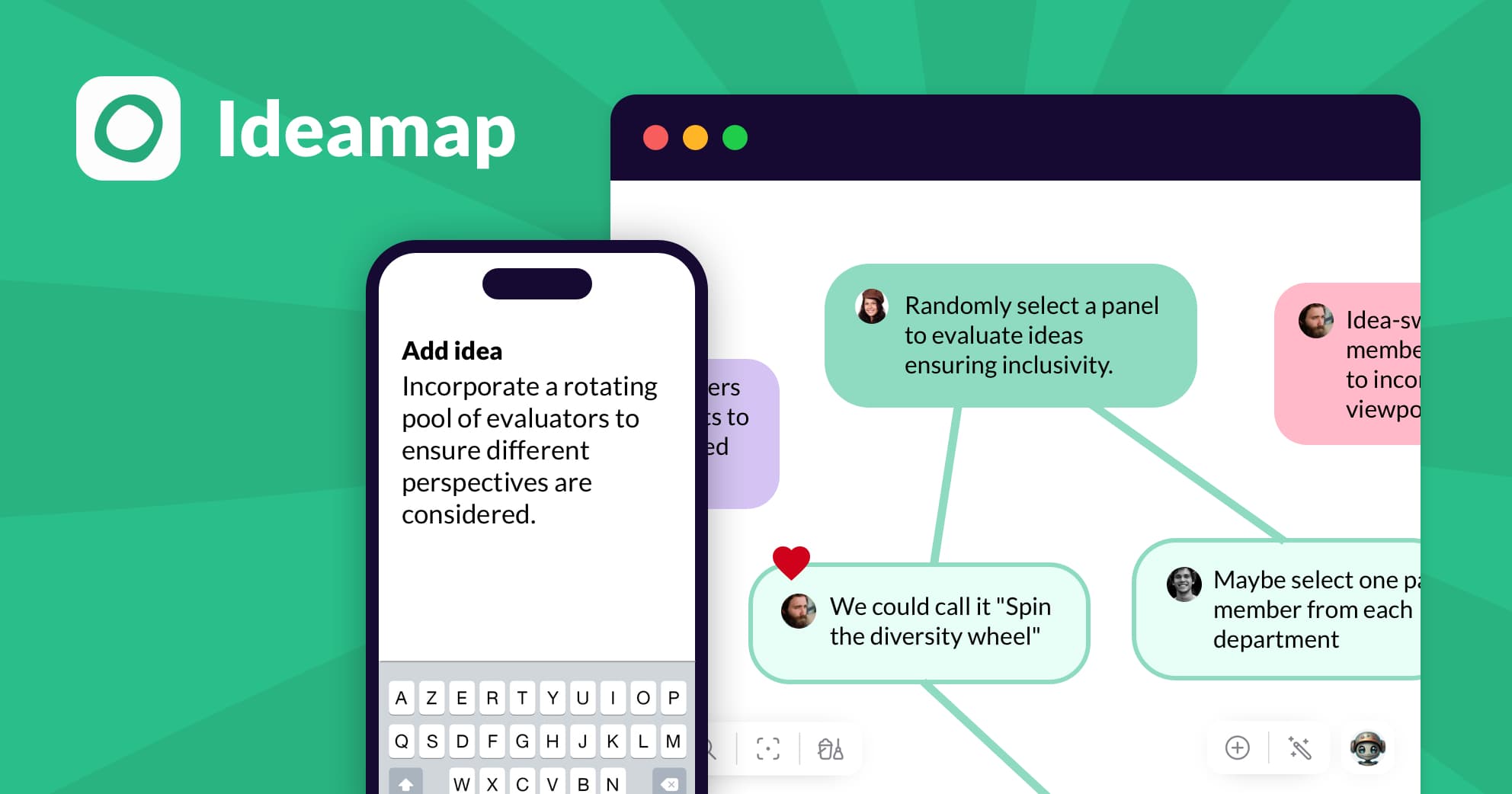
Ideamap reimagines the brainstorming session by combining a flexible visual workspace with the power of artificial intelligence. Instead of scattered sticky notes or disjointed video calls, teams can gather in one shared digital canvas to map out ideas, connect concepts, and build on each other's thinking in real time. The AI layer acts like a creative collaborator, helping to spark new directions, expand on half-formed thoughts, and keep momentum going when the room hits a wall.
Built specifically for collaborative ideation, Ideamap goes beyond simple whiteboarding by including structured idea management tools that help teams organize, prioritize, and refine what they generate. Whether it's a product team mapping out a roadmap, a marketing group pitching campaign concepts, or an educator guiding a classroom activity, Ideamap provides the structure and intelligence needed to turn scattered thoughts into actionable plans.
Capabilities & Features
- Brainstorming
- Idea Management
- Collaboration
- AI
- Real-time
- Visual Workspace
- Innovation
- Teams
Core Features
- Shared visual workspace for team brainstorming
- Real-time multi-user collaboration
- AI-powered creativity and idea generation assistance
- Idea management and organization tools
- Flexible canvas for mapping concepts and connections
Use Cases
- Teams brainstorming new product features
- Collaborative problem-solving sessions
- Generating innovative marketing campaigns
- Strategic planning and idea development
- Classroom activities for guided group ideation
Best For
- Project managers
- Marketing teams
- Innovation teams
- Product development teams
- Entrepreneurs
- Educators
Pros
- •Combines visual collaboration with AI assistance in one tool
- •Supports real-time teamwork regardless of location
- •Helps overcome creative blocks with AI-generated prompts
- •Built-in idea management keeps brainstorms organized
- •Flexible enough for product, marketing, and educational use cases
Cons
- •Requires JavaScript enabled, which may limit access in restricted browser environments
- •Heavy reliance on AI suggestions may reduce purely organic brainstorming for some teams
- •No pricing details publicly available, making budget planning harder
- •Effectiveness may depend on team's comfort with digital visual tools over physical ones
How to Use
1. Open Ideamap and create a new visual workspace or board for your session. 2. Invite your team members to join and collaborate in real time. 3. Add ideas, notes, and concepts directly onto the canvas as they emerge. 4. Use the built-in AI tools to expand on ideas, generate new angles, or overcome creative blocks. 5. Organize and manage ideas using the available idea management tools to prioritize next steps. 6. Review the final board together and export or share outcomes with stakeholders.
Frequently Asked Questions
Pricing
Specific pricing details for Ideamap are not publicly listed, so prospective users should check directly with the provider for current plans and costs.
Pricing data is provided as a summary. Visit the vendor website for full tier details.