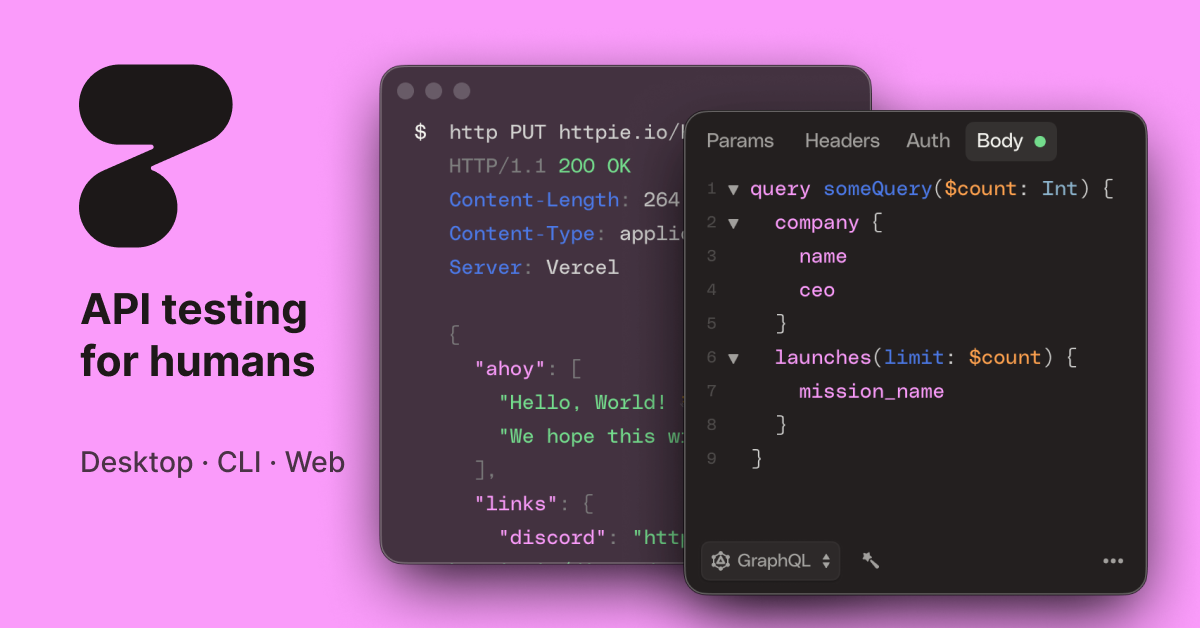
HTTPie AI: Simple Command-Line HTTP Client for APIs
HTTPie is an intuitive HTTP client that simplifies API testing and debugging through clean command-line syntax and companion desktop/web apps.
Overview
HTTPie transforms the often clunky process of interacting with APIs into something fast, readable, and even enjoyable. Built as a modern alternative to tools like curl, it uses human-friendly syntax and colorized output to make sending HTTP requests, inspecting responses, and debugging web services far less painful for developers and testers alike.
Beyond its terminal roots, HTTPie extends into web and desktop applications, giving users the flexibility to choose between a lightweight CLI workflow or a full graphical interface. Whether you're scripting automated API calls, manually poking at a REST endpoint, or troubleshooting a tricky HTTP response, HTTPie adapts to the way you work without sacrificing simplicity or power.
Capabilities & Features
- API client
- HTTP client
- Command-line tool
- REST API
- API testing
- Web services
- Debugging
- Terminal
- Desktop application
- Web application
Core Features
- Intuitive command-line HTTP client
- Companion web and desktop applications
- Built-in support for REST API testing
- Readable, colorized request and response output
- Cross-platform installation via package managers
Use Cases
- Testing and validating REST API endpoints
- Debugging problematic HTTP requests and responses
- Manually interacting with third-party web services
- Automating repetitive API calls in scripts
- Verifying API behavior during development and QA cycles
Best For
- Developers
- API Testers
- Software Engineers
- QA Engineers
- DevOps Professionals
Pros
- •Simple, human-readable command syntax speeds up API testing
- •Available in both CLI and GUI formats for flexible workflows
- •Easy installation across major operating systems
- •Open source terminal version encourages transparency and community contributions
- •Well-suited for both quick manual checks and automated scripting
Cons
- •Command-line version has a learning curve for those unfamiliar with terminal tools
- •Desktop and web app feature parity with CLI isn't always guaranteed
- •Limited built-in collaboration features compared to some full-featured API platforms
- •No pricing information provided, making cost expectations unclear for premium offerings
How to Use
Install the CLI tool using your preferred package manager, such as `brew install httpie` on macOS or `choco install httpie` on Windows. Once installed, run simple commands in your terminal to send GET, POST, and other HTTP requests to any API endpoint. For a visual experience, download the web or desktop application from the HTTPie website and interact with APIs through its graphical interface instead of typing commands.
Frequently Asked Questions
Connect & Contact
Pricing
No pricing data is currently available for HTTPie, though the core terminal client is noted as open source and free to use.
Pricing data is provided as a summary. Visit the vendor website for full tier details.