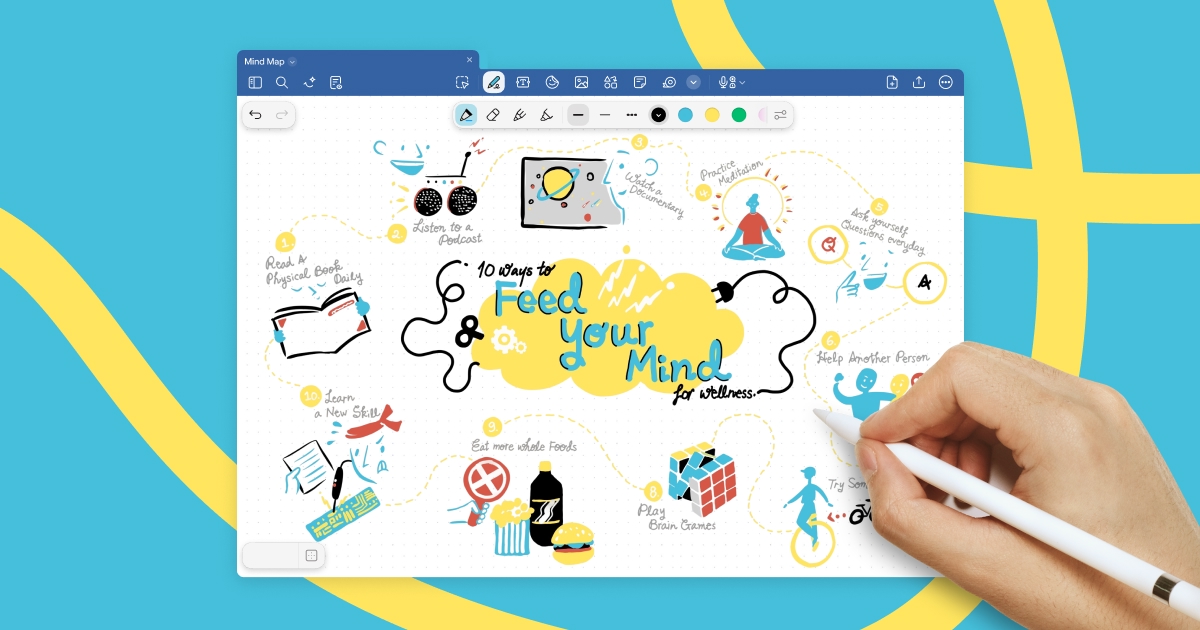
Goodnotes: AI-Powered Digital Note-Taking App
Goodnotes transforms handwritten and typed notes into a smart, searchable digital workspace with AI-powered spellcheck across all your devices.
Overview
Goodnotes has become a go-to digital notebook for millions, blending the natural feel of pen-and-paper writing with the power of modern AI. Available on iOS, Mac, Windows, Android, and the web, it lets you jot down handwritten notes, type up quick thoughts, and annotate PDFs, all while keeping everything perfectly synced across your devices. Its standout AI handwriting features, including smart spellcheck that catches handwritten typos, make it feel less like a basic notes app and more like an intelligent writing companion.
Whether you're a student scribbling lecture notes, a researcher marking up academic papers, or a professional organizing meeting notes and to-do lists, Goodnotes adapts to how you think and work. Its digital notebook system mirrors physical organization (folders, covers, and pages) while unlocking features no paper notebook could offer, like instant search, limitless storage, and cross-device access. The platform continues to evolve, with newer versions pushing AI typing tools, interactive exam prep materials, and expanded cross-platform support.
From casual list-makers to power users managing dozens of notebooks daily, Goodnotes strikes a balance between simplicity and depth. It's flexible enough for freeform brainstorming yet structured enough for serious document annotation, making it a versatile tool for nearly anyone who regularly puts thoughts into writing.
Capabilities & Features
- Note-taking app
- Digital notebook
- Handwriting recognition
- PDF annotation
- Cross-platform
- AI
- Productivity
- Education
Core Features
- AI-powered handwriting recognition and spellcheck
- Cross-platform syncing across iOS, Mac, Windows, Android, and Web
- PDF import and annotation tools
- Unlimited digital notebooks (on paid plans)
- Customizable folders, covers, and digital stationery
- Interactive exam practice materials (Apple only)
Use Cases
- Taking structured notes during classes, lectures, or meetings
- Marking up and annotating research papers or PDFs
- Designing and using digital planners or journals
- Brainstorming and organizing ideas visually
- Managing personal or professional to-do lists
Best For
- Students
- Teachers
- Business professionals
- Researchers
- Writers
- Anyone who takes notes regularly
Pros
- •AI spellcheck makes messy handwriting far more usable
- •Seamless syncing across virtually every major platform
- •Flexible PDF annotation for academic and professional work
- •Generous free tier for trying out core functionality
- •Choice between subscription or one-time payment on Apple devices
Cons
- •Free plan is limited to just 3 notebooks
- •Many advanced AI and import features are restricted to Apple devices
- •One-time payment option doesn't cover Android, Windows, or Web access
- •Feature parity between Goodnotes 5 and 6 isn't perfectly backward compatible
How to Use
1. Download Goodnotes on your device of choice (iOS, Mac, Windows, Android, or Web). 2. Create a new notebook or import an existing PDF to annotate. 3. Start writing by hand or typing text directly into your notes. 4. Use AI handwriting features like spellcheck to clean up messy or mistyped handwriting. 5. Organize notes into folders and customize covers for easy navigation. 6. Sync your account across devices to access notebooks anywhere. 7. Upgrade to a paid plan when you need unlimited notebooks, exporting without watermarks, and advanced AI tools.
Frequently Asked Questions
Pricing
Goodnotes offers a free plan limited to 3 notebooks, with paid options including a $9.99/year all-platform subscription, a one-time $29.99 Apple-only purchase, or a cheaper $6.99/year plan for Android and Windows users.
Pricing data is provided as a summary. Visit the vendor website for full tier details.