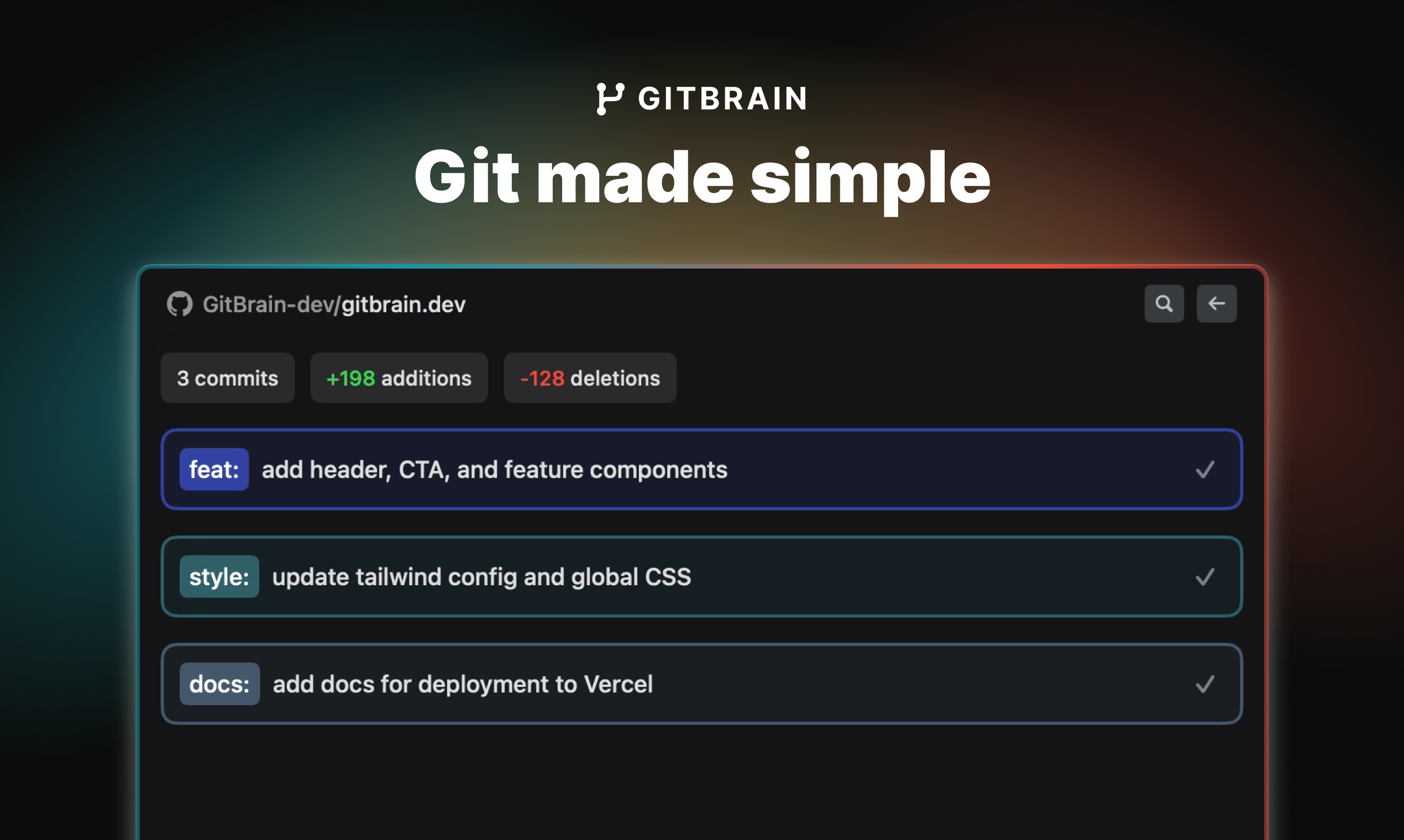
GitBrain: AI Git Client for Mac Developers
GitBrain is an AI-powered Git client for Mac that automates commit splitting, code review, and message generation to speed up your Git workflow.
Overview
GitBrain reimagines the Git experience for Mac developers by embedding AI directly into your version control workflow. Instead of manually sifting through diffs and crafting commit messages, GitBrain analyzes your code changes, intelligently splits them into logical commits, and drafts clear, consistent commit messages on your behalf. This means less time wrestling with Git mechanics and more time writing actual code.
Beyond commit automation, GitBrain acts as a built-in reviewer, generating self-code review summaries that flag potential issues before you push changes upstream. With automatic project detection from your favorite IDEs and a fully keyboard-friendly interface, it integrates smoothly into existing developer habits rather than forcing a new workflow. Whether you're a solo developer managing a side project or part of a larger engineering team, GitBrain aims to make Git feel less like a chore and more like a smart assistant working alongside you.
Capabilities & Features
- Git Client
- AI
- Code Splitting
- Commit Messages
- Code Review
- macOS
- Developer Tools
- Version Control
- Productivity
- IDE Integration
Core Features
- AI-powered code splitting into multiple logical commits
- Automatic self-code review summaries before committing
- Customizable AI-generated commit messages
- Auto-detection of projects directly from your IDE
- Keyboard-friendly design with productivity shortcuts
Use Cases
- Breaking down large, messy code changes into smaller, well-organized commits
- Generating consistent, descriptive commit messages without manual effort
- Catching potential bugs or issues through automated self-code review
- Speeding up daily Git operations using keyboard shortcuts
- Maintaining cleaner commit history across solo or team projects
Best For
- Software Developers
- Web Developers
- Mobile App Developers
- DevOps Engineers
Pros
- •Saves time by automating commit splitting and message writing
- •Helps catch issues early with AI-driven self-code review
- •Seamless auto-detection of projects from existing IDEs
- •Keyboard shortcuts support fast, efficient workflows
- •Currently free to use during the beta program
Cons
- •Only available for macOS, limiting access for Windows/Linux users
- •AI-generated commits and reviews may still require manual verification
- •Beta status suggests potential for bugs or incomplete features
- •Pricing structure after beta period is not yet clearly defined
How to Use
1. Download and install GitBrain on your macOS device (requires macOS 12.0+). 2. Open GitBrain and let it auto-detect your project from your IDE. 3. Make your code changes as usual in your preferred editor. 4. Use GitBrain's AI features to automatically split changes into logical commits. 5. Review the AI-generated self-code review summary to catch potential issues. 6. Customize or accept the AI-generated commit message. 7. Commit and push using GitBrain's keyboard-friendly shortcuts for a faster workflow.
Frequently Asked Questions
Pricing
GitBrain is currently free for all users as part of its beta program, offering a pay-what-you-want lifetime license to early adopters.
Pricing data is provided as a summary. Visit the vendor website for full tier details.