Free Wallpaper Maker: AI-Generated Custom Wallpapers
Turn text, Gists, Pastebin pastes, or JSON data into custom informational wallpapers using AI. Perfect for cheat sheets, icon organizers, and personalized desktop backgrounds.
Overview
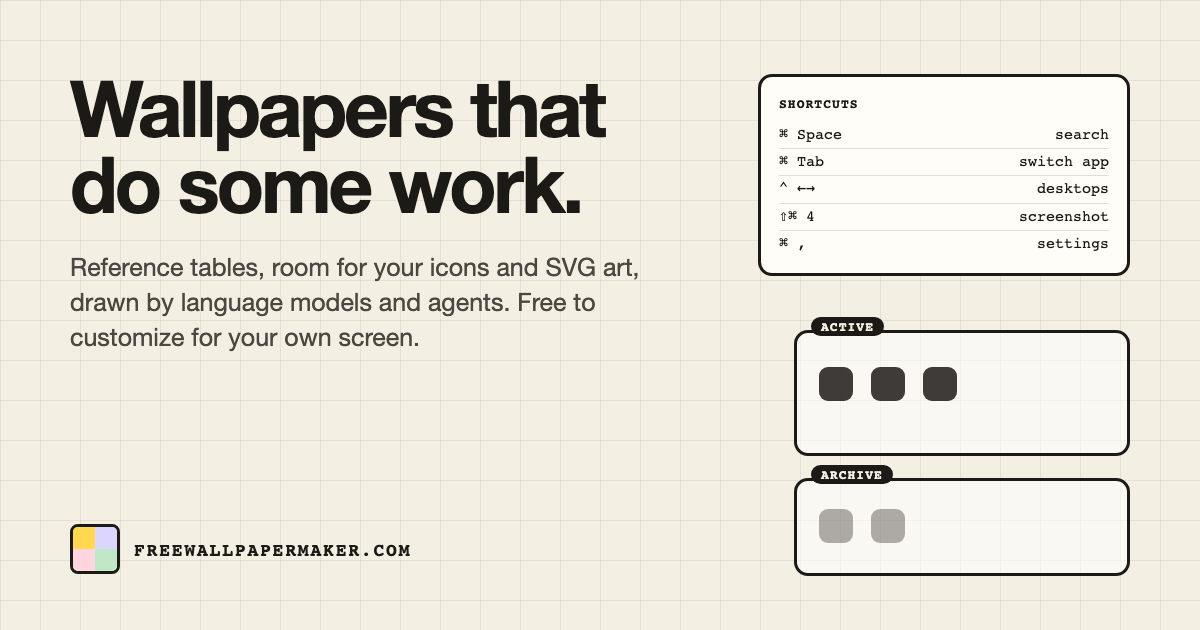
Free Wallpaper Maker is a clever little web tool that transforms your data into functional, good-looking desktop and mobile wallpapers. Instead of settling for generic stock photos, you can feed it text snippets, Github Gists, Pastebin pastes, or JSON files, and let AI prompting turn that raw information into a polished, visual wallpaper layout. It's the kind of tool that bridges productivity and personalization, giving your screen background actual purpose beyond looking nice.
Whether you need a quick cheat sheet of keyboard shortcuts, a tidy icon-organizing grid, or a motivational quote staring back at you every time you open your laptop, this tool handles it. Users can tweak background styles, fonts, colors, and layouts until the wallpaper matches their taste, then download it instantly and set it as their background. There's no account wall or complicated setup, just a straightforward path from raw data to a finished wallpaper.
It's especially handy for developers and IT professionals who want system info, commands, or code snippets visible at a glance, and for students who like having study notes embedded right into their desktop. Because it's free and source-flexible, it appeals to anyone looking to make their screen a little more useful and a lot more personal.
Capabilities & Features
- Wallpaper generator
- Custom wallpaper
- AI wallpaper
- Desktop wallpaper
- Mobile wallpaper
- Cheat sheet
- Icon organizer
- Gists
- Pastebin
- JSON
- Free
Core Features
- AI-powered wallpaper generation from custom prompts
- Direct integration with Github Gists and Pastebin pastes
- JSON file support for structured data wallpapers
- Customizable fonts, colors, backgrounds, and layouts
- Ready-made templates for cheat sheets and icon organizers
Use Cases
- Building a cheat sheet wallpaper for coding commands or software shortcuts
- Designing a custom icon-organizer background to tidy up a cluttered desktop
- Creating a wallpaper featuring favorite quotes, reminders, or personal notes
- Displaying system specs, metrics, or dashboards directly on the desktop
- Turning study notes or exam prep material into an always-visible wallpaper
Best For
- Students
- Developers
- IT professionals
- Productivity enthusiasts
- Anyone wanting a personalized, data-driven wallpaper
Pros
- •Multiple flexible data input options, including Gists, Pastebin, JSON, and AI prompts
- •Combines productivity with personalization in a single wallpaper
- •Fully customizable styling, including fonts, colors, and layouts
- •Ready-made templates speed up common use cases like cheat sheets
- •Simple, accessible process with no complicated setup required
Cons
- •Limited to wallpaper generation, no broader design or image editing tools
- •Reliance on external sources like Gists or Pastebin may require technical familiarity
- •Customization options may still feel limited compared to full design software
- •No listed pricing details, making it unclear if premium features exist
How to Use
1. Visit FreeWallpaperMaker.com and choose your data source: plain text, a Github Gist, a Pastebin paste, a JSON file, or an AI prompt. 2. Input or paste your data into the generator. 3. Customize the wallpaper's look by selecting a background style, font, color scheme, and layout. 4. Preview the generated wallpaper and adjust settings as needed. 5. Download the finished wallpaper and set it as your desktop or mobile background.
Frequently Asked Questions
Open in AI Studio
Ask our AI to evaluate if Free Wallpaper Maker fits your specific workflow.
Pricing
Free Wallpaper Maker is completely free to use, with no pricing tiers or premium plans listed.
Pricing data is provided as a summary. Visit the vendor website for full tier details.