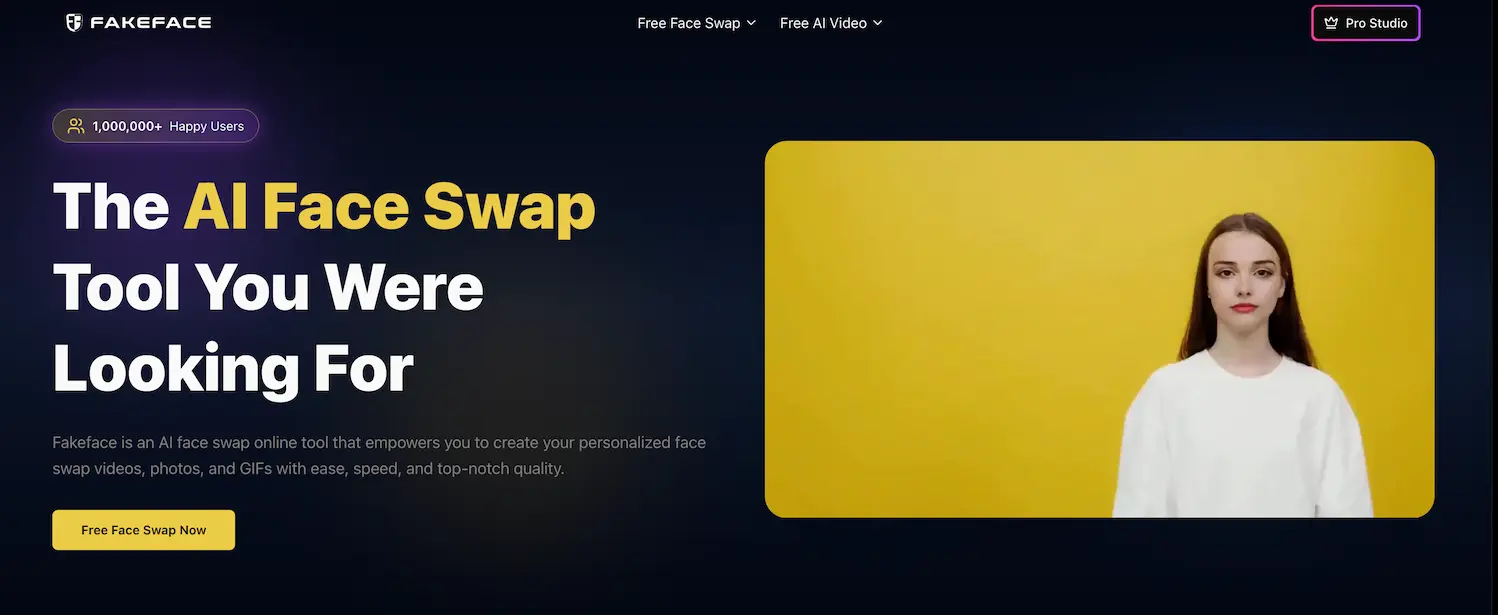
Fakeface: AI Face Swap for Videos, Photos & GIFs
Fakeface is an AI-powered online face swap tool that lets you create realistic, high-quality face swaps in videos, photos, and GIFs in just a few clicks.
Overview
Fakeface brings the magic of AI-driven face swapping to anyone with a browser, turning ordinary clips and snapshots into shareable, jaw-dropping content. Whether you want to insert yourself into a blockbuster movie scene, recreate a historical moment, or just make your friends laugh with a meme-worthy swap, Fakeface handles the heavy lifting with fast processing and polished, high-resolution output.
Built for creators, hobbyists, and businesses alike, the platform supports videos, photos, and GIFs, making it versatile enough for everything from nostalgic family photo edits to viral social media content. With dedicated computing power on paid tiers and support for resolutions up to 1080p, Fakeface aims to combine speed with quality so you're not stuck waiting around or settling for blurry results.
From travel lovers who want to 'visit' iconic landmarks to musicians dreaming up alternate album covers, Fakeface's broad use-case appeal makes it a flexible creative tool rather than a one-trick novelty app, serving a global audience that spans entertainment, art, and everyday fun.
Capabilities & Features
- Face swap
- AI face swap
- Video face swap
- Photo face swap
- GIF face swap
- Online face swap
- AI video generation
- AI photo editing
- Deepfake
- Faceswap
Core Features
- AI-powered face swapping engine
- Support for videos, photos, and GIFs
- Fast, efficient processing speeds
- High-quality output up to 1080p resolution
- Dedicated computing power on paid plans
- Credits valid for life with no expiration
Use Cases
- Recreating scenes as a classic movie character
- Swapping faces into cherished family photos for fun keepsakes
- Transforming into famous historical figures
- Making comedic, meme-ready face swap content
- Turning everyday selfies into artistic creations
- Virtually placing yourself at famous world landmarks
- Designing custom album cover mashups with favorite musicians
Best For
- Film enthusiasts
- Photographers
- Adventurous travelers
- Tech innovators
- Comedy aficionados
- Art lovers
- World explorers
- Music enthusiasts
- Social media users
- Content creators
Pros
- •Supports multiple media formats (videos, photos, GIFs) in one tool
- •Fast processing with dedicated computing power on paid tiers
- •High-resolution output up to 1080p
- •Credits never expire once purchased
- •Scalable pricing options for casual and heavy users alike
- •Simple three-step workflow requires no editing skills
Cons
- •Free plan is heavily limited to one task at a time and low credit count
- •Max video length capped at 30 minutes even on premium tiers
- •Credit consumption can add up quickly for longer videos or GIFs
- •Results depend on quality of uploaded facial photo
How to Use
1. Upload the video, photo, or GIF you want to edit.
2. Upload a clear facial photo of the face you want to swap in.
3. Let Fakeface's AI process the swap and download your finished creation.
Frequently Asked Questions
Pricing
Fakeface offers a limited free tier (60 credits) for short clips and a handful of photos, with paid credit packs starting at $9.99 for 600 lifetime credits and scaling up to $59.99 for 9,000 credits and extended processing capabilities.
Pricing data is provided as a summary. Visit the vendor website for full tier details.