Expense Sorted: AI Expense Categorization for Sheets
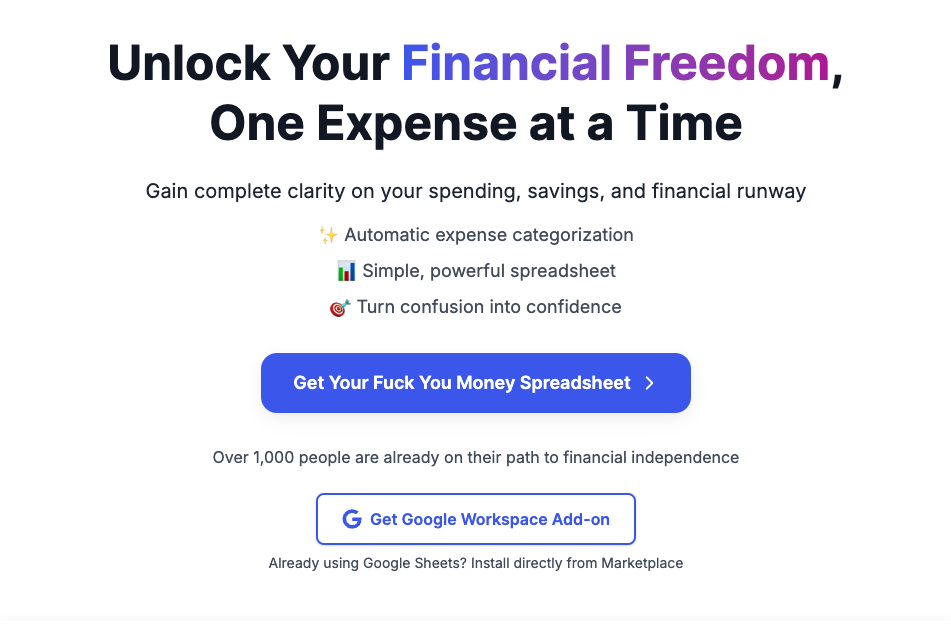
Expense Sorted uses AI to automatically sort your transactions into categories right inside Google Sheets, Lunch Money, or Tiller.
Overview
Expense Sorted is an AI-driven budgeting assistant that takes the tedium out of categorizing monthly expenses. Rather than manually sorting through bank statements, users can import their transactions into Google Sheets and let the tool's AI engine instantly assign each entry to the right spending category. It also connects with popular finance platforms like Lunch Money and Tiller, with PocketSmith support on the way, giving users flexibility in how they manage their financial data.
Built with privacy in mind, Expense Sorted keeps all transaction data inside the user's own Google Sheet rather than routing it through external databases. The tool also supports customizable categories, so individuals and businesses can tailor classifications to match their specific spending habits. For those just getting started, a free Google Sheet template makes onboarding fast and frictionless, while an available API opens the door for developers to build custom integrations.
Capabilities & Features
- Expense tracking
- Budgeting
- AI
- Google Sheets
- Automation
- Financial management
- Categorization
- Personal finance
Core Features
- AI-powered automatic expense categorization
- Integrations with Google Sheets, Lunch Money, Tiller, and soon PocketSmith
- Fully customizable expense categories
- Privacy-first design that keeps data within your own Google Sheet
- API access for building custom integrations
- Free starter Google Sheet template
Use Cases
- Automatically sorting bank and credit card transactions into categories
- Streamlining monthly budgeting workflows in Google Sheets
- Preparing categorized data for financial analysis and reporting
- Managing freelance or small business expense tracking without manual spreadsheets
Best For
- Individuals managing personal budgets
- Small business owners
- Freelancers tracking expenses
- Budgeting enthusiasts
- Financial analysts
Pros
- •Saves significant time by removing manual expense categorization
- •Keeps sensitive financial data private within the user's own spreadsheet
- •Works with multiple platforms including Google Sheets, Lunch Money, and Tiller
- •Categories can be customized to match individual spending habits
- •Free template makes it easy to get started quickly
Cons
- •PocketSmith integration is not yet available
- •Reliant on Google Sheets, which may not suit users wanting a standalone app
- •AI categorization may occasionally need manual correction for unusual transactions
- •No pricing details publicly available, making cost expectations unclear
How to Use
1. Import your bank or credit card transactions into Google Sheets.
2. Click the Expense Sorted add-on to let the AI automatically categorize each transaction.
3. Review the categorized results and use them for budgeting or financial analysis.
Frequently Asked Questions
Open in AI Studio
Ask our AI to evaluate if Expense Sorted fits your specific workflow.
Pricing
Specific pricing details are not publicly listed, though a free Google Sheet template is available to help users get started.
Pricing data is provided as a summary. Visit the vendor website for full tier details.