Document360 2.0: AI Knowledge Base Software
Document360 2.0 is an AI-powered knowledge base platform that helps teams build FAQs, user guides, and product documentation with ease.
Overview
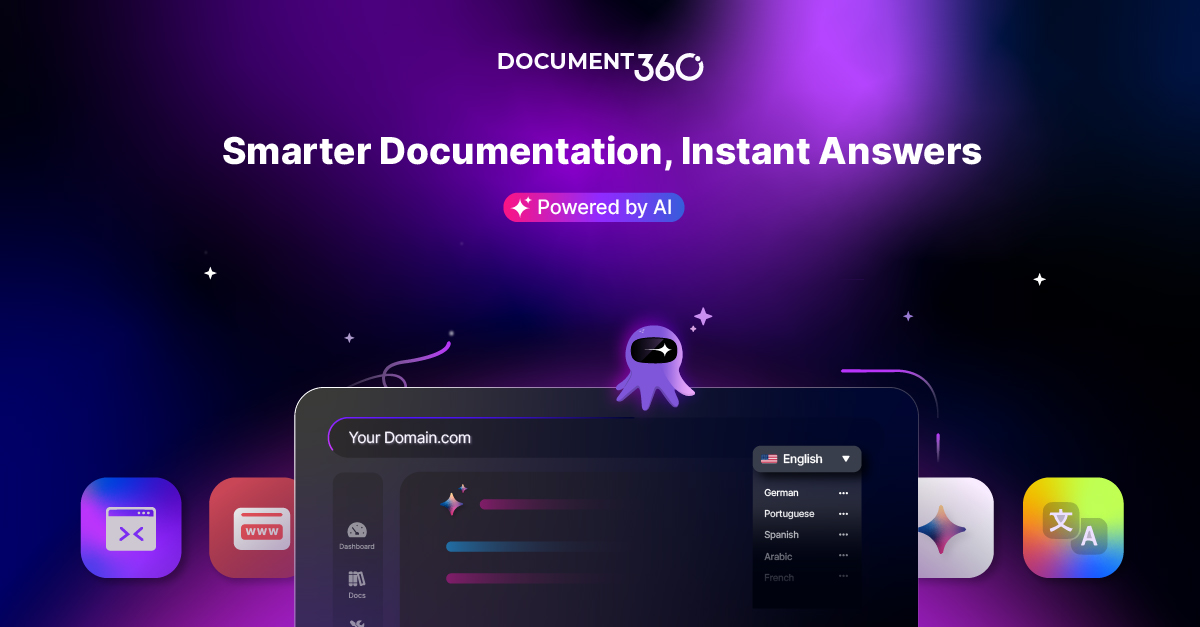
Document360 2.0 reimagines how organizations create, manage, and share knowledge. Powered by its AI assistant Eddy, the platform combines a sleek new dashboard, an intuitive block editor, and a dedicated customization hub to make building documentation faster and more intuitive than ever. Whether you're writing FAQs, user guides, SOPs, or full-scale product documentation, Document360 brings everything into one streamlined workspace.
Beyond content creation, the platform delivers real-time analytics, instant sync integrations, and workflow management tools that keep teams aligned and content up to date. Features like SEO optimization, a business glossary, ticket deflection, and health check metrics ensure that your knowledge base is both discoverable and reliable. From SaaS companies to healthcare providers and financial institutions, Document360 2.0 adapts to a wide range of industries that need accurate, searchable, and scalable documentation.
With AI-driven search via Ask Eddy, users can get instant answers rather than digging through pages of content, reducing support ticket volume and improving self-service satisfaction. The result is a knowledge management solution that serves both internal teams and external customers, centralizing institutional knowledge into one accessible, intelligent hub.
Capabilities & Features
- knowledge base software
- documentation
- SOP
- user manual
- API documentation
- FAQ
- AI
- self-service
- technical writing
- product documentation
- customer support
- internal knowledge base
Core Features
- AI-powered search and assistance with Ask Eddy
- Real-time analytics dashboard for content performance
- Workflow management for collaborative editing and publishing
- Built-in SEO optimization tools
- Extensive integrations with popular business apps
- Ticket deflector and business glossary for improved self-service
Use Cases
- Building a self-service knowledge base for SaaS products to cut down support tickets
- Centralizing manufacturing process documentation to boost operational efficiency
- Creating a unified knowledge hub for healthcare staff and patient support
- Maintaining compliant, audit-ready documentation for financial services
- Sharing academic resources and institutional knowledge across students and faculty
Best For
- Customer Support Teams
- Technical Writers
- Product Engineering Teams
- Operations Teams
- HR Departments
- Sales Teams
- SaaS Companies
- Manufacturing Companies
- Healthcare Organizations
- Financial Services Firms
- Educational Institutions
- IT & Consulting Firms
Pros
- •AI-powered Ask Eddy search reduces time spent searching for answers
- •Real-time analytics help teams understand content performance and gaps
- •Built-in SEO tools improve the discoverability of documentation
- •Wide range of integrations allows seamless connection with existing workflows
- •Ticket deflector feature can meaningfully reduce support team workload
Cons
- •Pricing details are not transparently listed, requiring direct inquiry
- •Feature-rich interface may require onboarding time for new users
- •Advanced AI and workflow features may be most valuable to larger teams
- •Heavy reliance on integrations may require technical setup for full benefit
How to Use
1. Sign up for a free trial to access the Document360 2.0 dashboard.
2. Use the block editor to start creating knowledge base articles, user guides, or SOPs.
3. Organize content with categories, the business glossary, and workflow management tools.
4. Connect integrations and APIs to sync content with your existing tech stack.
5. Enable Ask Eddy to power AI-driven search for your readers.
6. Monitor performance using the analytics dashboard and health check metrics.
7. Publish your documentation and continuously refine it based on analytics and feedback.
Frequently Asked Questions
Open in AI Studio
Ask our AI to evaluate if Document360 2.0 fits your specific workflow.
Pricing
Specific pricing tiers are not publicly listed, but Document360 offers a free trial so users can explore its AI-powered features before committing to a paid plan.
Pricing data is provided as a summary. Visit the vendor website for full tier details.