Free Doc Translator: AI Document Translation in 120+ Langs
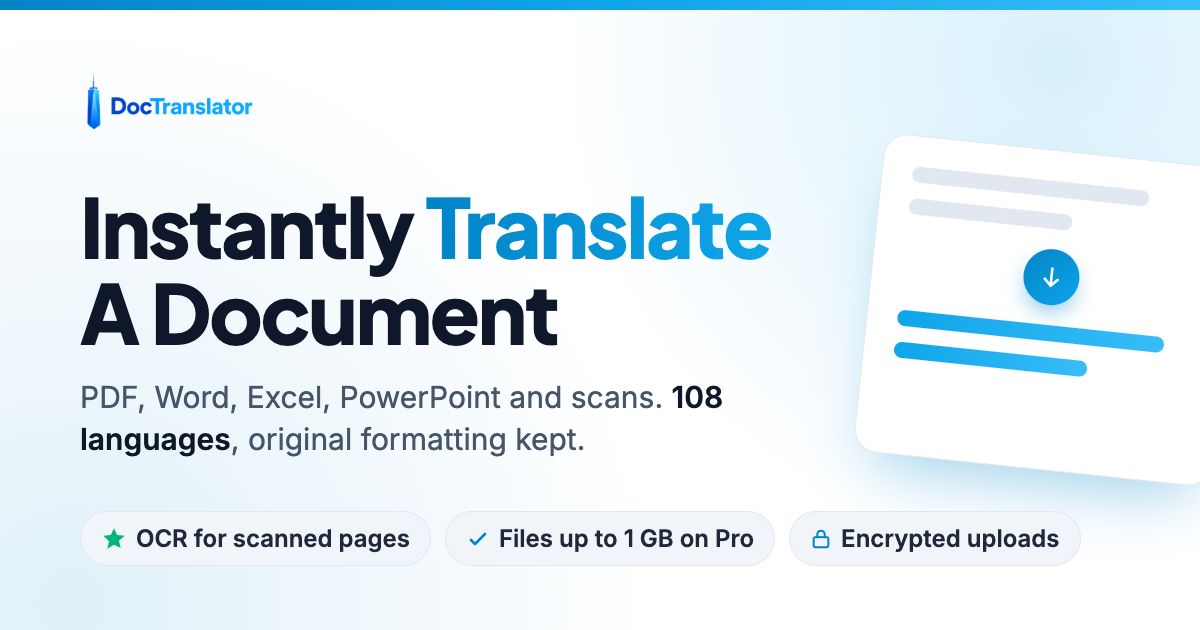
Free Doc Translator uses AI to instantly translate documents across 120+ languages, preserving original formatting for files like PDF, DOCX, and XLSX.
Overview
Free Doc Translator (DocTranslator) is a web-based translation platform that leverages AI to break down language barriers in document processing. Built by Translation Cloud LLC, it specializes in converting complex file types—including PDFs, Word documents, Excel spreadsheets, PowerPoint presentations, and even image scans like JPG and PNG—into accurately translated versions while retaining the original layout and formatting. With support for over 120 languages, it caters to a global audience needing fast, reliable translations without the hassle of manual re-typing or reformatting.
What sets this tool apart is its scalability and accessibility. Users can start translating for free, with the platform charging a low per-word rate that scales down as usage increases on higher tiers. Whether you're a student translating a transcript, a lawyer handling international contracts, or a corporation localizing financial reports, the tool provides a straightforward drag-and-drop interface to get the job done. It also includes team access features, making it suitable for collaborative environments where multiple stakeholders need to review translated documents.
Capabilities & Features
- Document translation
- AI translation
- PDF translation
- Machine translation
- Online translation
- Language translation
- File translation
- Certified translation
Core Features
- AI-driven translation engine for 120+ languages
- Broad file format compatibility (PDF, DOCX, PPTX, IDML, CSV, JSON, etc.)
- Image and scan translation (JPG, JPEG, PNG)
- Unlimited free previews for PDF documents
- Collaborative team access controls
- Format-preserving output (matches original document layout)
Use Cases
- Localizing corporate reports and business communications for international teams
- Translating personal legal documents like birth certificates or diplomas
- Converting technical brochures and manuals into multiple languages
- Processing legal contracts for cross-border transactions
- Translating financial statements for global audits
Best For
- Businesses
- Legal professionals
- Financial institutions
- Healthcare providers
- Human resources departments
- Government agencies
- Patent attorneys
- Students
- Individuals needing personal document translations
Pros
- •Supports an extensive range of file types, including image-based formats
- •Pay-as-you-go pricing allows for cost-effective small-scale use
- •Unlimited PDF previews help verify quality before committing
- •Team access facilitates collaborative workflows
Cons
- •Machine translations are not certified, requiring a separate human translation order for official use (e.g., USCIS)
- •File size and page limits are restrictive on the Free plan (20MB/20 pages)
- •Storage of files is limited to 24 hours on the free tier
- •Costs can scale up quickly for very high-volume word counts
How to Use
1. Sign up for a free DocTranslator account.
2. Upload your source file (supports Word, Excel, PowerPoint, PDF, TXT, InDesign, or CSV).
3. Select your source language and the desired target language from the dropdown menus.
4. Click the 'Translate' button to initiate the AI processing.
5. Preview the translated document to check for accuracy.
6. Download the finished file in its original format.
Frequently Asked Questions
Open in AI Studio
Ask our AI to evaluate if Free Doc Translator fits your specific workflow.
Connect & Contact
Pricing
Free Doc Translator offers a Free plan at $0.005/word with basic storage limits, alongside paid Storage ($14.99/mo) and Pro ($49.99/mo) plans that lower the per-word rate while increasing file size limits up to 1GB and 5,000 pages.
Pricing data is provided as a summary. Visit the vendor website for full tier details.